
The following article will show you how to connect Dropbox to Skynamo.
To start off, ensure that you are logged in on Skynamo and press on Settings in the top right corner:
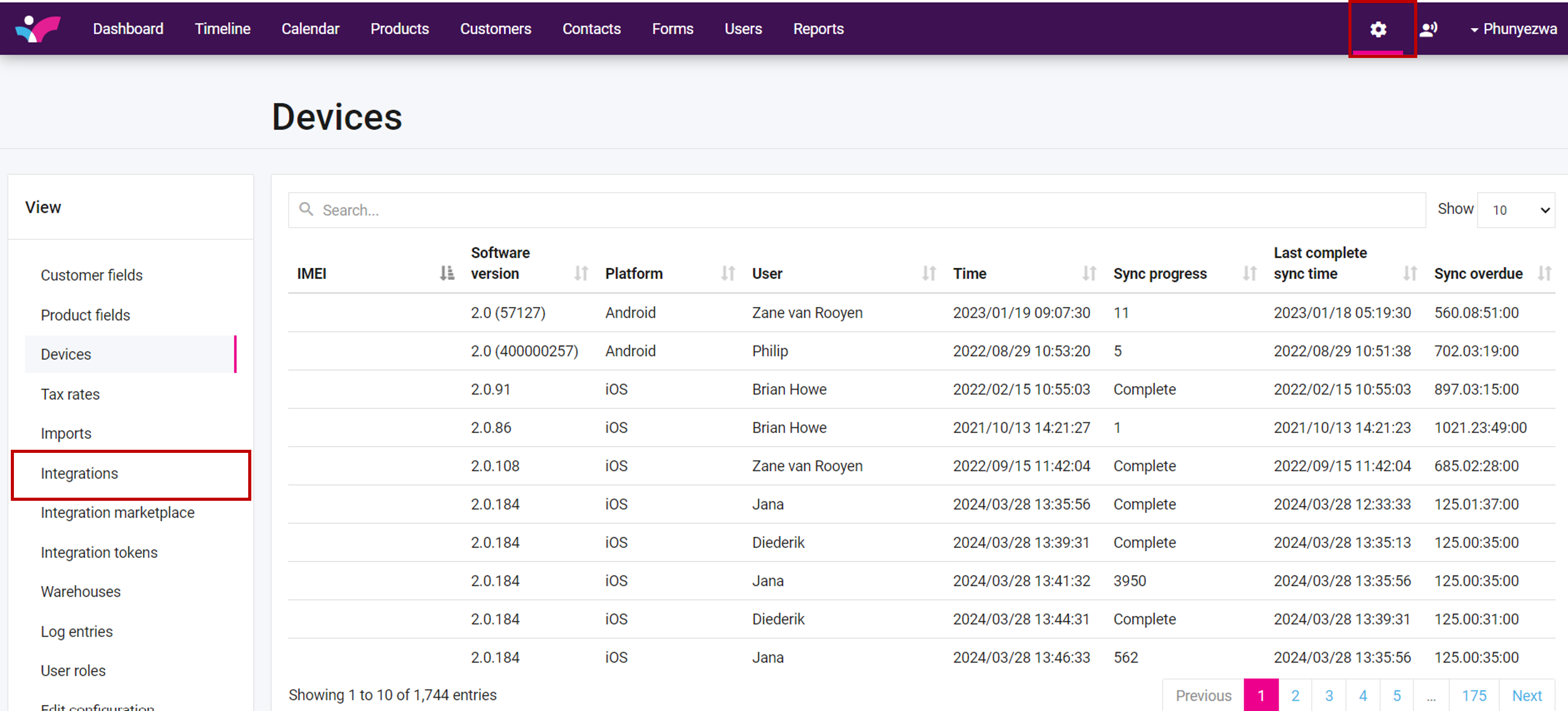
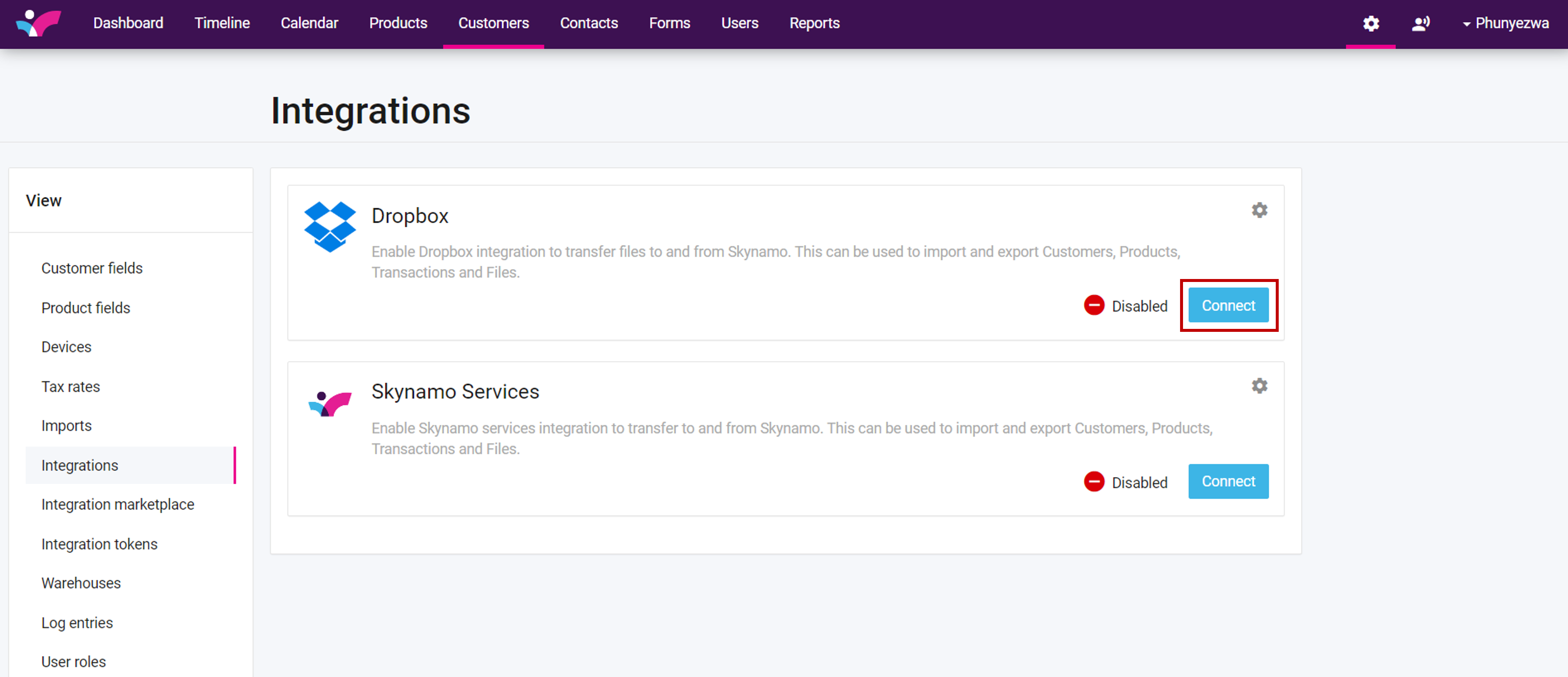
Select “Integrations” on the left hand side of the page and beneath Dropbox press on "Connect"
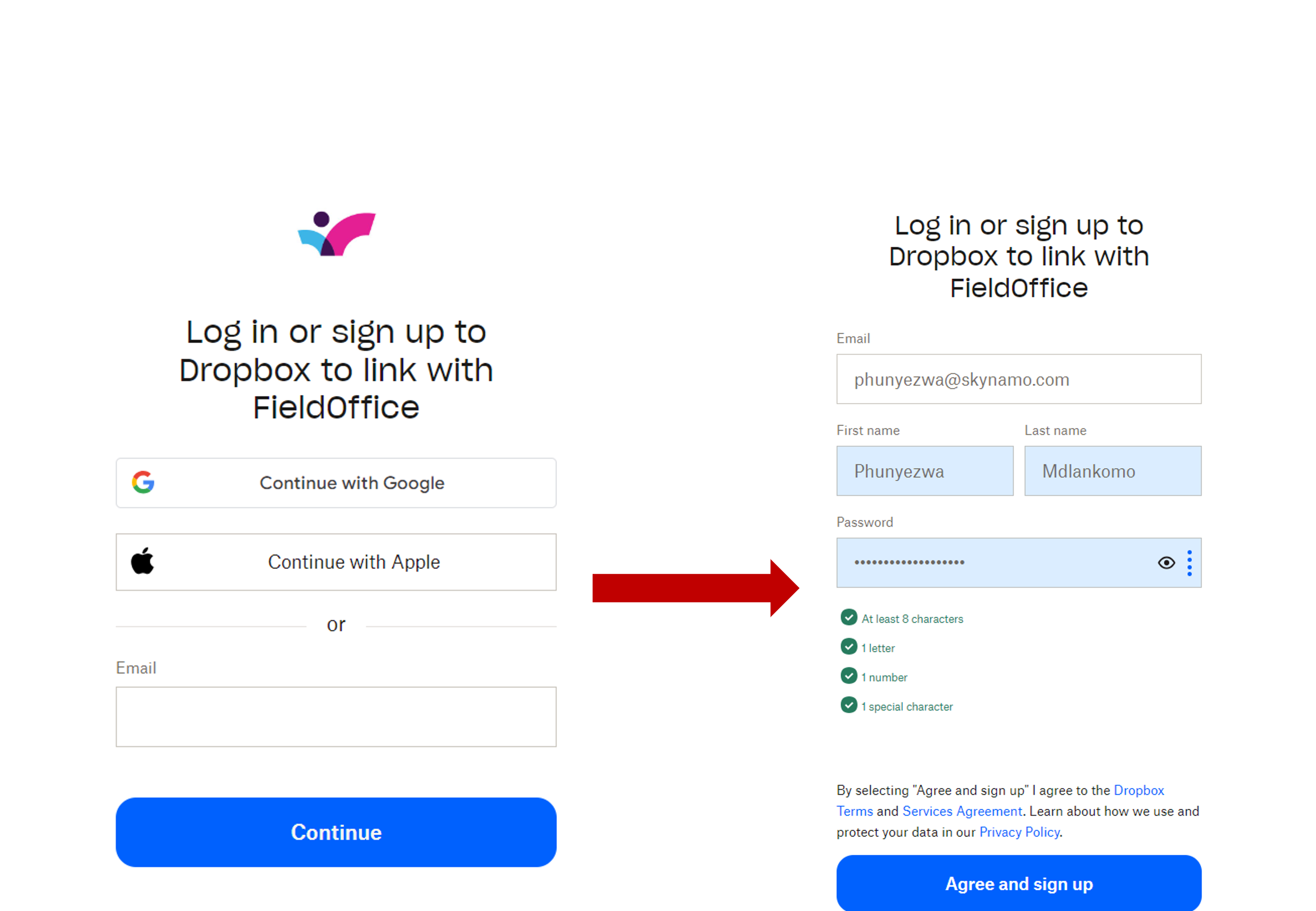
This will redirect you to a Dropbox login page where you will be prompted to insert your Dropbox login details.
After inserting your login details press on "Sign in" or Ägree and sign-up"
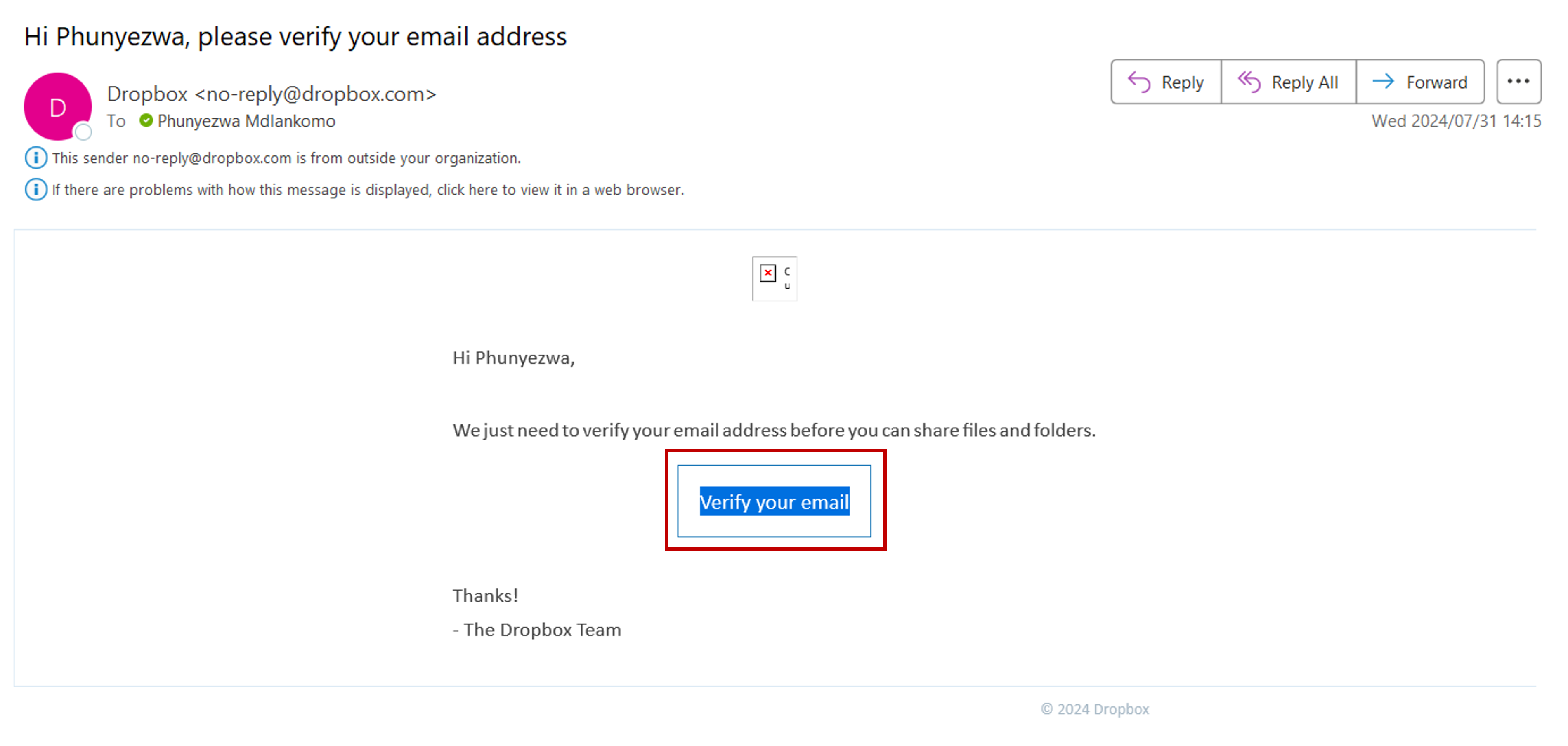
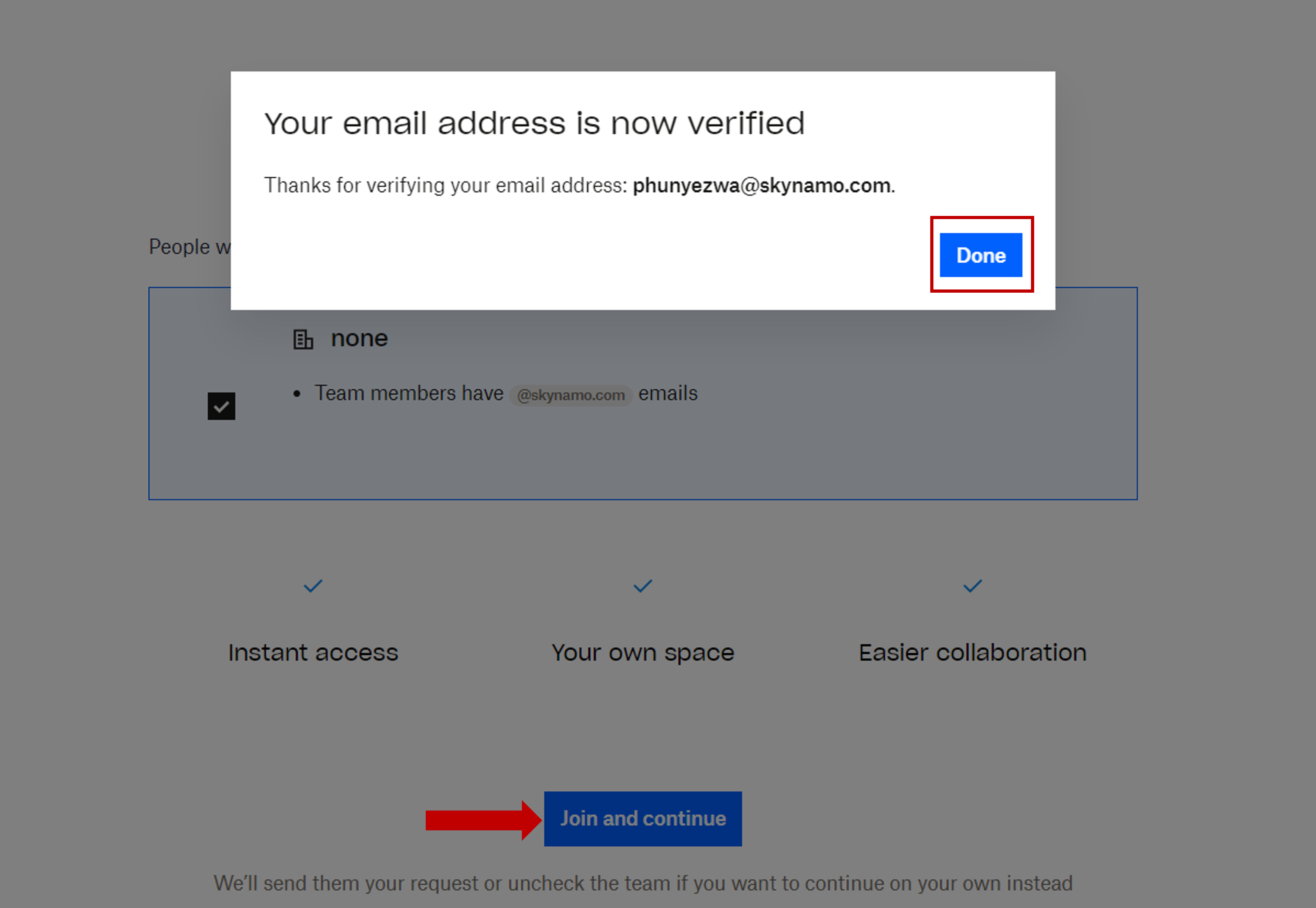
Verify your email address.
Once you've verified your email click on 'done' then proceed to select Join and continue:
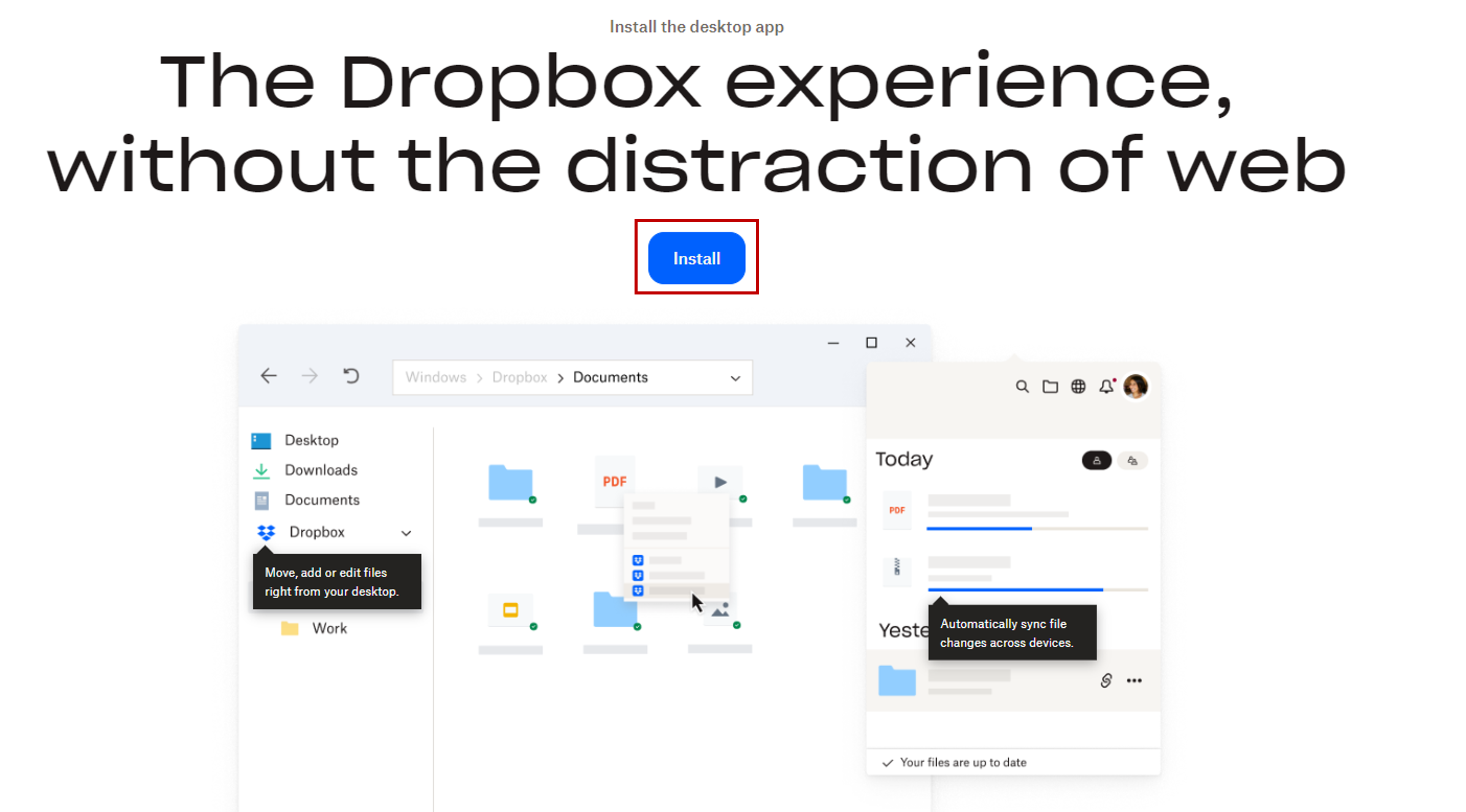
If you don't already have Dropbox installed then proceed to install
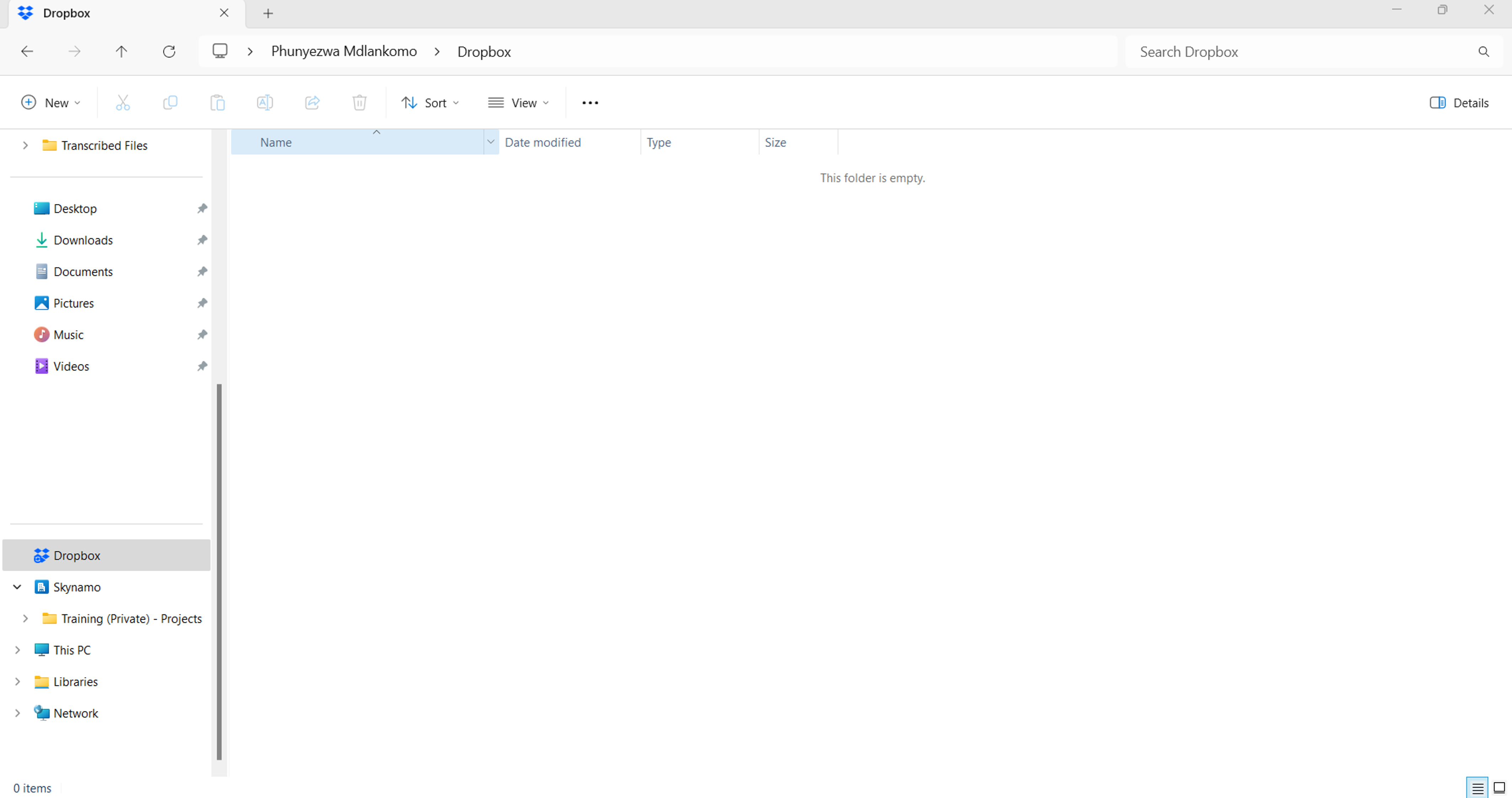
The folder structure will be created automatically, to access the folder - open File Explorer and navigate to the folder.
If you are experiencing any issues, please contact our support team by mailing us at support@skynamo.com.