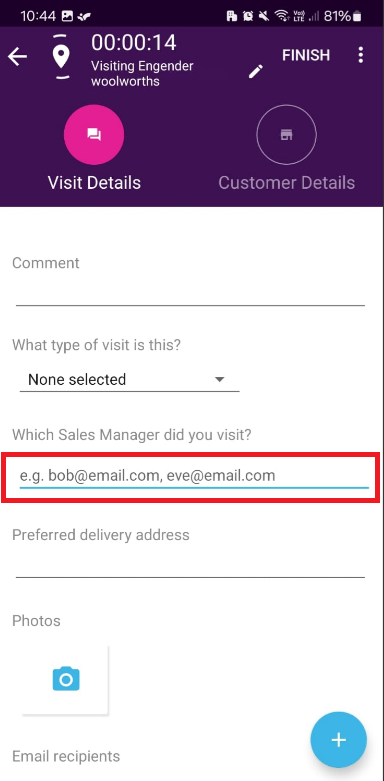
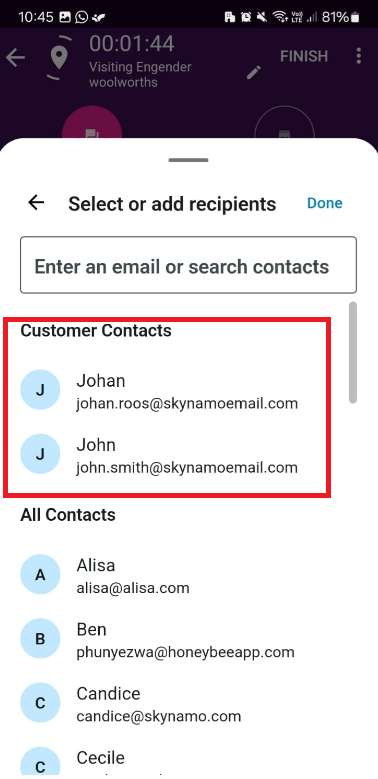
This article explains how to select your customer emails more efficiently via the Contact Picker.
If you need your email field to remember your customer's email addresses, you will need to add these email addresses as contacts on your customer's profile. The steps below will show you how to implement this and will make your next visit, order, or form much quicker to select an email address without remembering the email you last used.
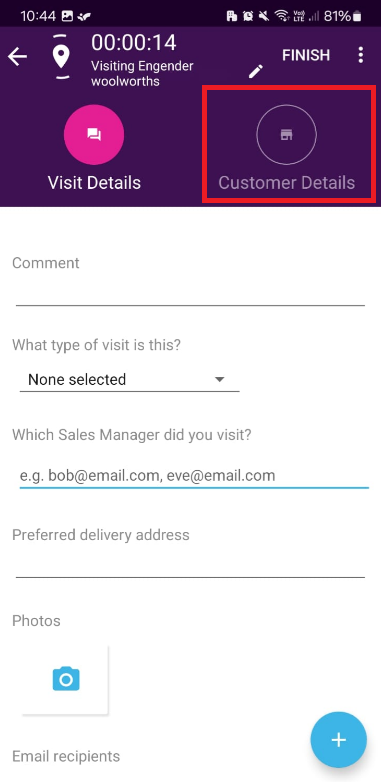
#1. From within your running visit select Customer Details:
#2. Select ADD CONTACT:
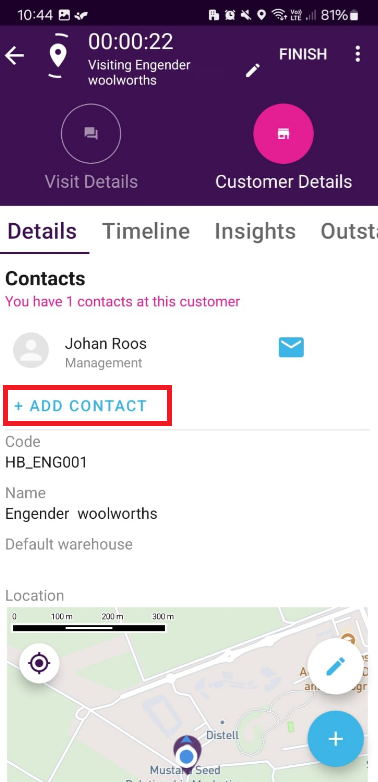
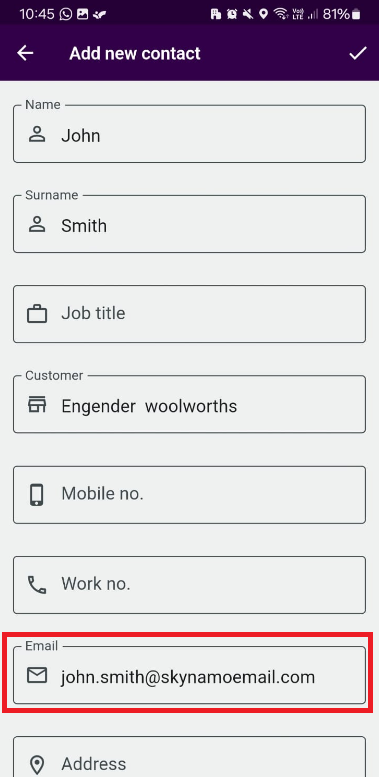
#3. Enter your contact person's details and email.
#4. When you the do a visit or order, or form, and select your email field, the contact you added will be listed at the top of the contacts list for each respective customer.