
In order to make request with Skynamo’s Public API you will need to create a key on insights.
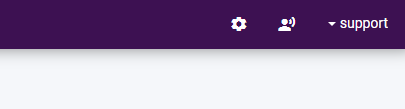
Go to settings:
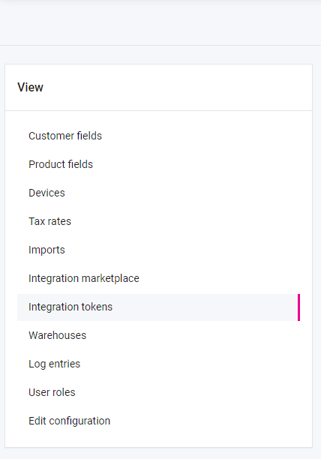
Click on integration tokens:
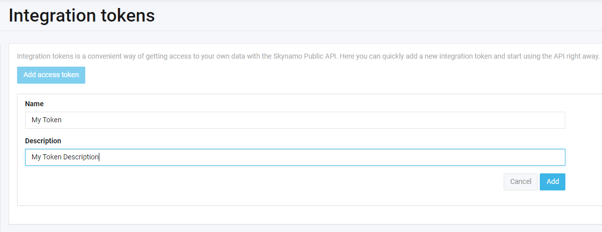
Click on the “Add access token” button:

Fill in the required fields and click on add:
You will then receive an access token in to use in order to make requests using the Skynamo Public API:
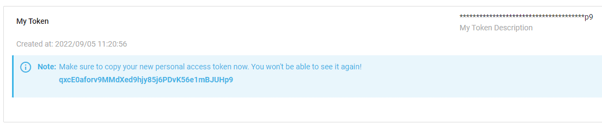
Please keep the key in a safe place
qxcE0aforv9MMdXed9hjy85j6PDvK56e1mBJUHp9