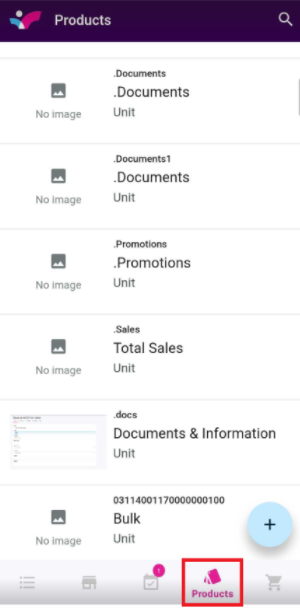
1. On your Skynamo app, navigate to the Products tab:
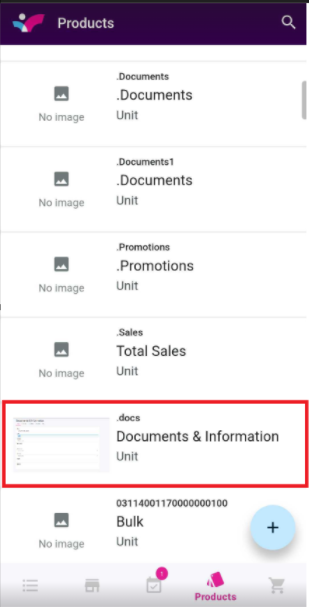
2. Click to open the product under which the files are uploaded. This will usually be "Documents and Information":
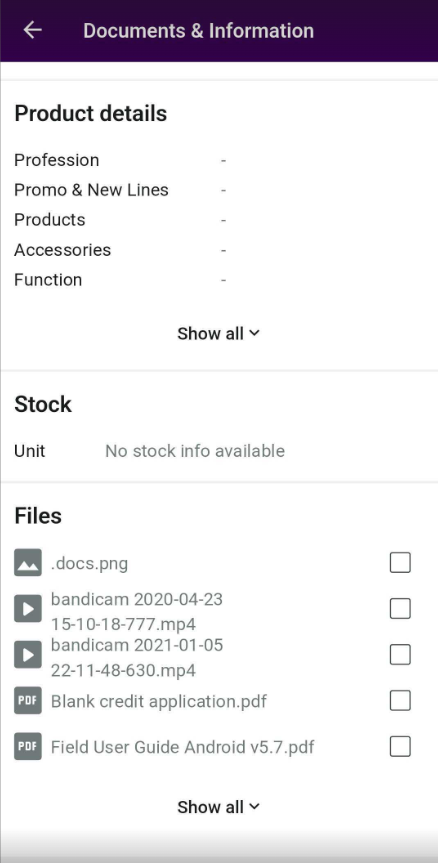
3. At the bottom of the screen, you will find the files:
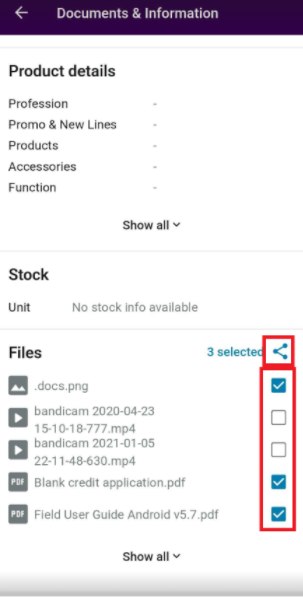
You can either click on a file to open it or you can select the tick boxes and share the files: