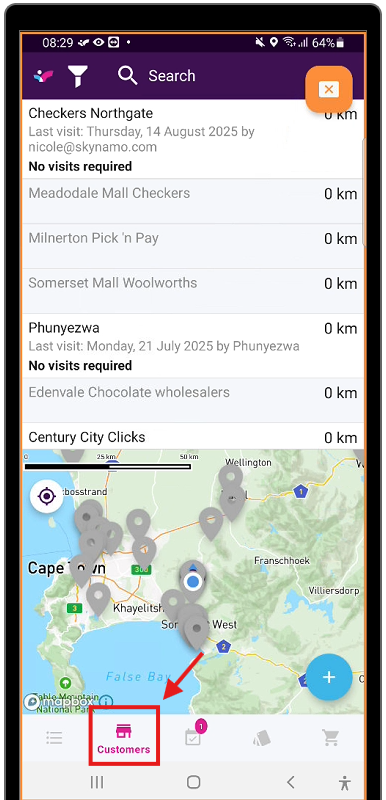
1. Navigate to your customer tab on Skynamo
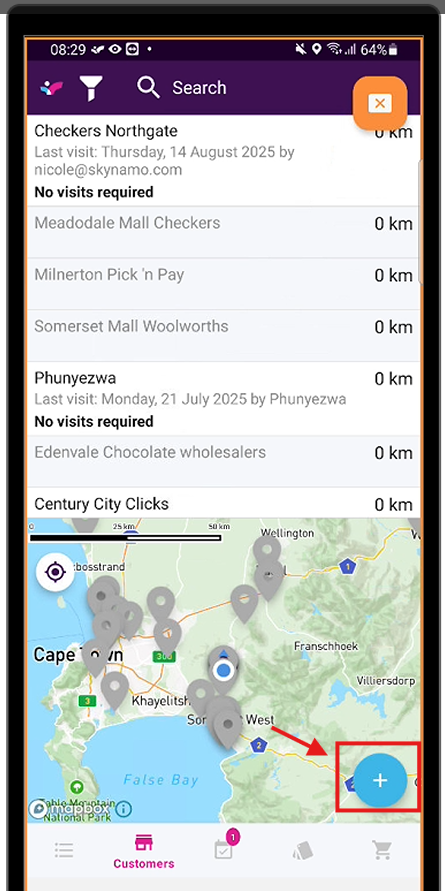
2. Click the "+" button
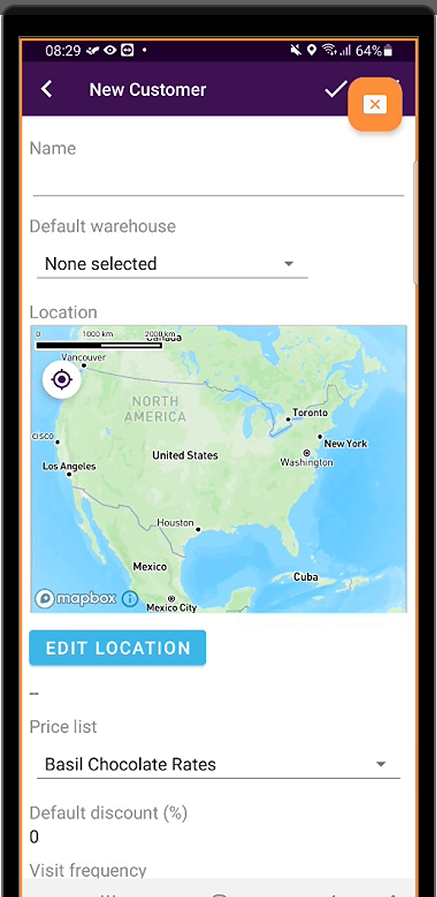
3. Enter the customer name, as well any additional information fields. If you do not have certain information, you can leave these fields blank and edit the customer later.
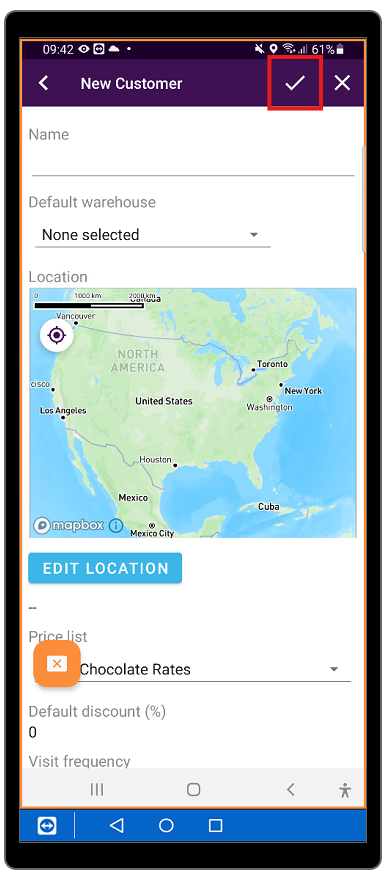
4. Press "Save"