
1. On your Skynamo web interface, navigate to the Calendar tab:

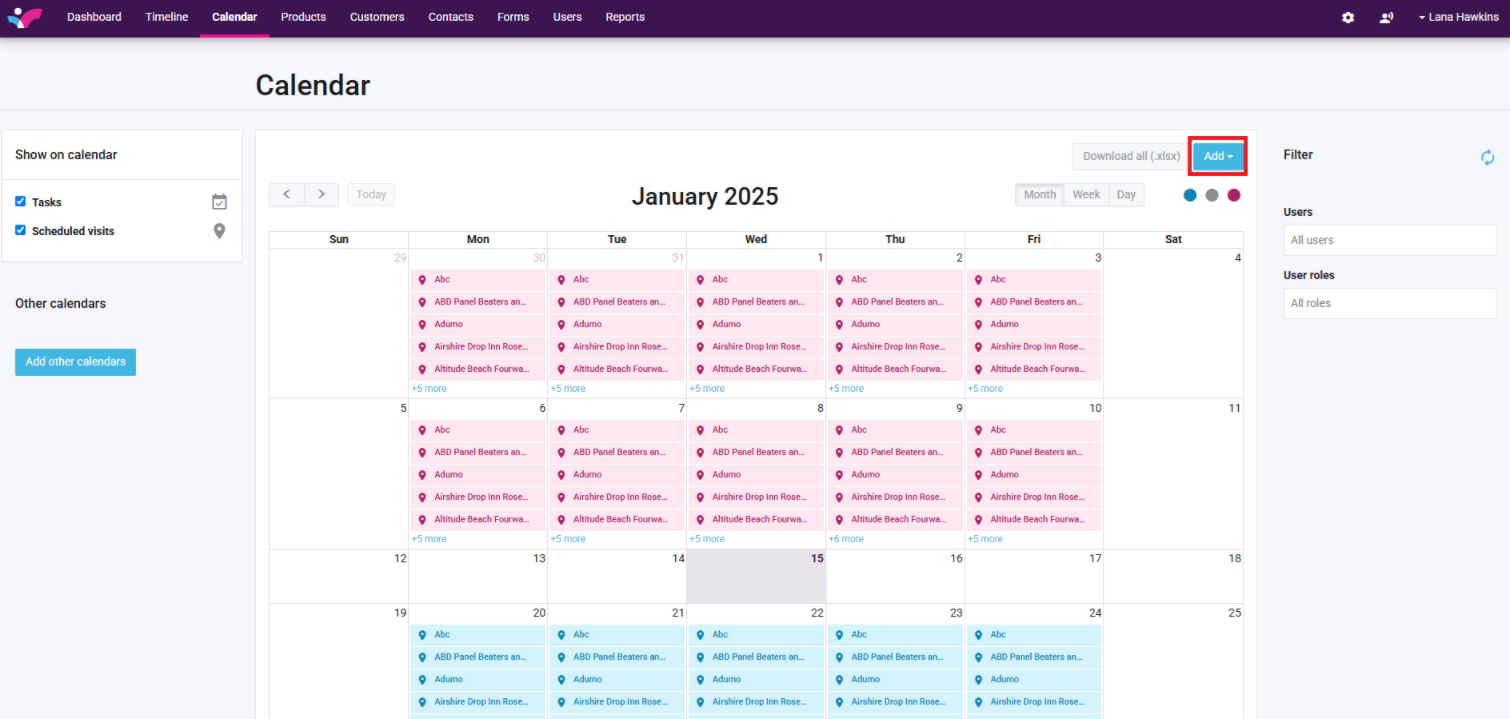
2. Click on Add in the top-right corner:
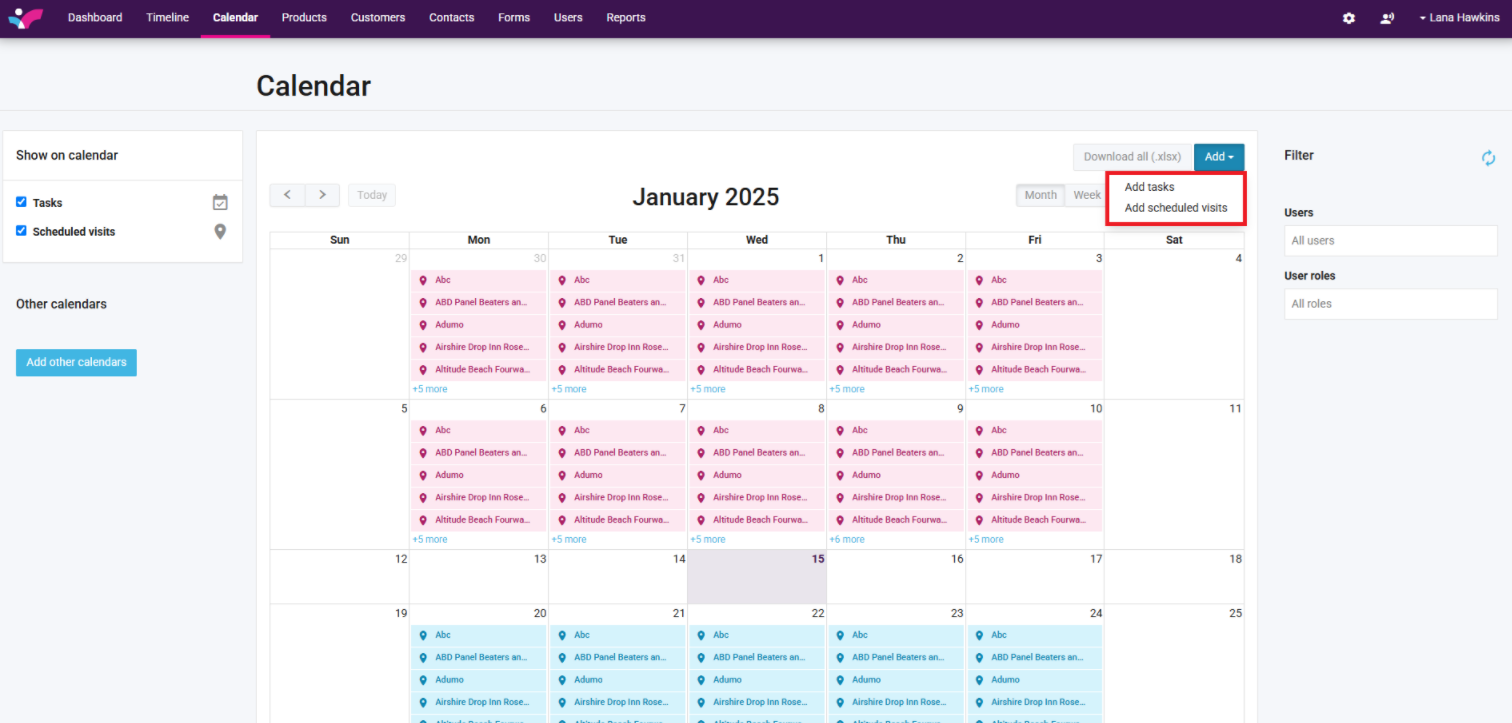
3. Choose whether you want to add a Scheduled visit or a task:
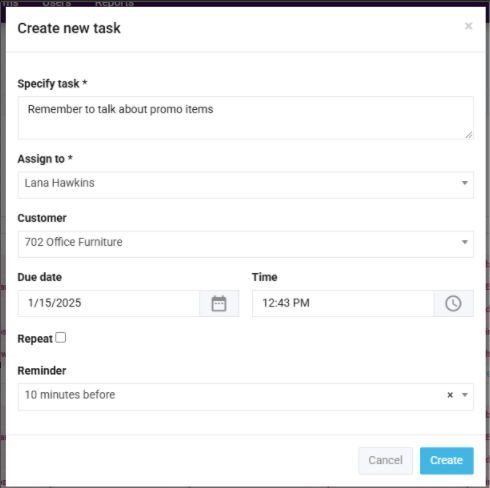
4. Fill in the relevant fields:
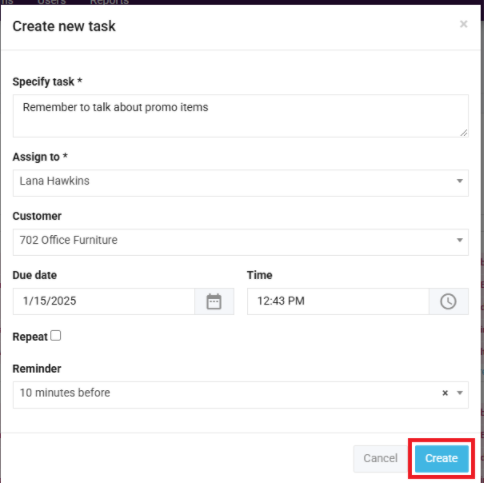
5. Click Create once you are done:
1. On your Skynamo web interface, navigate to the Calendar tab:
2. Click on Add in the top-right corner:
3. Choose whether you want to add a Scheduled visit or a task:
4. Fill in the relevant fields:
5. Click Create once you are done: