
The subscription page can be accessed by going to app.skynamo.me and entering your email address and password. If you do not remember your password, you can reset it by clicking on "Get a new password" on the password page
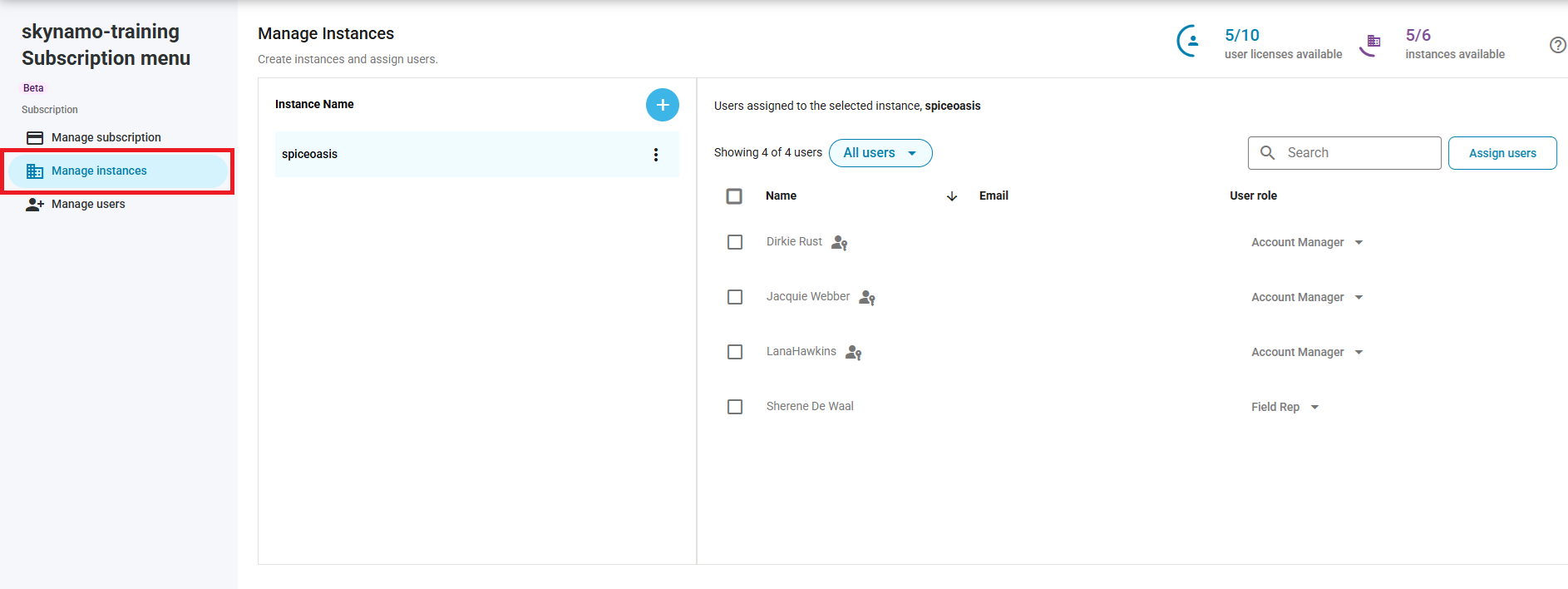
- Click on Manage instances:
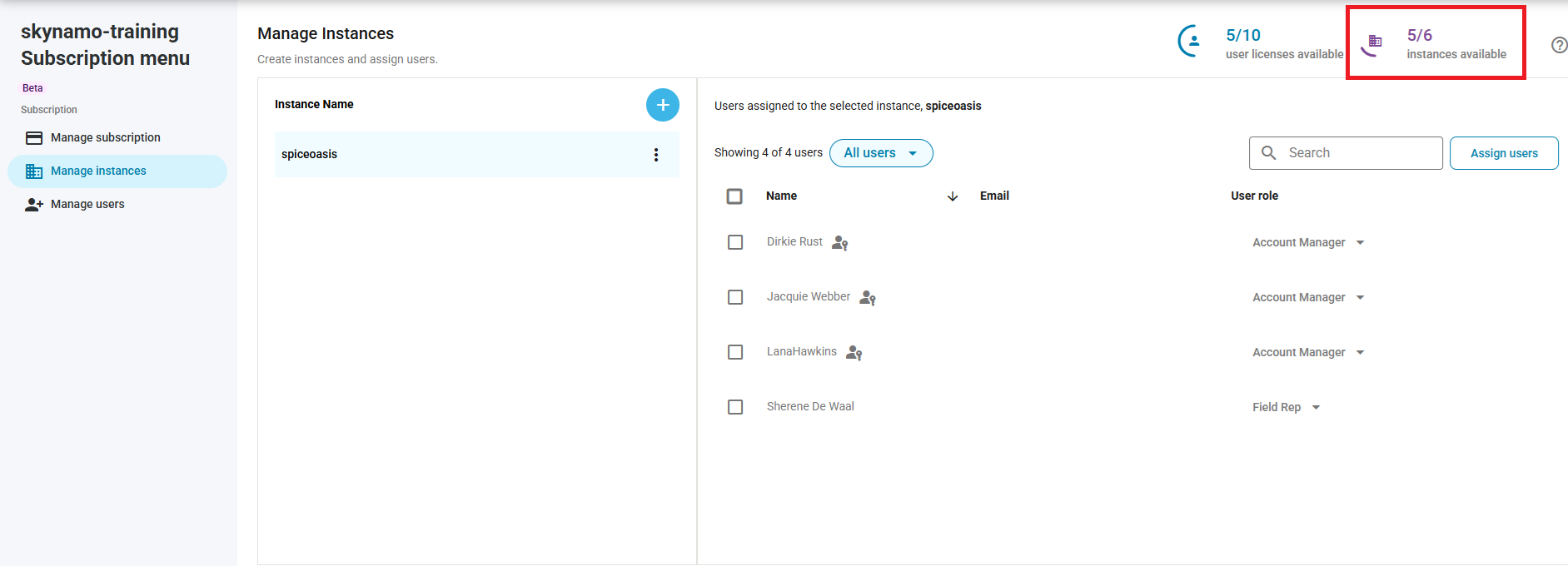
You will need an available instance license, in order to add a new instance. You can check your instance license count in the top-right corner:
If you do not have an instance license available, you can add one: How to add additional instances
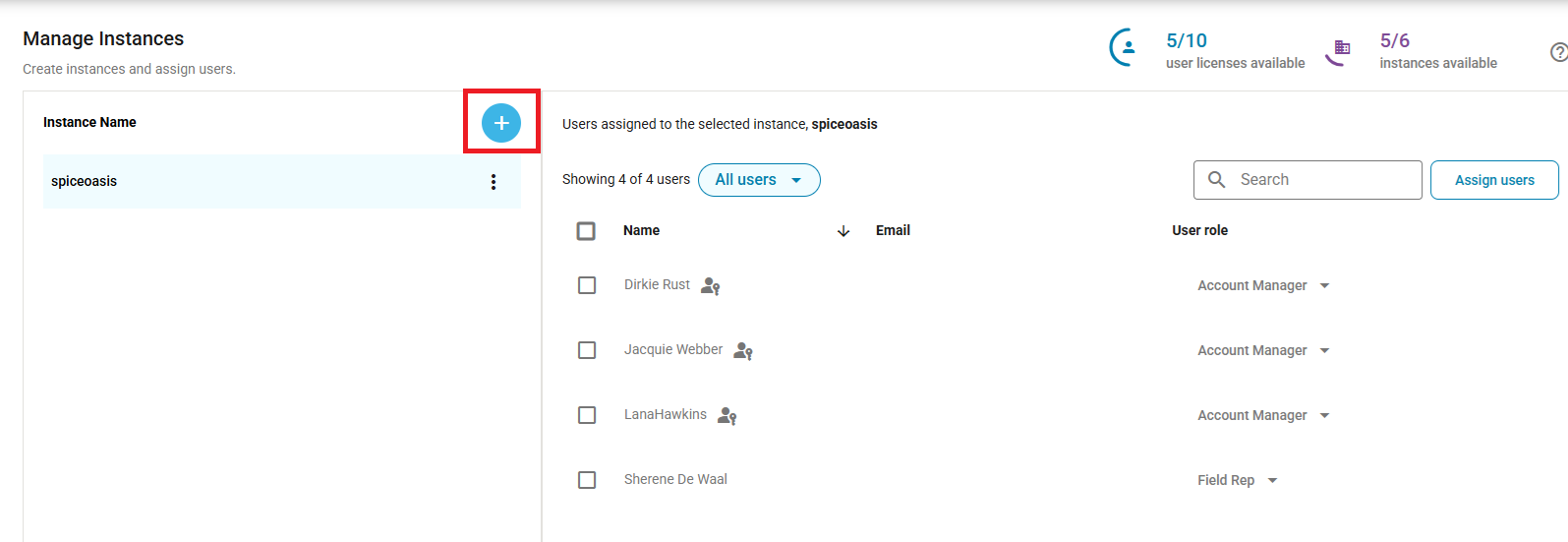
- If you do have an available license, click on the blue +- icon:
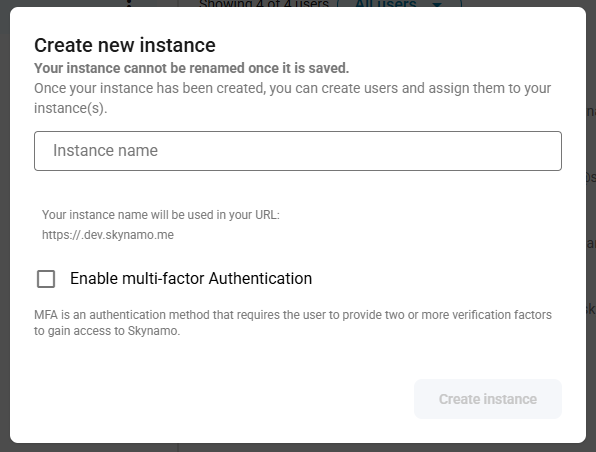
- You can choose an instance name and click on Create instance:
You can then assign yourself and any other relevant users to the instance: How to assign a user to another instance
You can also add new users and assign them to the instance: How to add new users
Other relevant links:
Subscription management: Subscription management