1. On your Skynamo web interface, navigate to the Forms tab:
2. Open the form that you wish to add the email recipient to
3. At the top of your screen, click on Configuration:

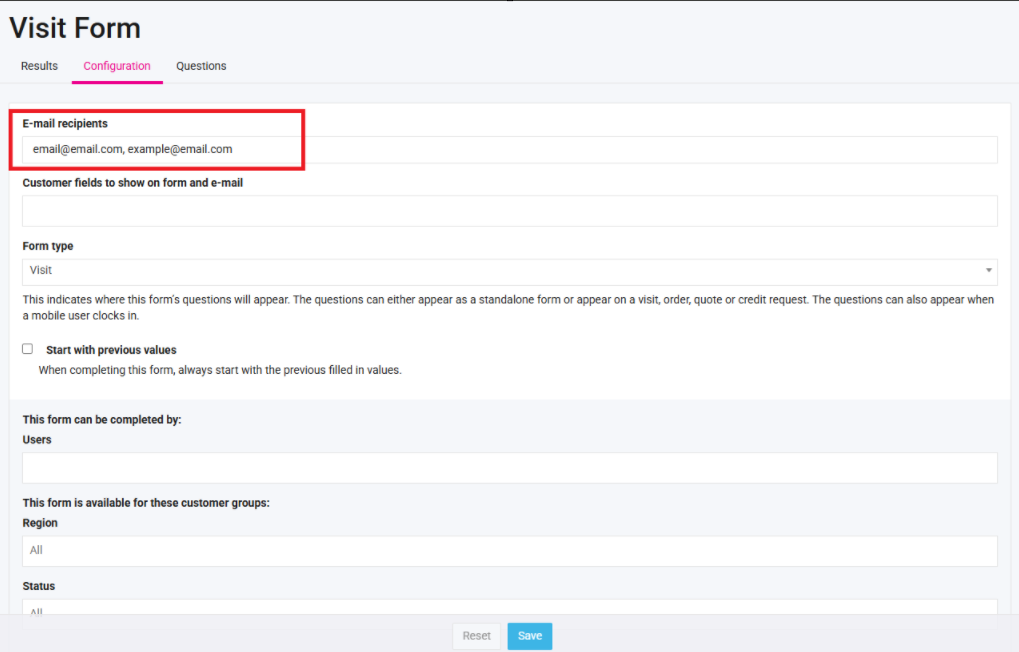
4. Under E-mail recipients, you can add the email addresses. If you have more than one recipient, separate it with a comma and a space:
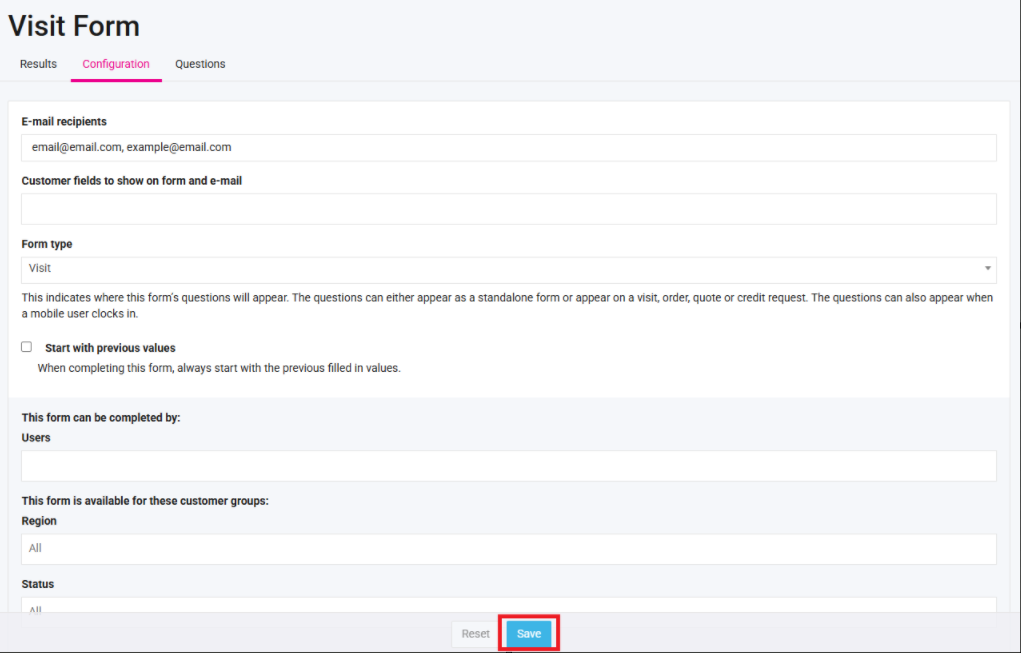
5. Click Save at the bottom of your screen: