
On Skynamo, you can upload files for your users so that they can very easily access them on their devices. For example, if you have Excel price lists, spec sheets, catalogues, certificates, etc.
1. On your Skynamo web interface, navigate to the Products tab:

2. Click on Add product:

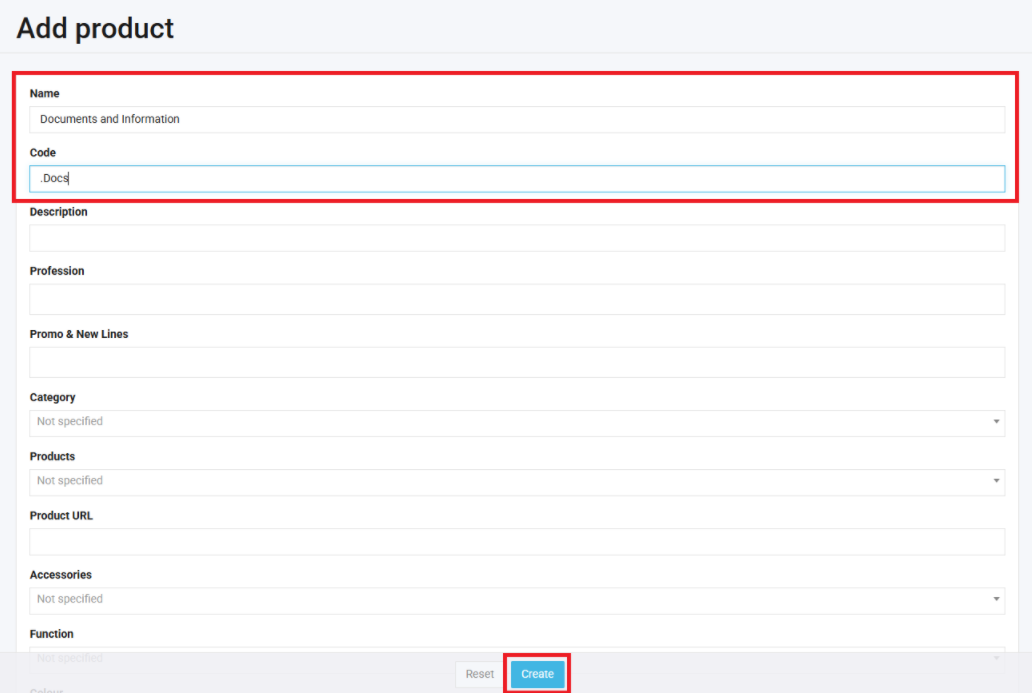
3. You can now give this product a name. Remember, it will not function as an actual product, simply as a mechanism for storing files. We, therefore, suggest naming it "Documents and Information" to distinguish it:
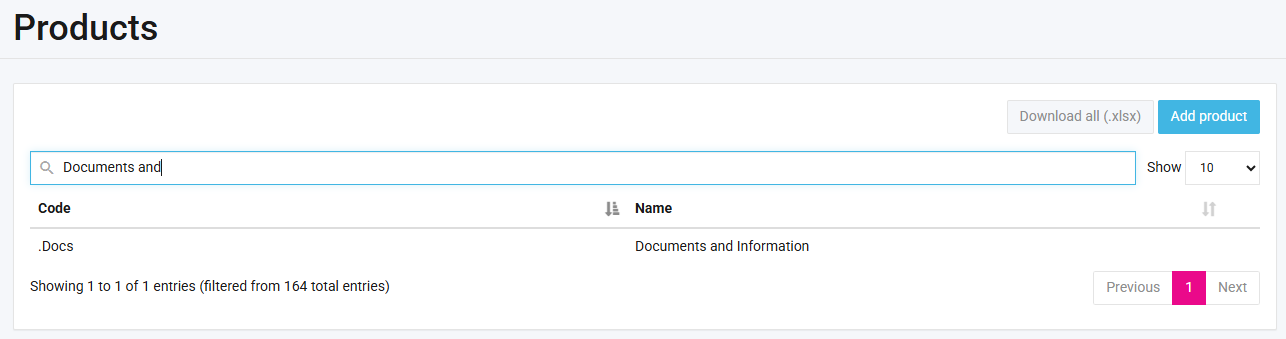
4. You can now search for the product and click to open it:
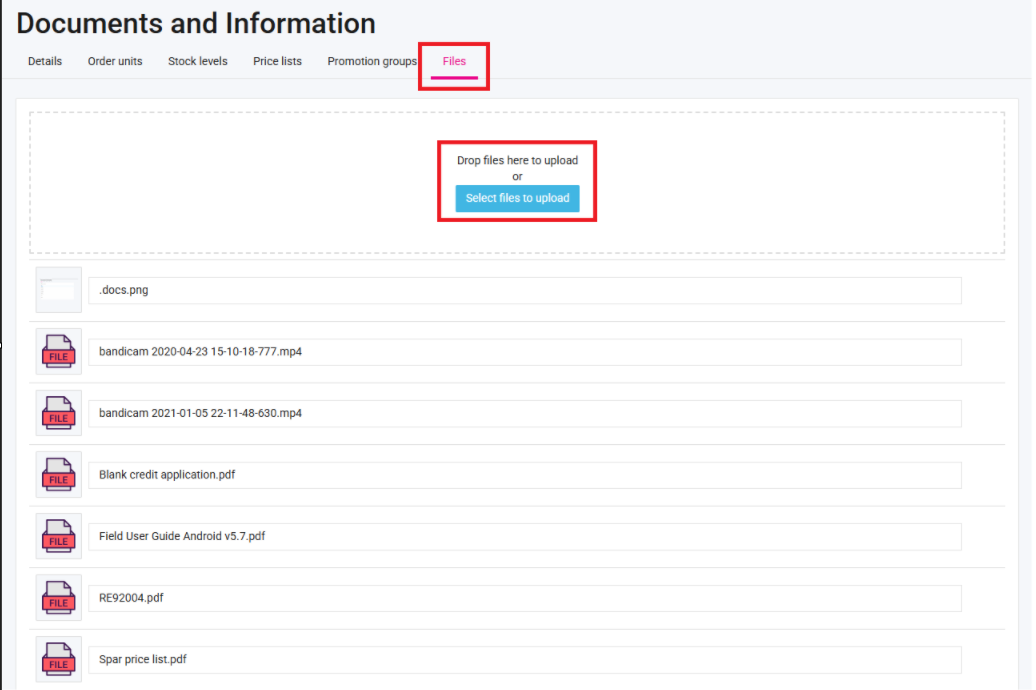
5. Click on Files and upload your documents/files:
Your users can then access them on their mobile app: How to access company files or documents on Android