1. Go to https://bookwhen.com/pre-recorded
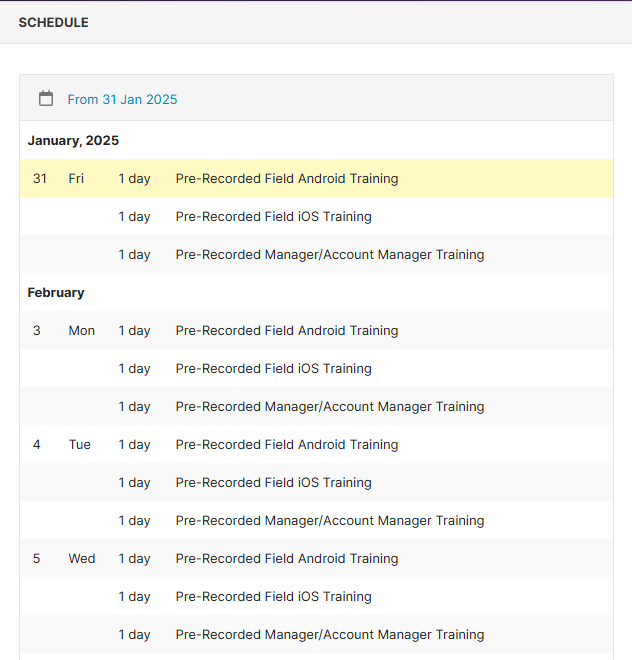
2. Under the Schedule, there will be training options for Android users, iOS users, and Admin/Managers. Regardless of which date slot you choose, you will immediately get access to the pre-recorded training video:
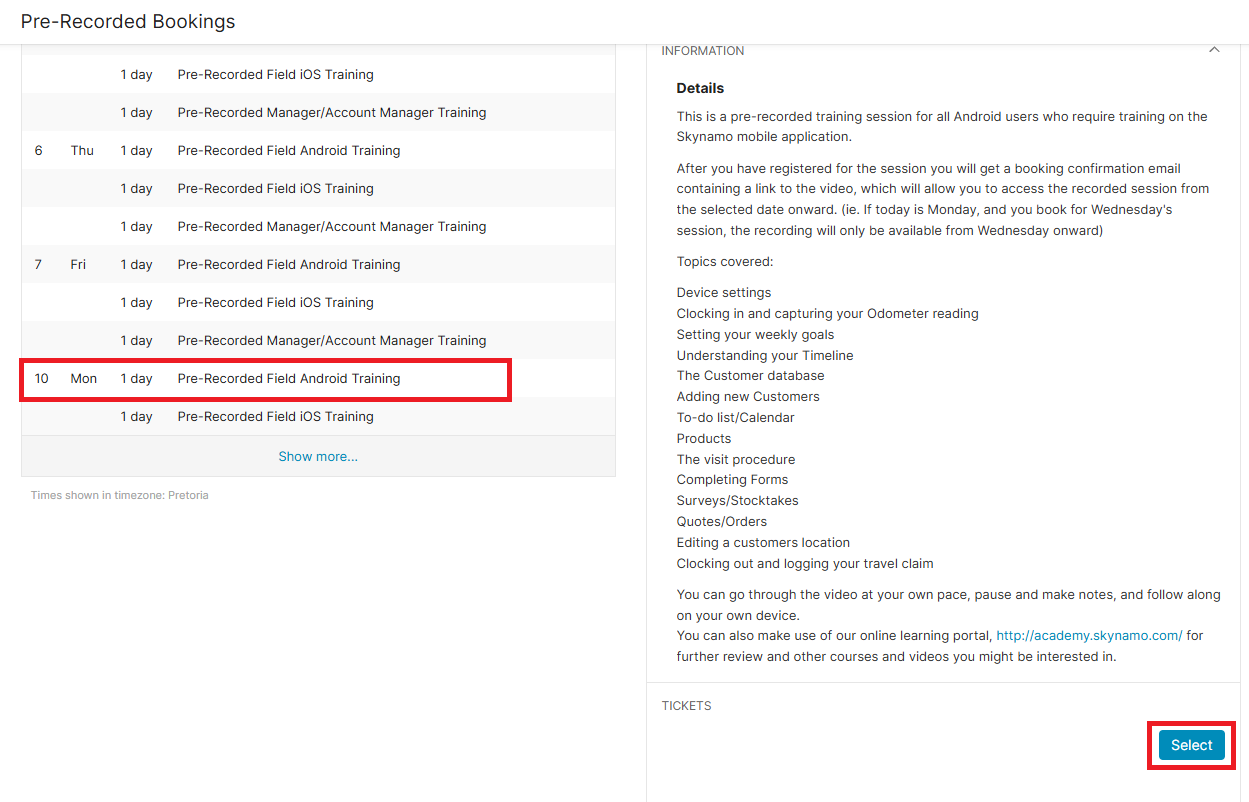
3. After you have selected your training slot, click on Select (you may need to scroll down to the bottom to see this option):
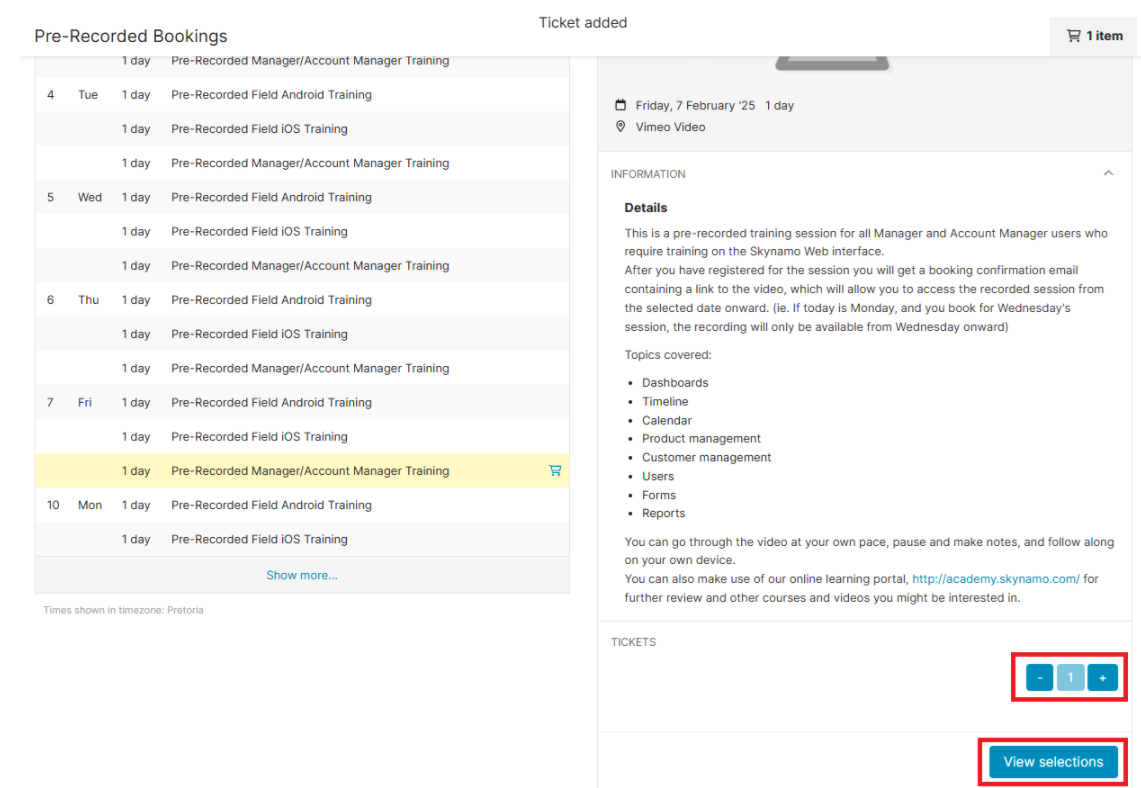
4. Choose the amount of tickets you need and click on View selections:
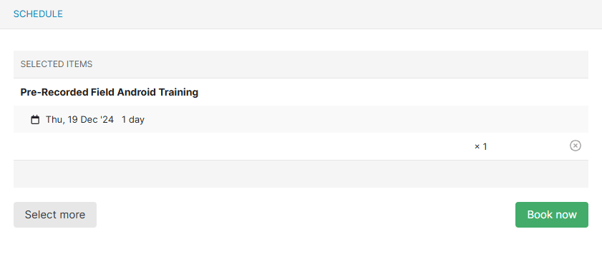
5. Click on Book now and then fill in your details to confirm your booking: