
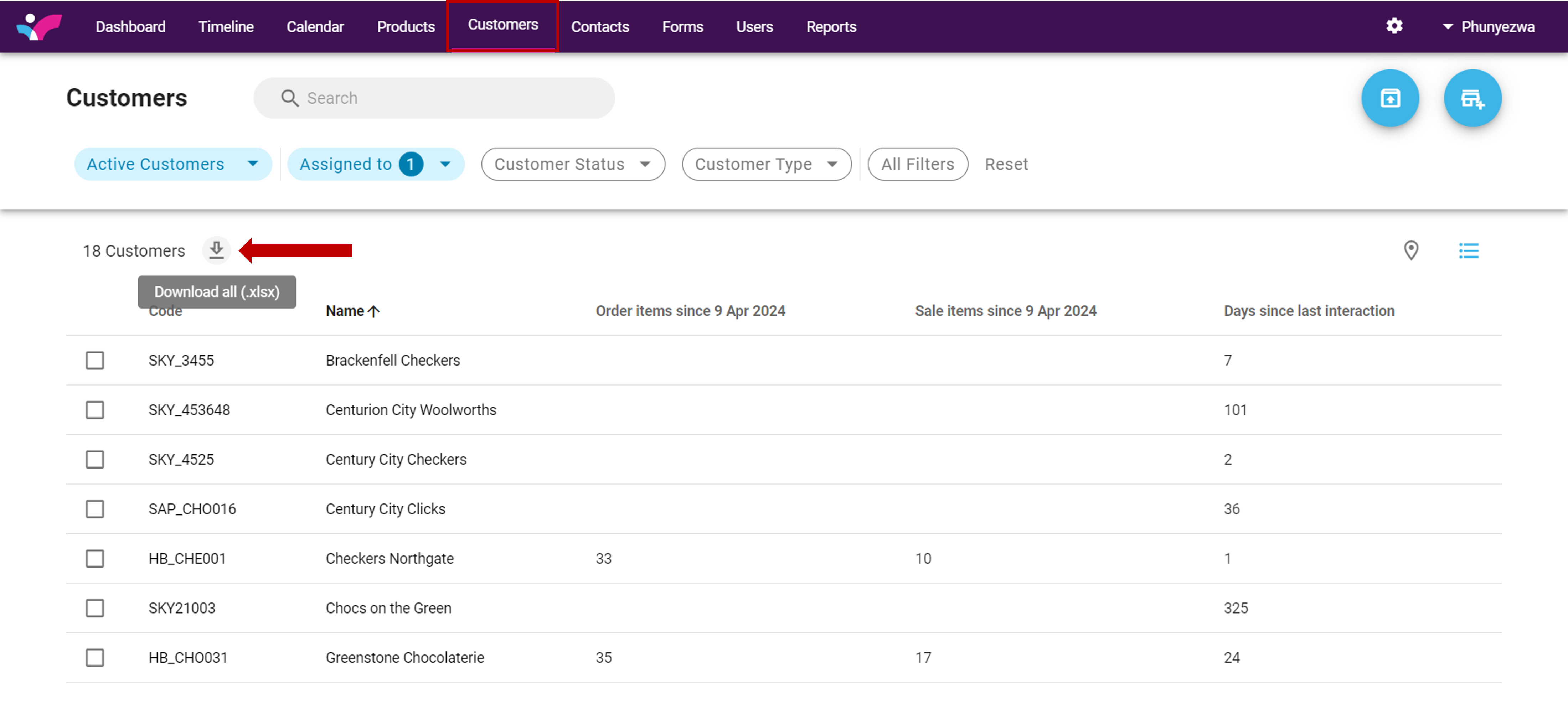
From your Web Interface navigate to your Customers tab. From here click on the “Download icon:
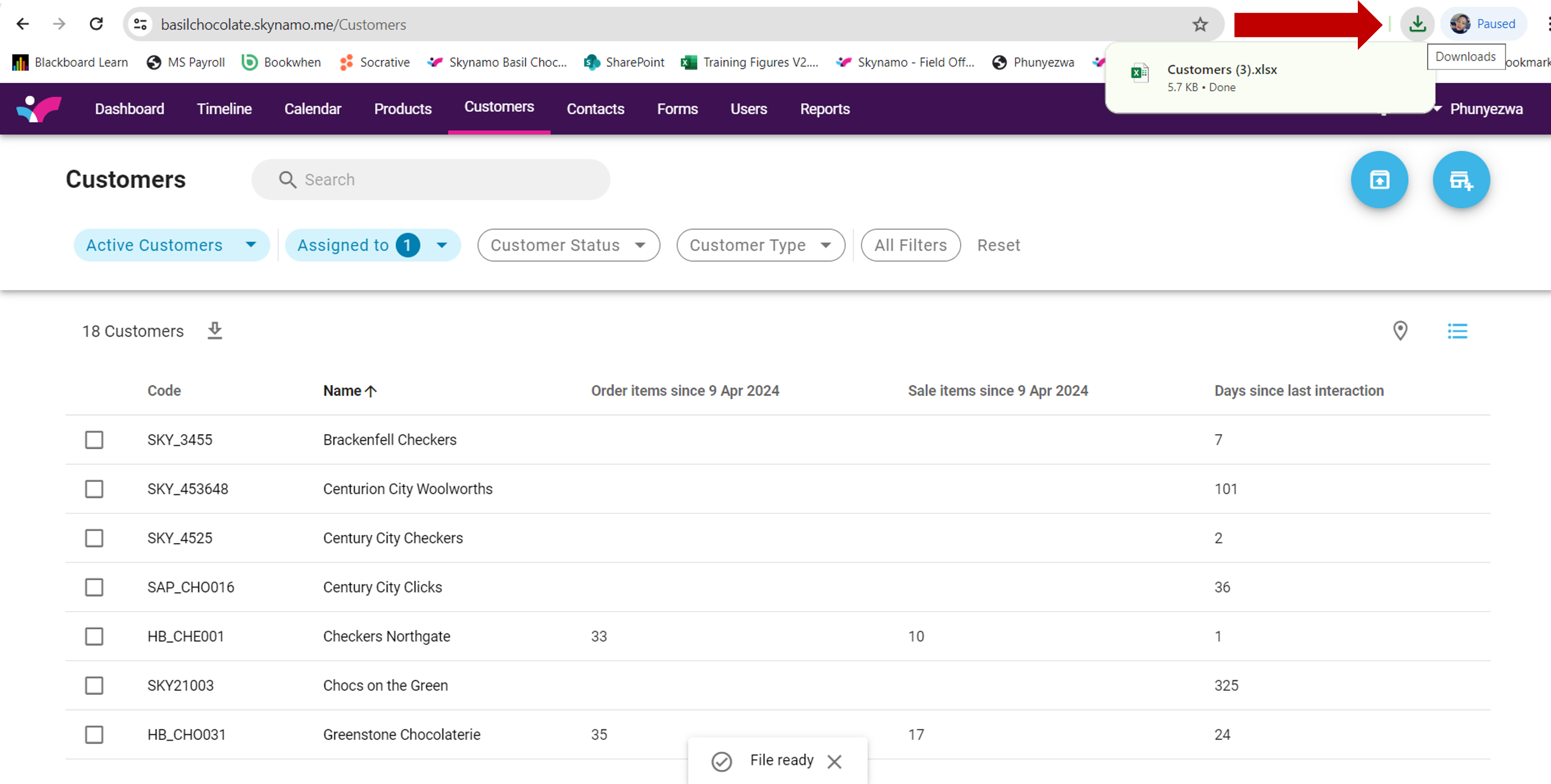
This will download an Excel spreadsheet with your current customer information in Skynamo. Click on the download to open the file:
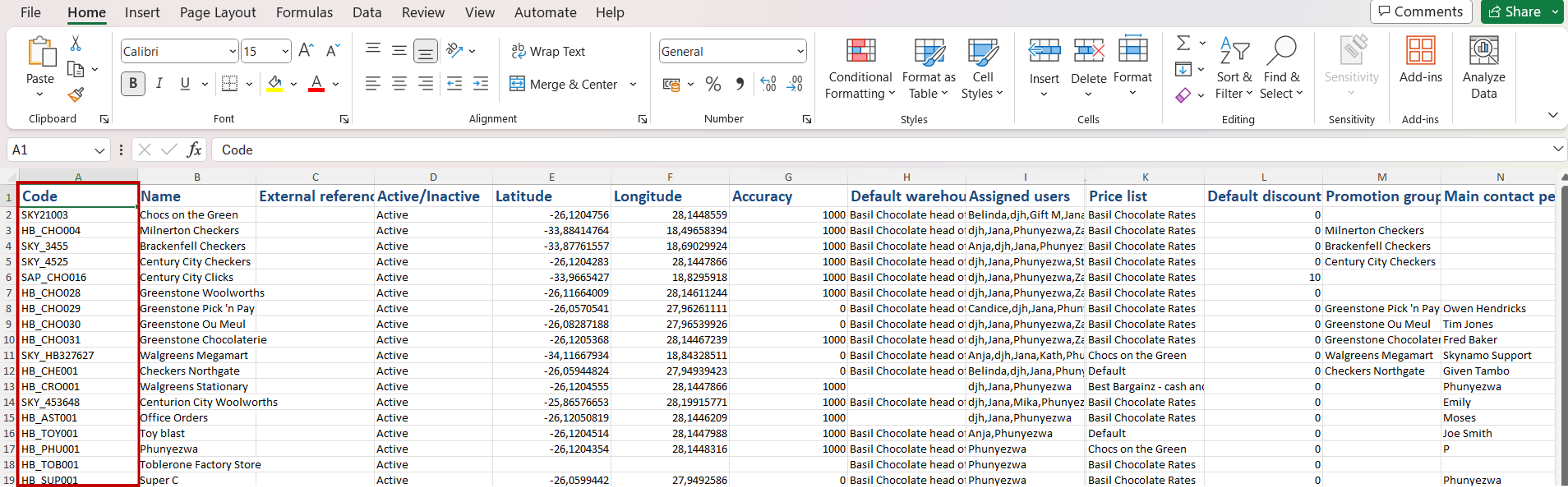
Once you have opened the Excel sheet you can make any necessary changes. Be sure to keep the Customer codes as this will be used to re-upload the corrected information to the customer profiles:
Once you have made your changes, save the document where you will easily find it. For version control it is suggested you save it with a date.
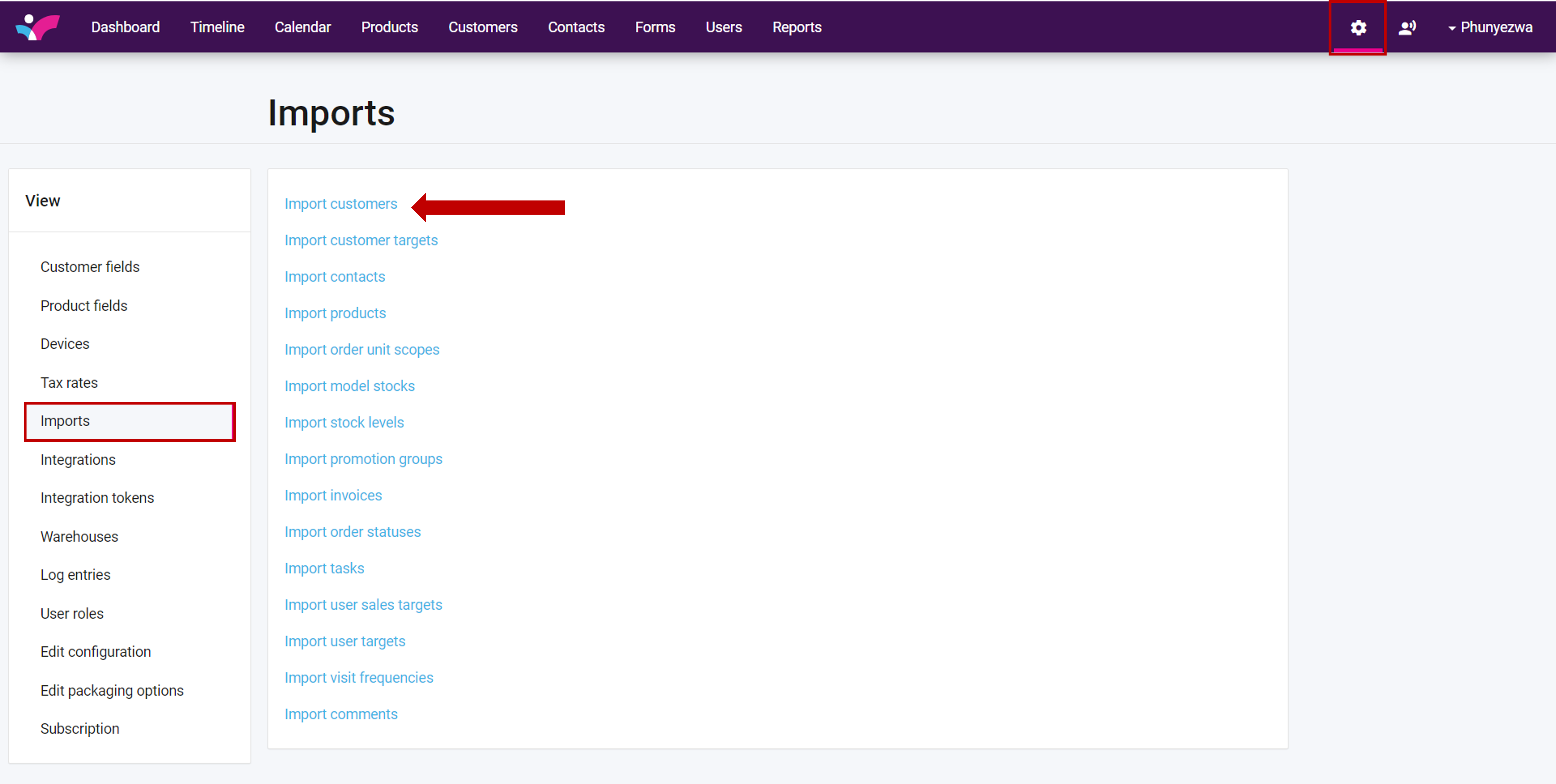
Navigate to settings on your Web Interface: Click on Imports, and then Import customers
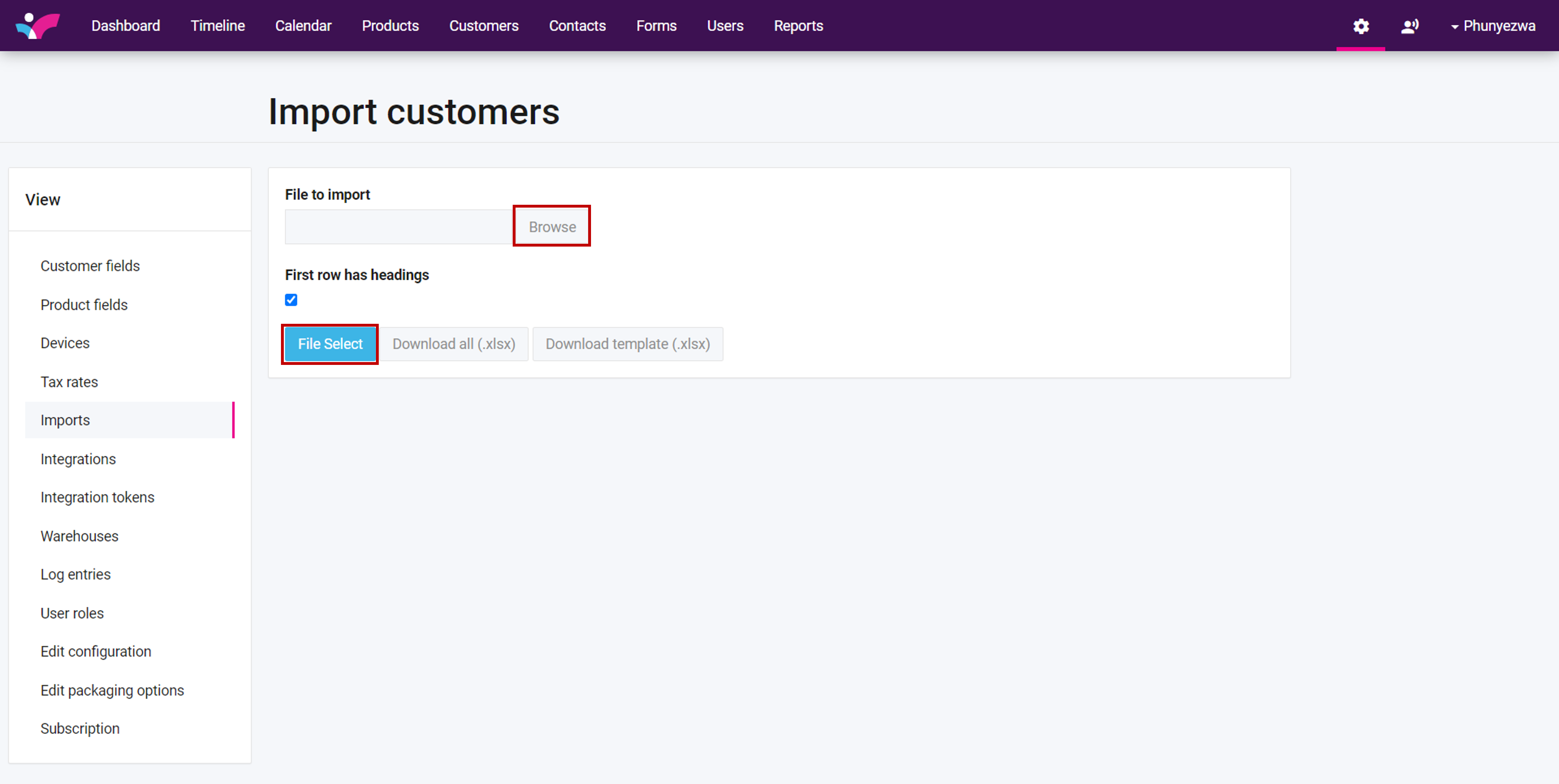
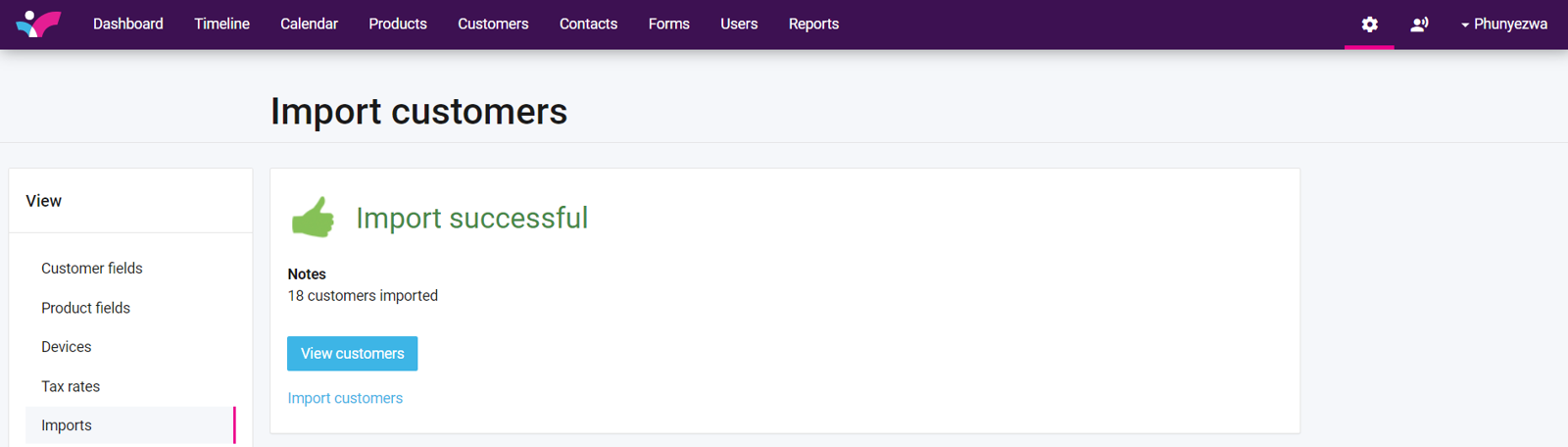
Click on browse to find the file you have saved, and file select to import your changes:
If you are experiencing any issues, please contact our support team by mailing us at support@skynamo.com.