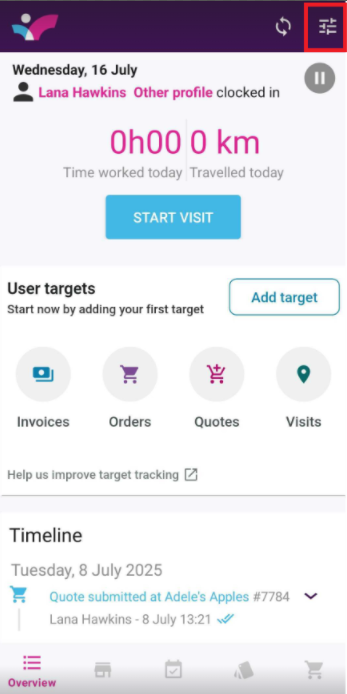
1. On your Skynamo app, click on the three lines at the top-right corner of your screen:
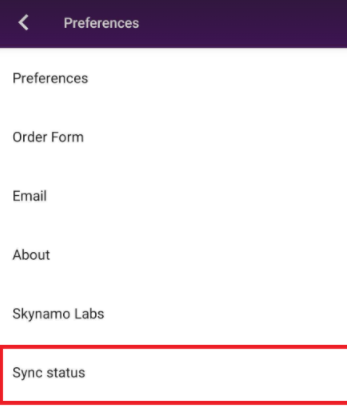
2. Click on Sync Status:
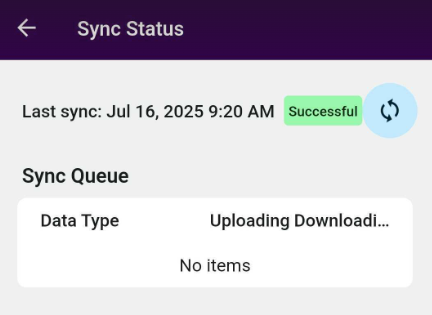
You can now see how many items still need to sync to your device. You will also know once your sync is complete, as it will show "Successful" in green: