Normally, clearing the download manager of android devices would help speed up the process of syncing images onto the mobile app of Skynamo as the syncing of images is on an entirely different sync protocol than the rest of Skynamo's database.
We recommend clearing the download manager only if it appears that the images sync protocol is paused/stuck.
This article explains how to clear the download manager for a Lenovo Tab.
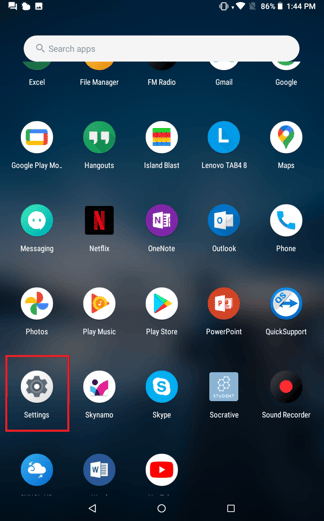
- Go to Settings:
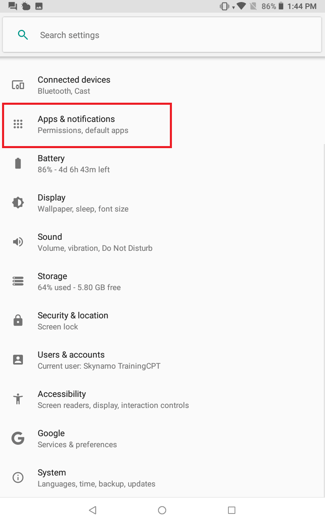
- Click on Apps & Notifications:
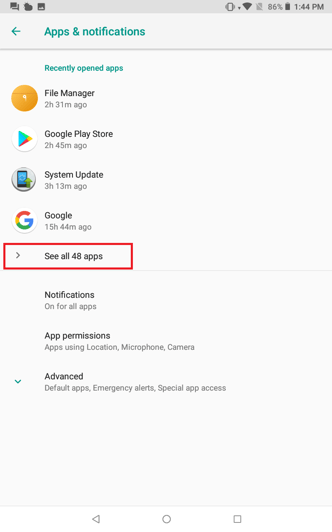
- Click on on See all apps:
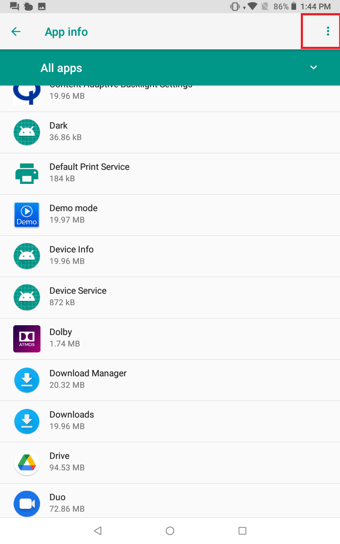
- Click on the three dots at the top right-hand corner:
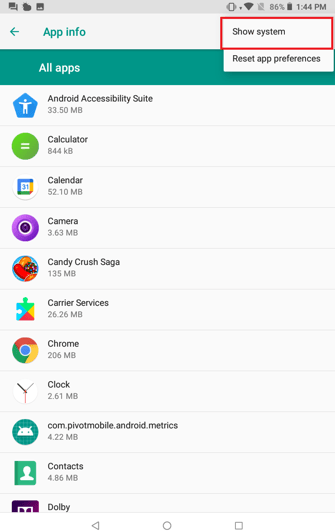
- Click on Show system:
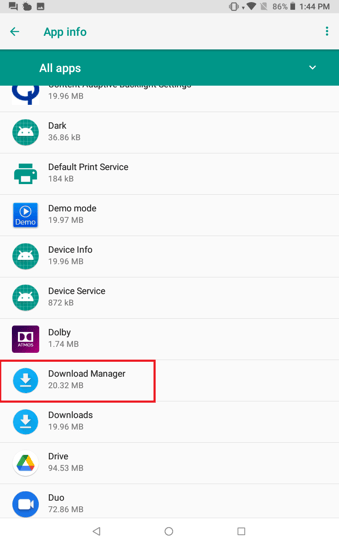
- Scroll down until you find Download Manager, click on it:
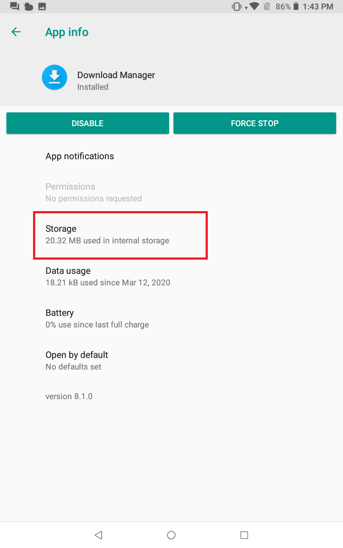
- Click on storage:
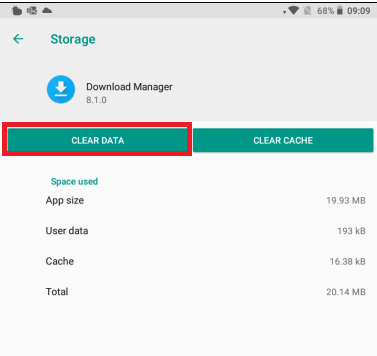
- Click on Clear Data: