1. Navigate to the Timeline tab

2. Click on "Add"

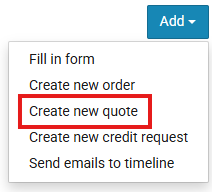
3. Click on "Create new quote"
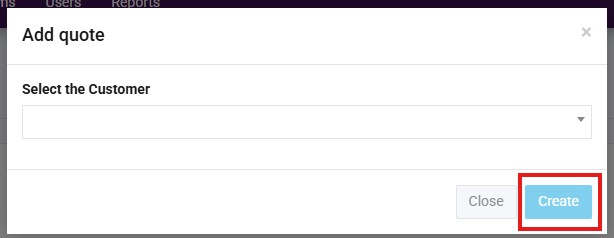
4. Select your customer and click "Create"
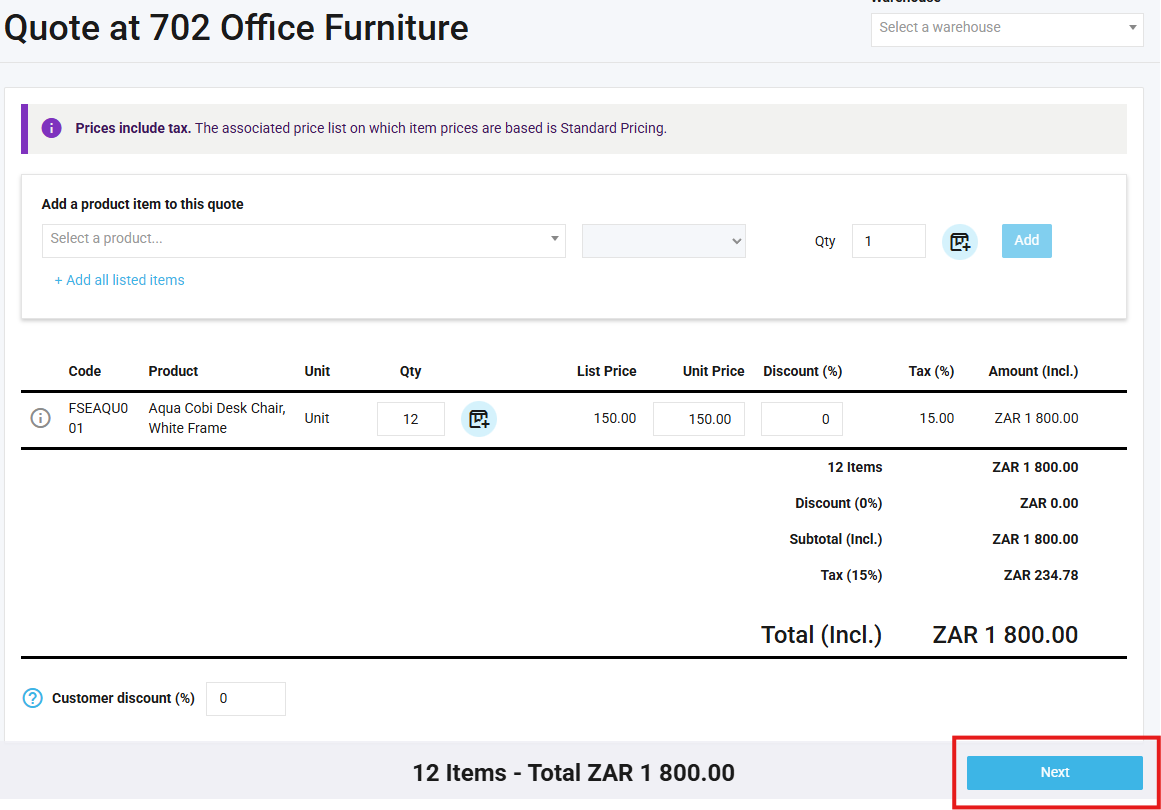
5. A new tab will open for the quote, select the warehouse (if necessary), select products and click "Add"
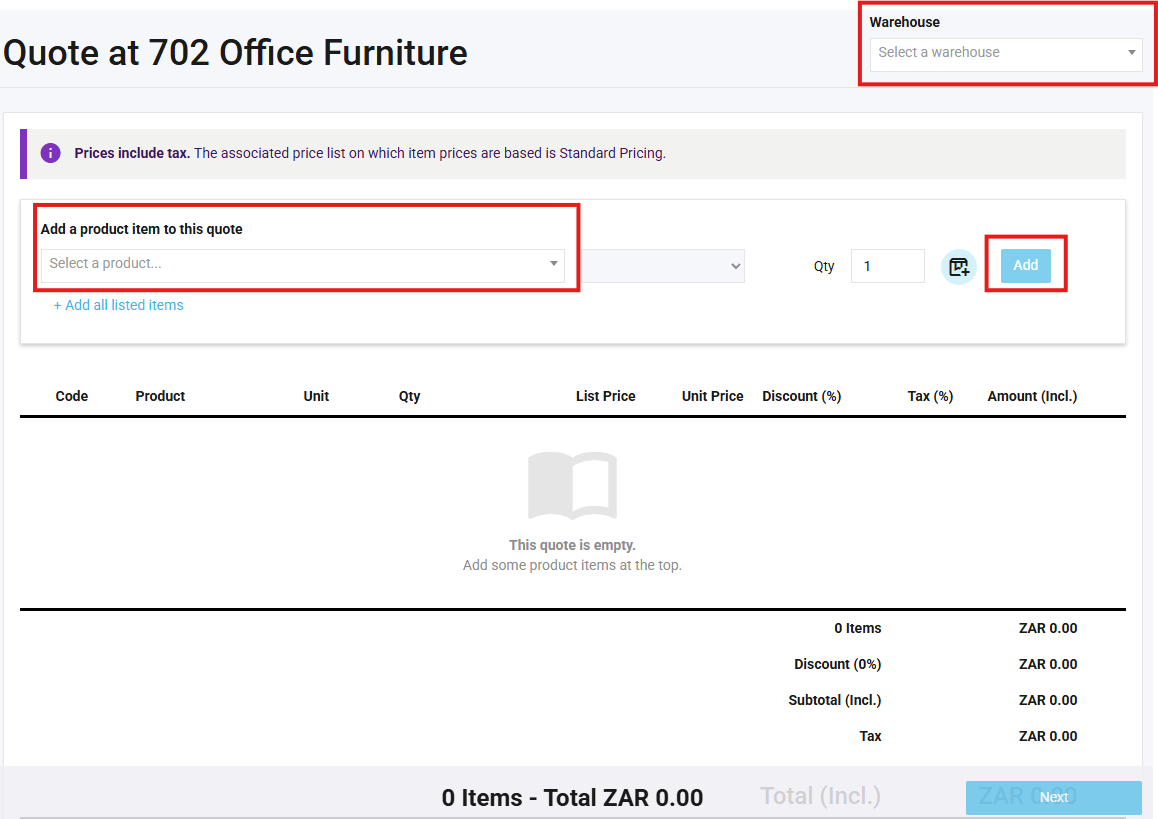
6. Once all products have been added, click "next"
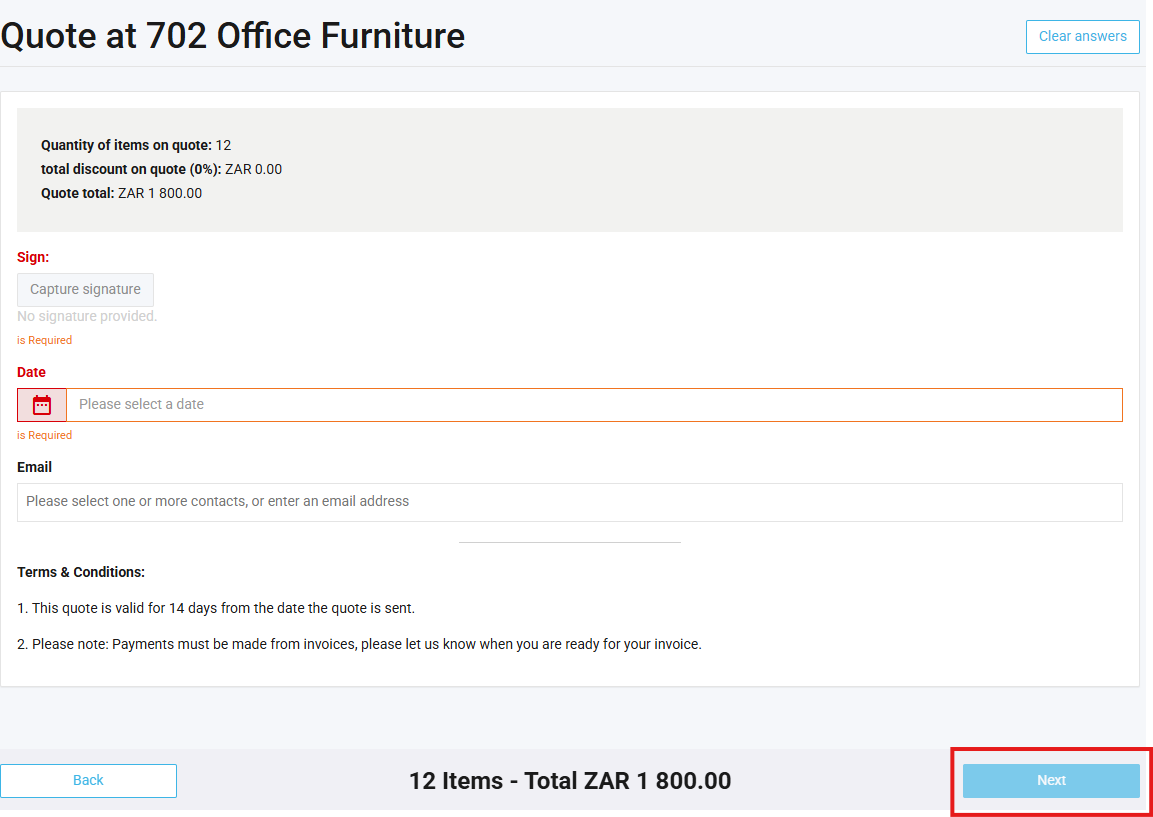
7. Complete the quote form and click "Next"
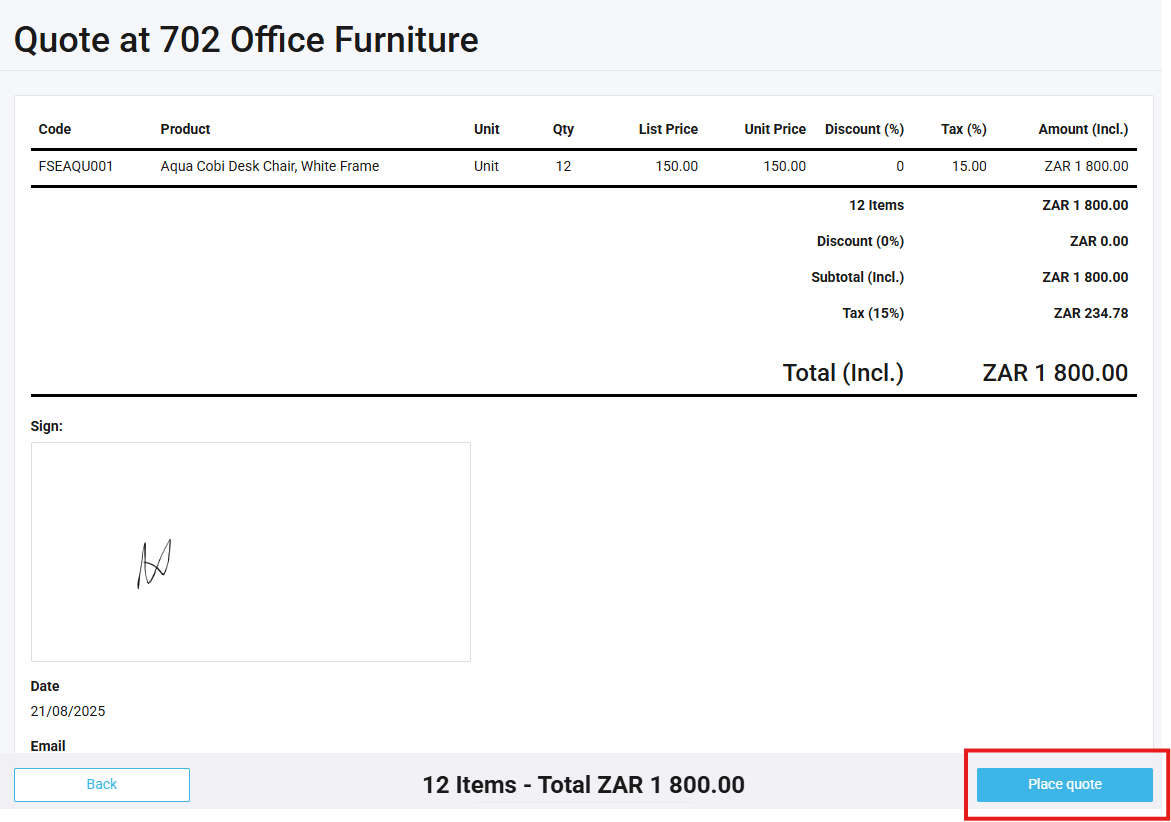
8. Check quote and select "Place Quote" to finalise it.