
Steps to create an integration token
Step 1: Log in as Account Manager
Step 2: Click on Settings

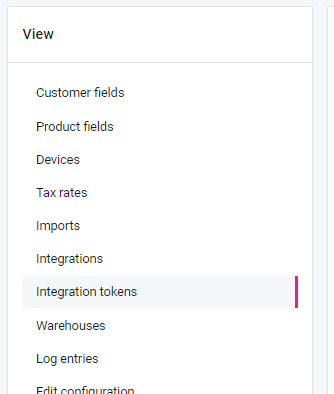
Step 3: Click on Integration tokens
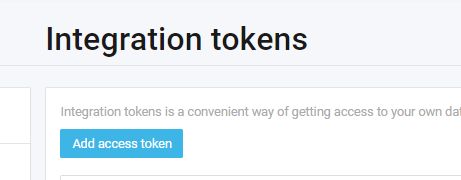
Click on Add access token
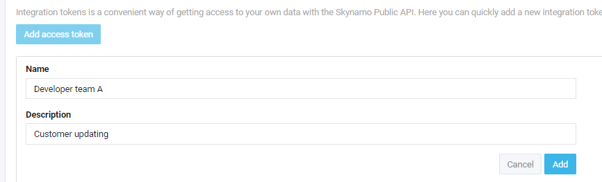
Type in a Name & Description and click on the Add button
A token will now be available for download.
