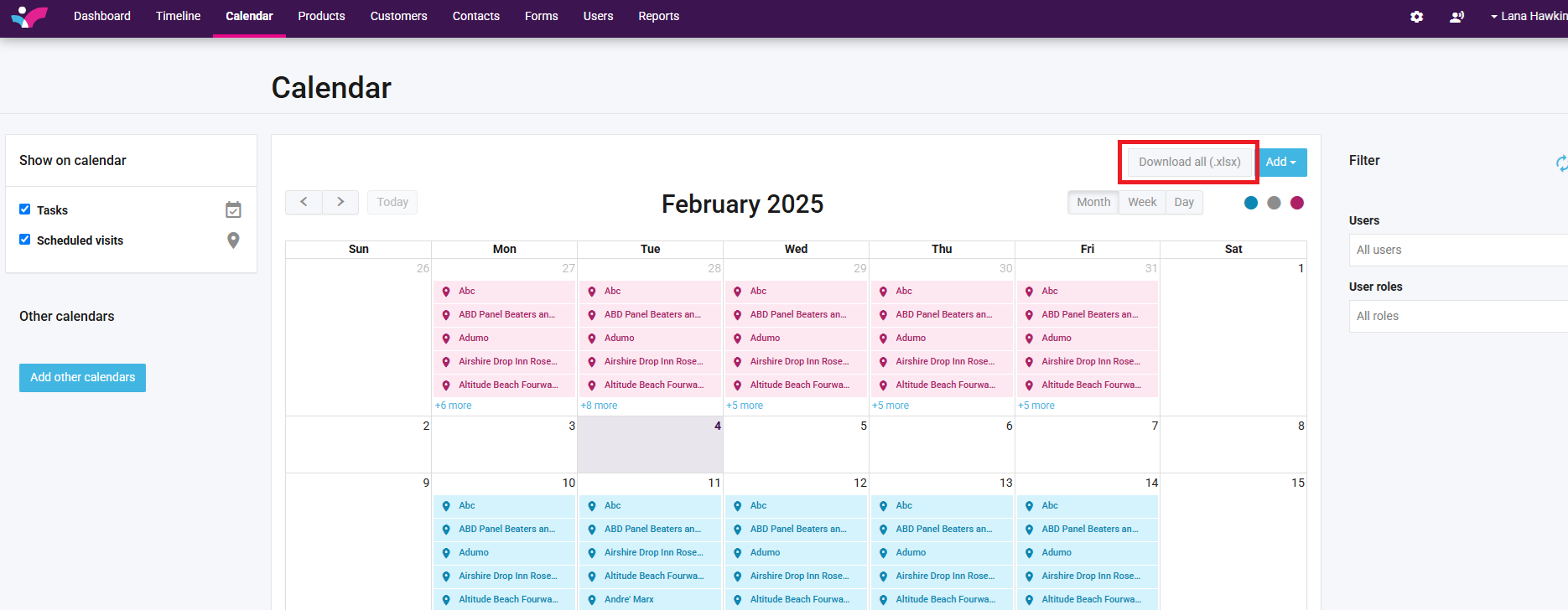
1. On your Skynamo web interface, navigate to the Calendar tab:

2. Click on Download all to download the tasks in Excel:
3. Open the Excel file that downloads to your PC and click Enable Editing at the top
4. Make the following changes:
- Change the Repeat which is currently True, to false
- Add a column that says Delete, and make sure you type True in the column next to the cycle you wish to delete. Your changes should look as follows:

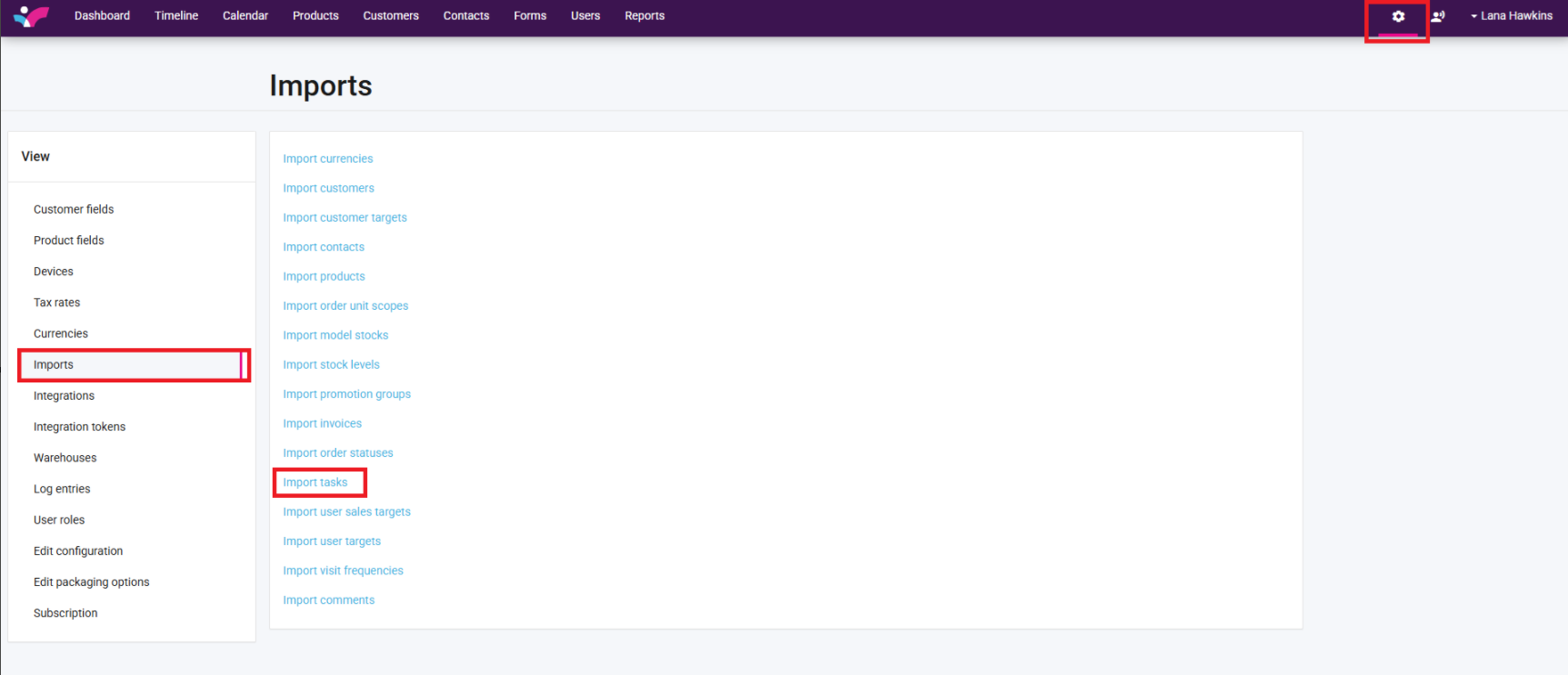
5. Back on your Skynamo web interface, click on the Settings icon -> Imports -> Import tasks:
6. Click on Browse and select your file
7. Click on File select
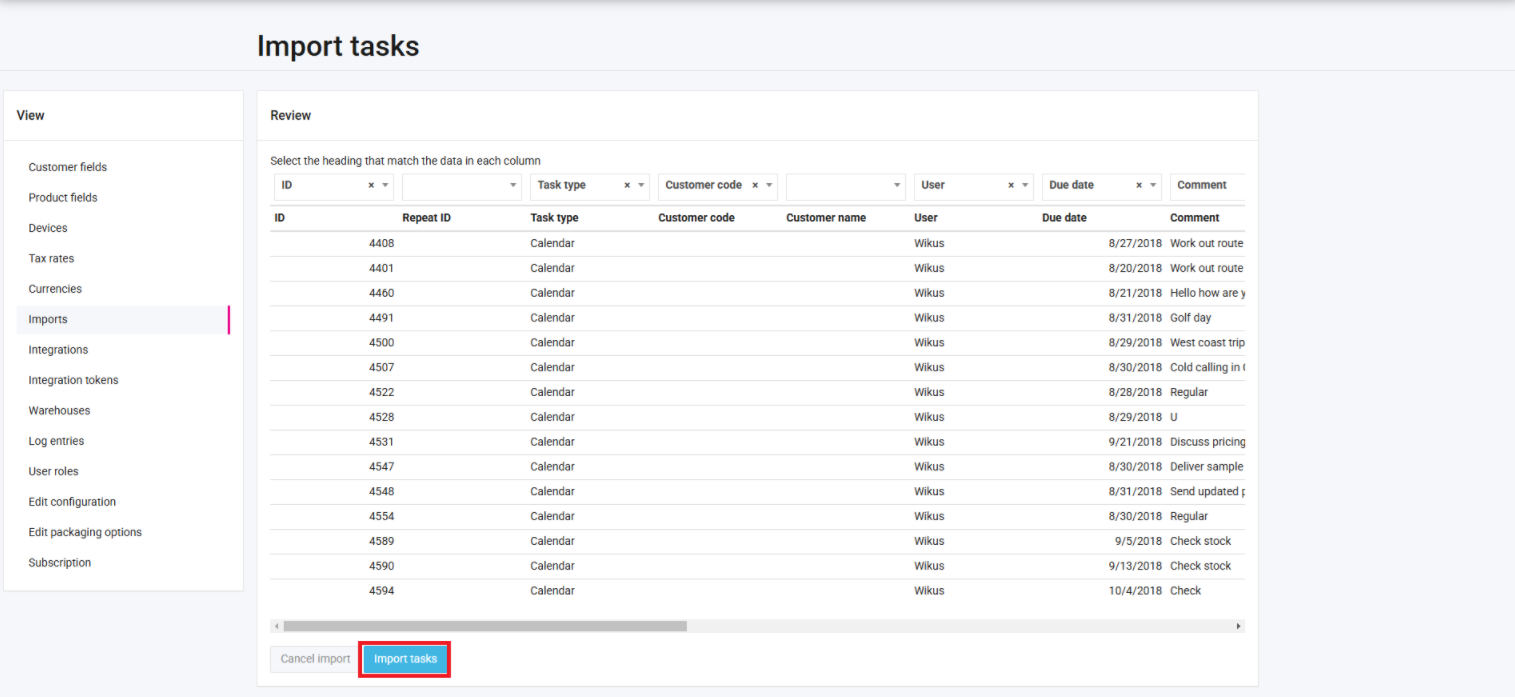
8. Click on Import tasks:
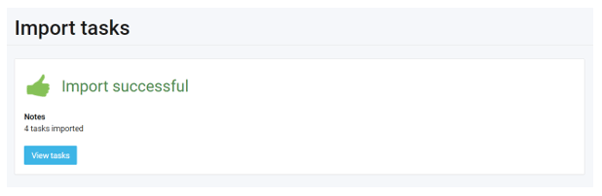
This will delete the cycles you have chosen. If you have been successful, you will see the following message: