
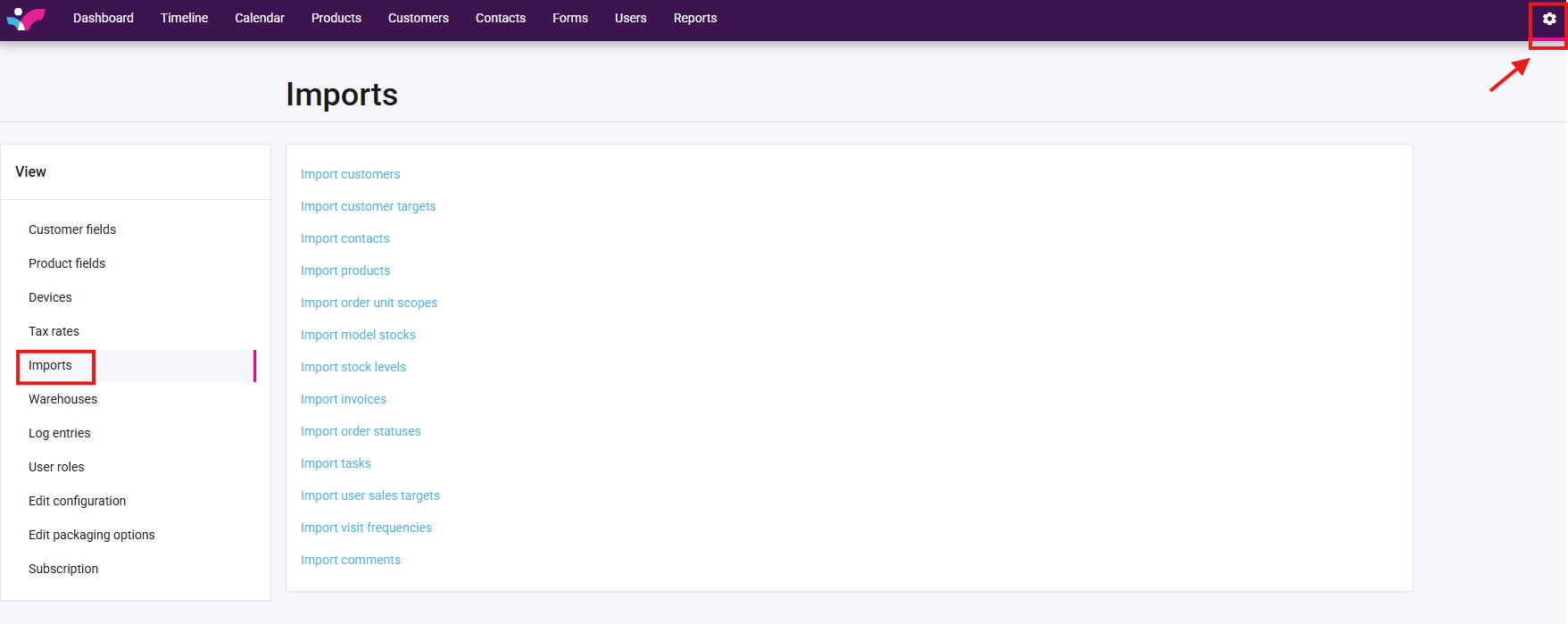
1. Navigate to the imports tab under settings.
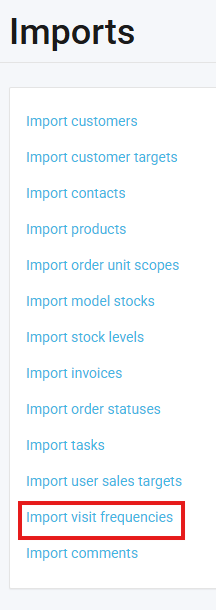
2. Select "import visit frequencies"
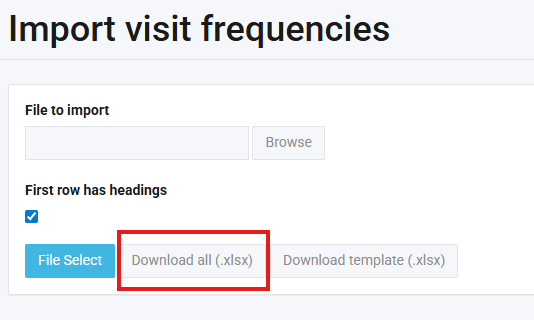
3. Select "download all"
3. On the excel sheet that downloads, delete the "Period" column and save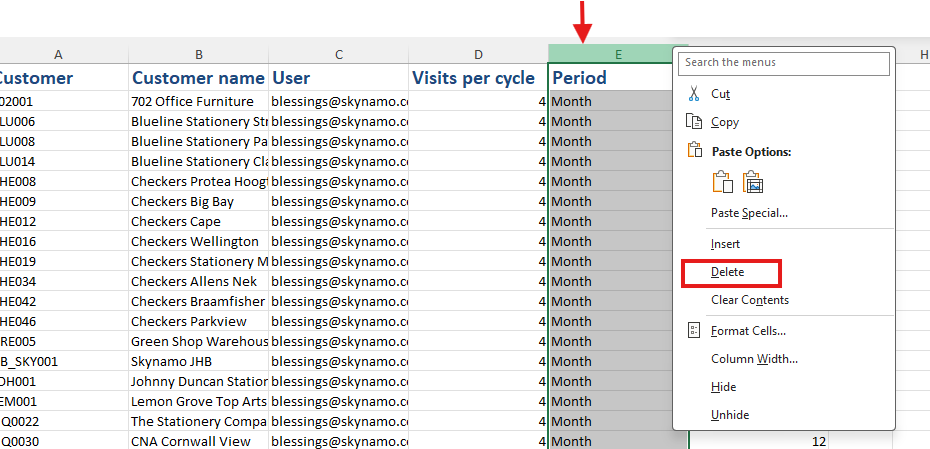
PLEASE NOTE: when importing this file, this will delete the frequencies for all users and all customers if you would like to only delete certain users/ customers you will need to filter this excel sheet to only show visit frequencies you would like to remove.
4. Import the saved file, please see the below to assist