
1) Ensure there's no more work to be done this evening and you have a good internet connection on your device.
2) Ensure you are fully in sync (click the sync button), it should stop spinning and not have a red exclamation mark: 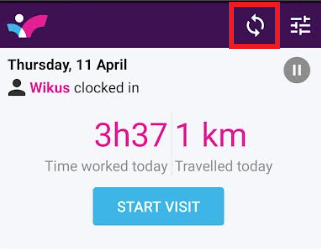
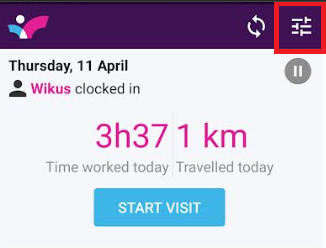
3) Send us a debug mail by clicking on Settings (3 lines in the top right-hand corner of the main Skynamo dashboard)
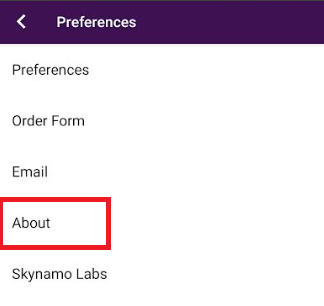
*Click on About
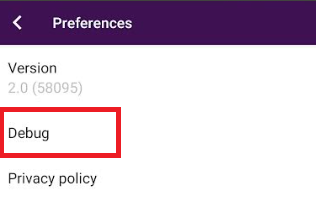
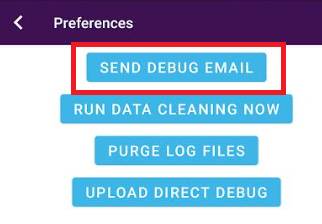
*Click on Debug --> SEND DEBUG EMAIL
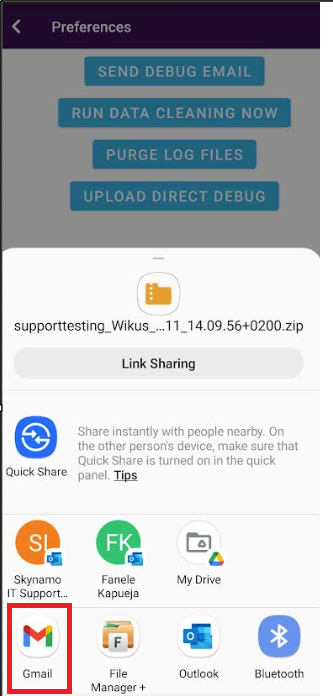
* Select Gmail (or the mail account set-up on your device)
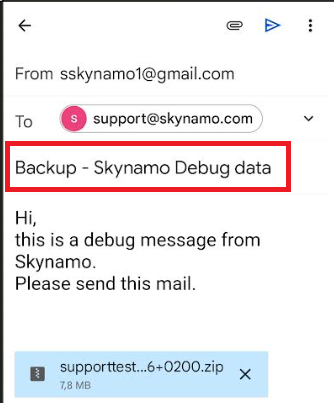
*Type "Backup" into the subject line, and send to support@skynamo.com & ensure there is a .zip file attachment
4) You are now ready to drop data. Please access your device's settings page
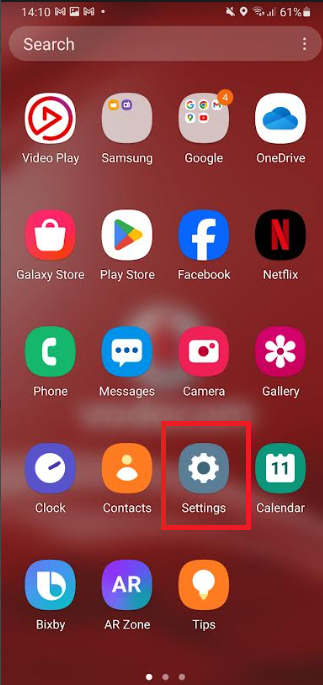
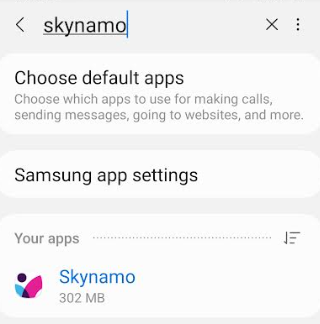
5) Select Application Manager/Applications/Apps, scroll down and select Skynamo:

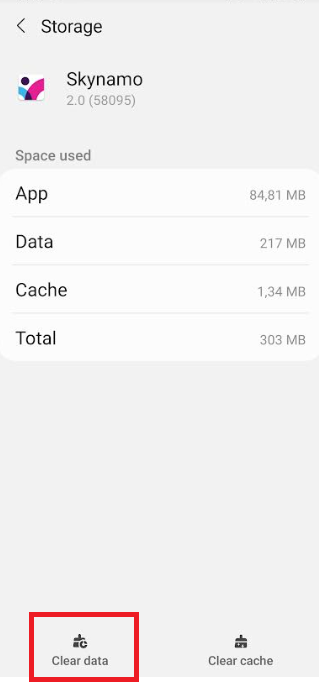
6) Select "Storage", then select "CLEAR DATA"
7) Go back to Skynamo, and log in with your credentials.
8) Leave the device to complete a sync.