
1. On the Skynamo web interface, click on the Customers tab:

2. If you want to download a specific set of customers (for example, customers assigned to a specific user), click on that filter:

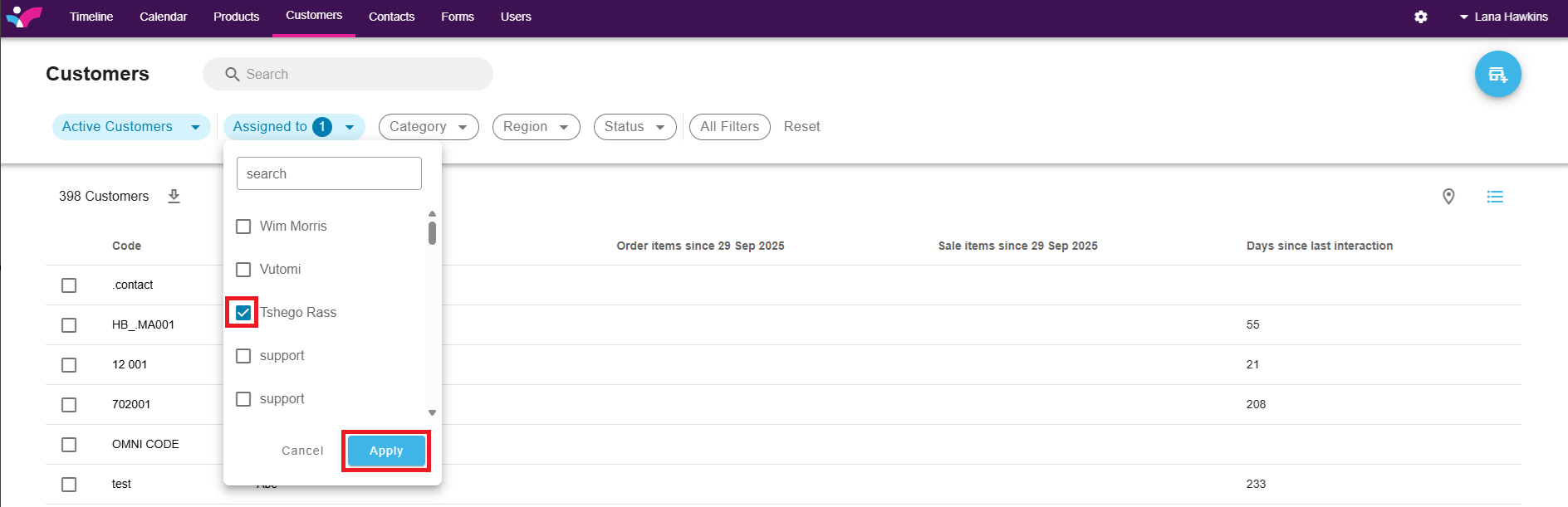
3. Select the filters you want and click Apply:
4. Click on the Download button to export the customers in Excel:
