1. On your Skynamo web interface, navigate to the Forms tab:

2. Open the form whose results you wish to download
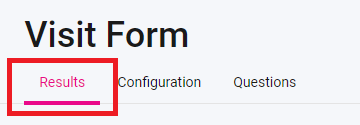
3. At the top, click on Results:
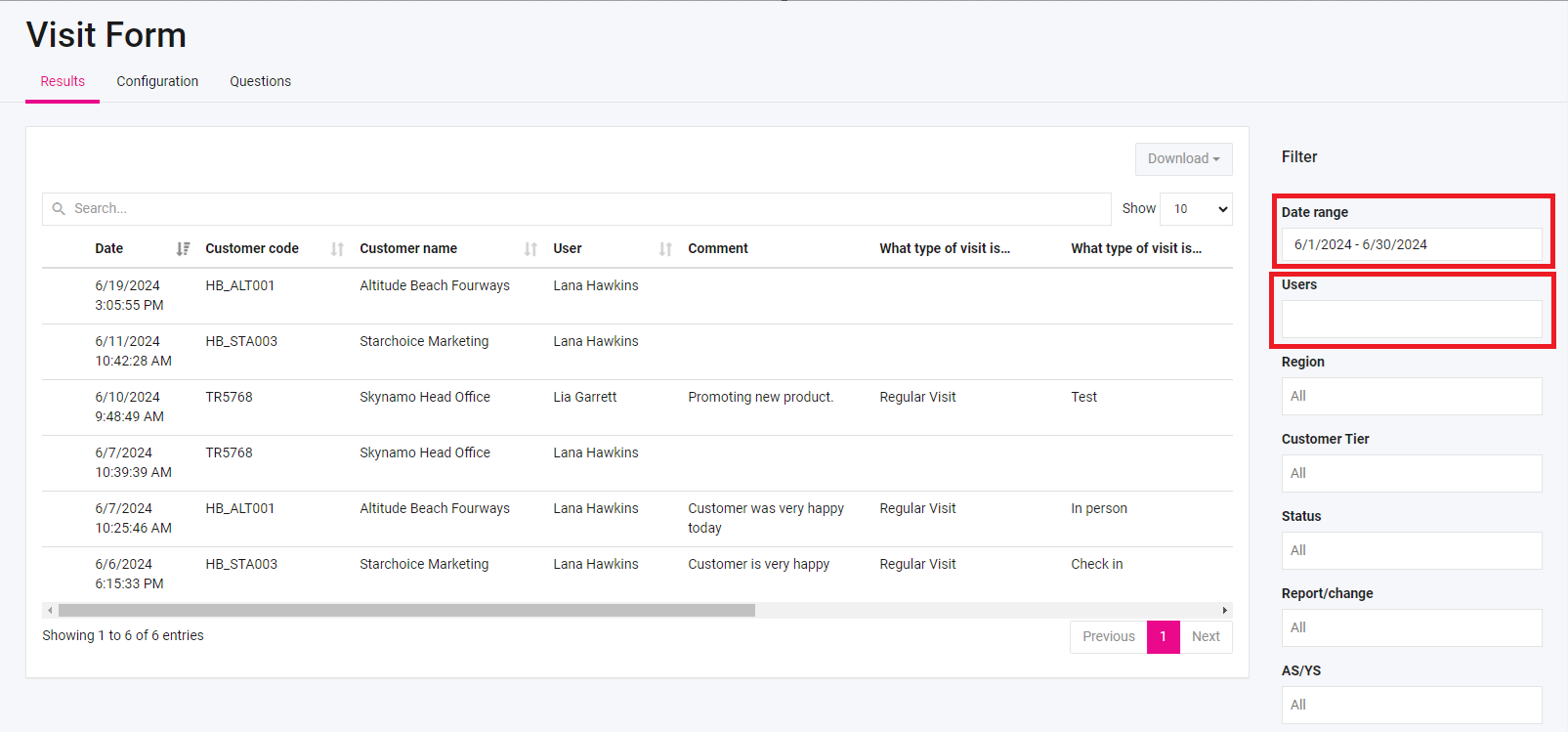
4. Apply the necessary filters, such as the Date Range and the Users on the right-hand side:
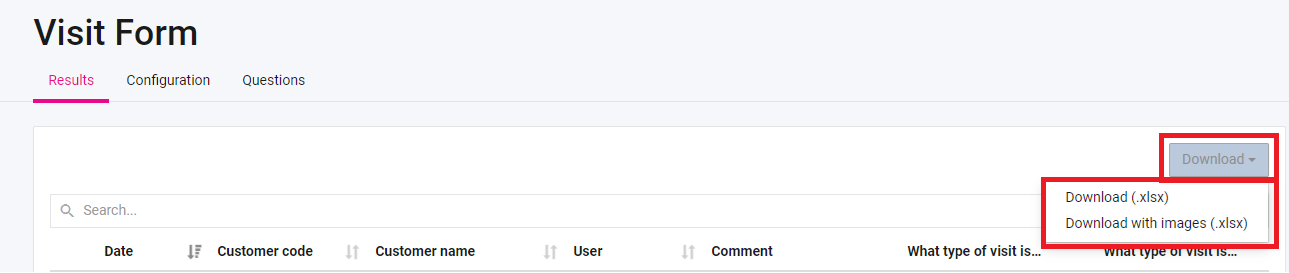
5. Click Download and select Download (.xlsx) to download the results in Excel format or Download with Images to download the results, with the images attached: