
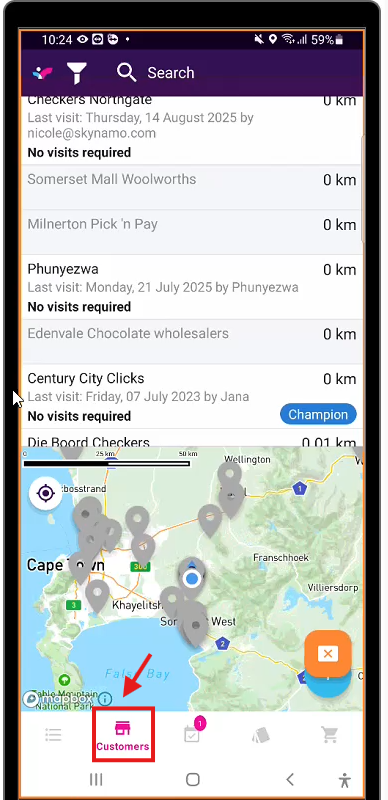
1. Navigate to the customer tab.
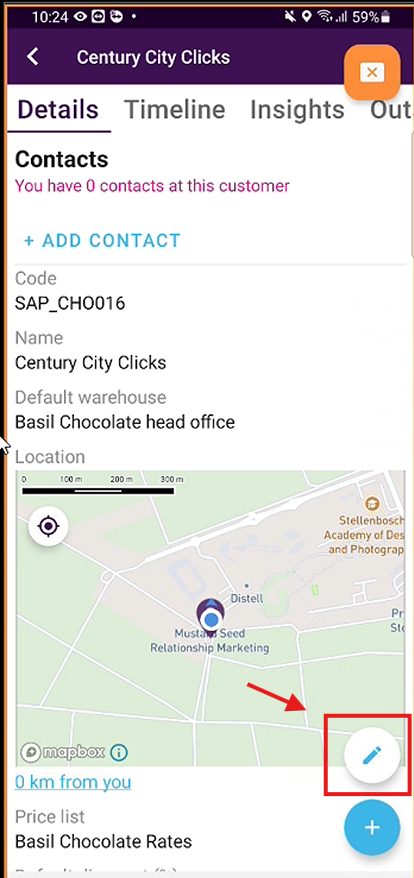
2. Click on the customer you would like to edit and click on the pencil icon.
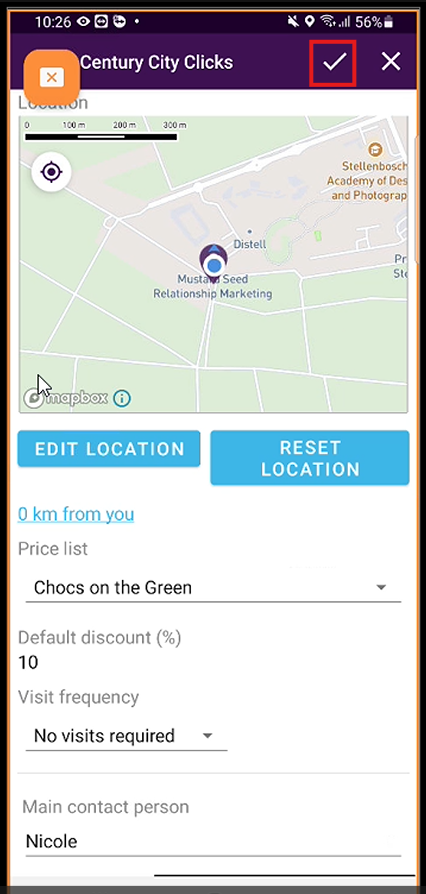
3. Edit customer profile as needed and press save once complete
1. Navigate to the customer tab.
2. Click on the customer you would like to edit and click on the pencil icon.
3. Edit customer profile as needed and press save once complete