
1. On your Skynamo web interface, navigate to the Forms tab:

2. Search for an open the form you wish to edit
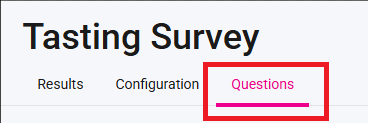
3. At the top, click on Questions:
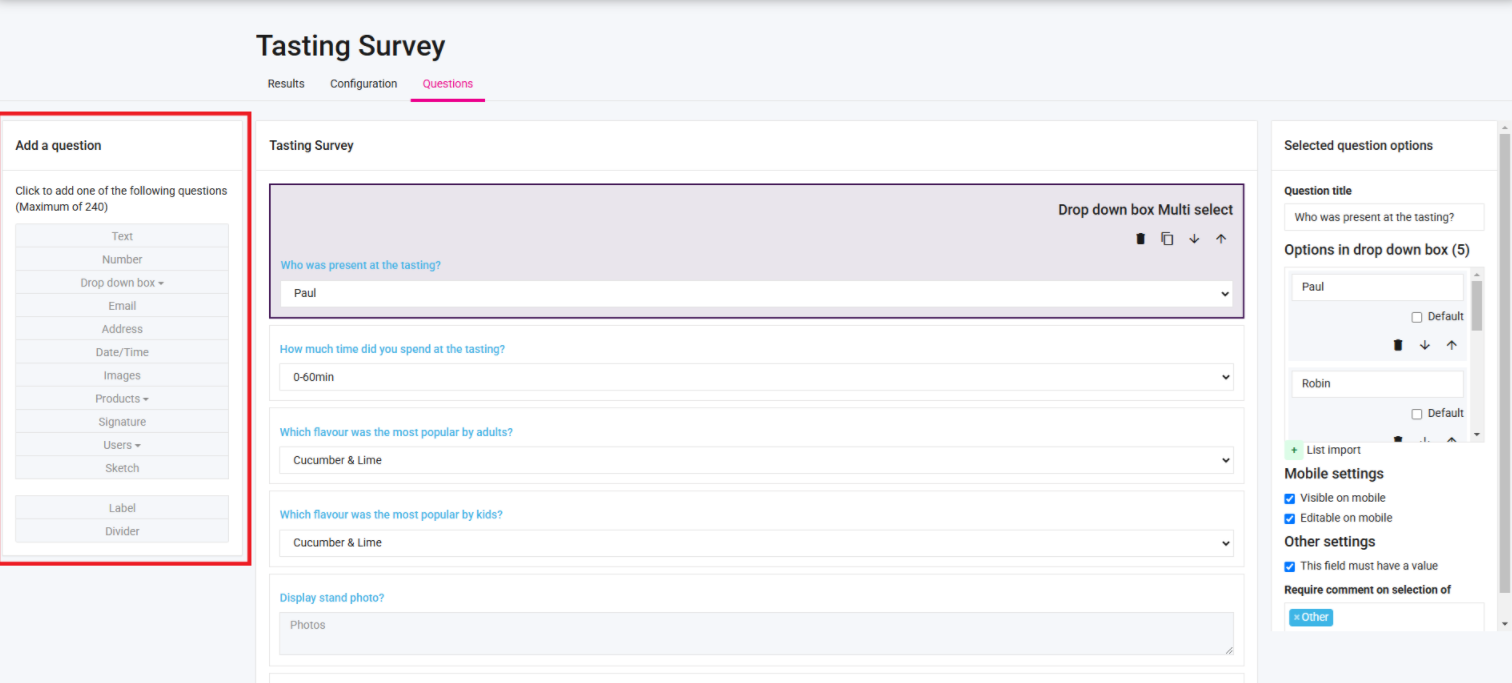
4. You can now add questions on the left-hand side:
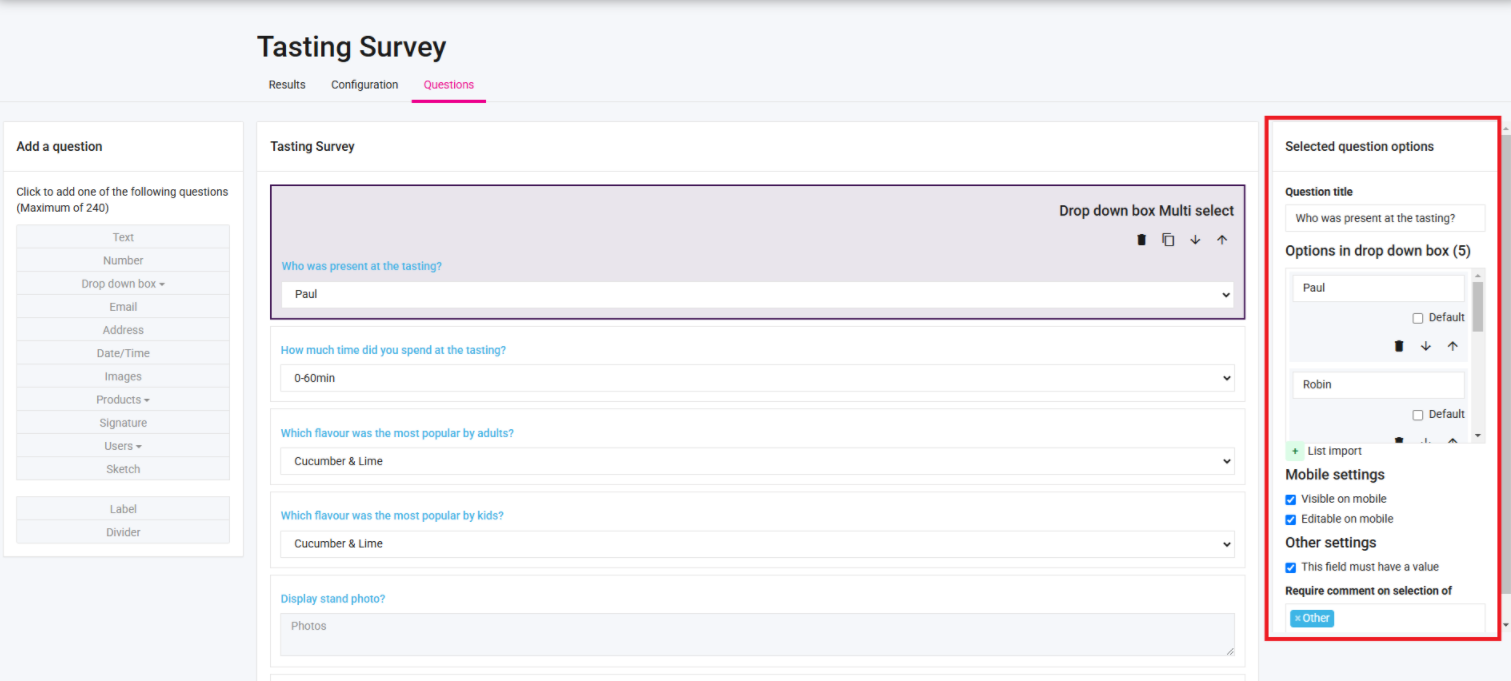
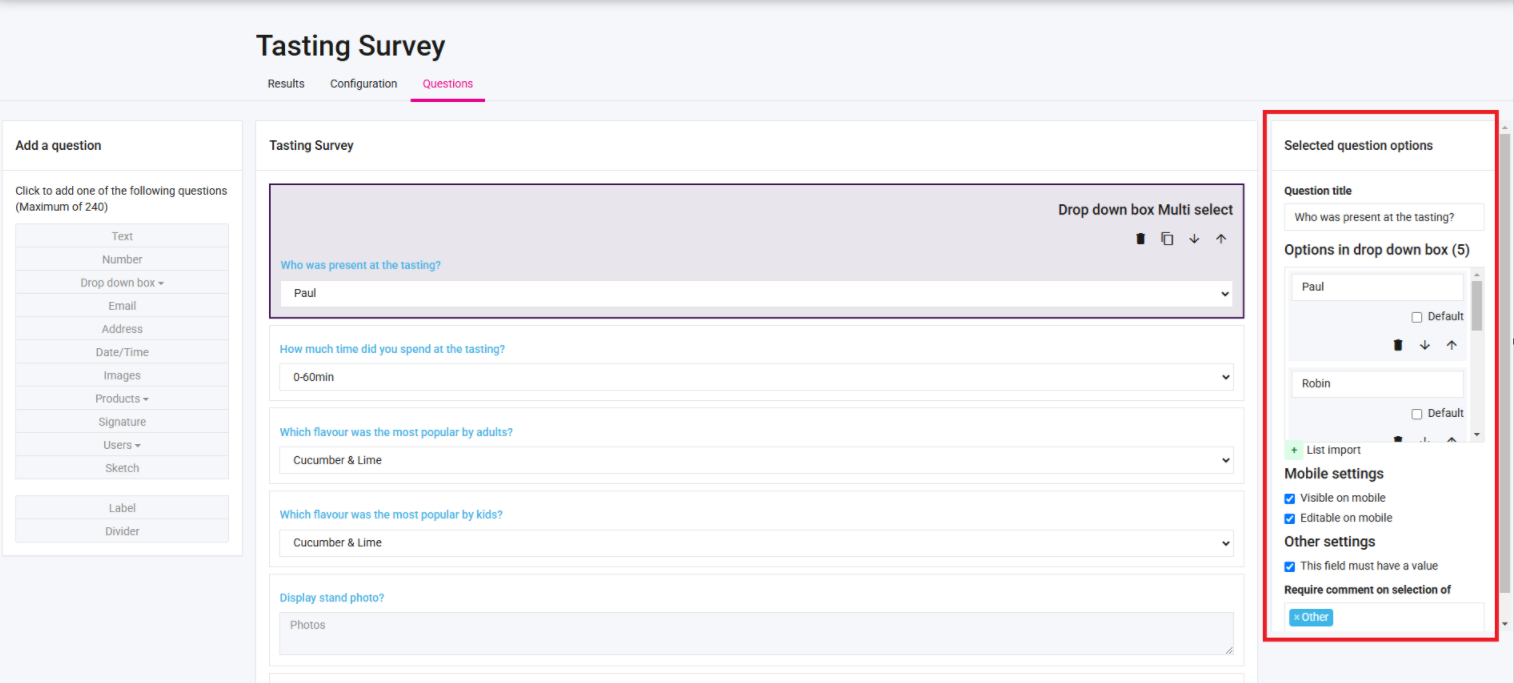
5. And then configure them on the right-hand side:
6. If you click on a specific question, you can delete it:
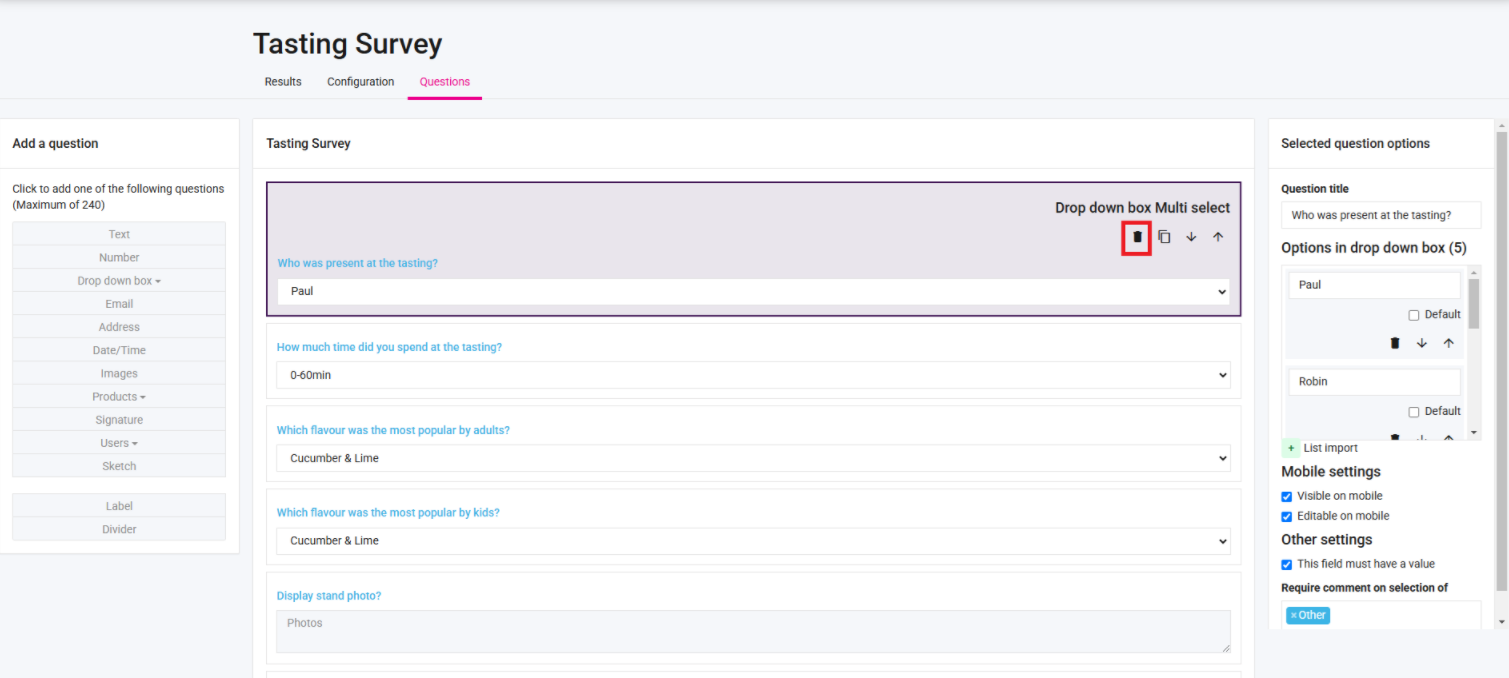
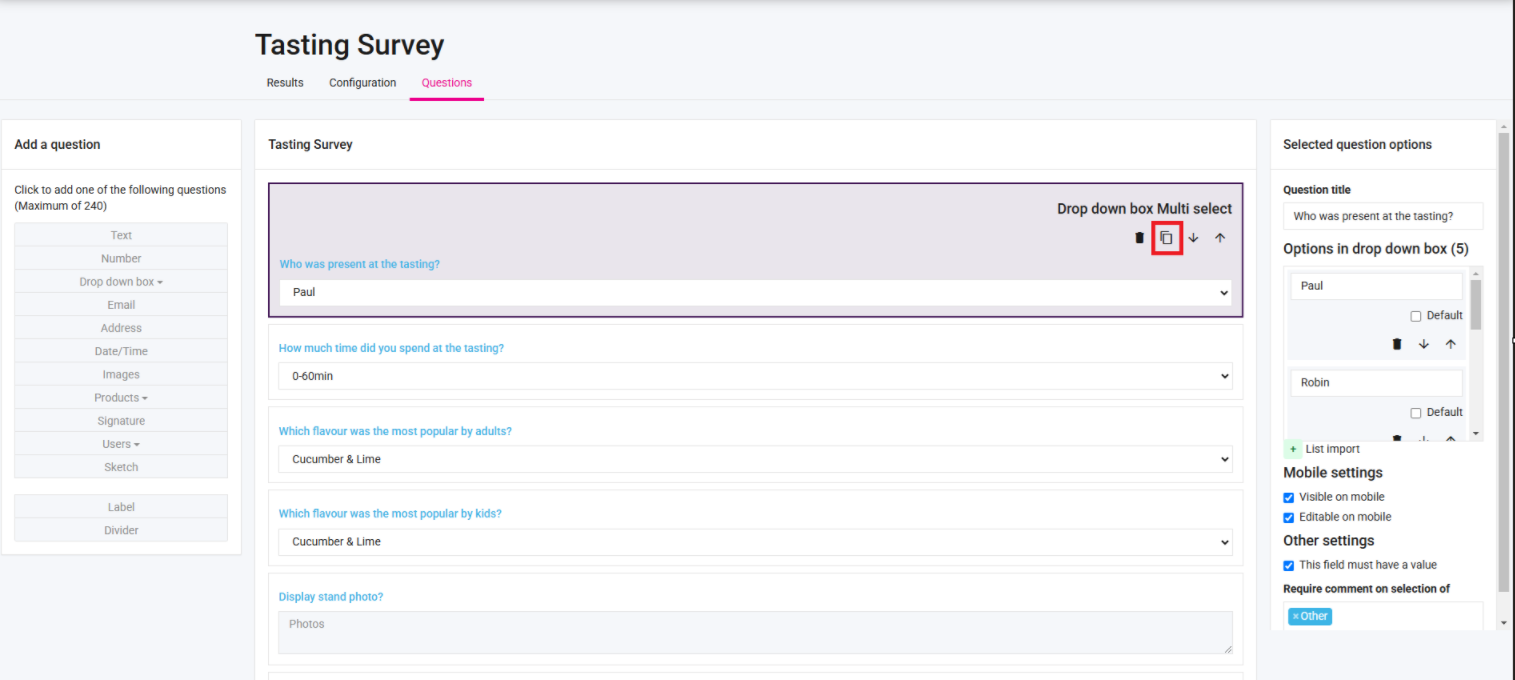
7. Duplicate it:
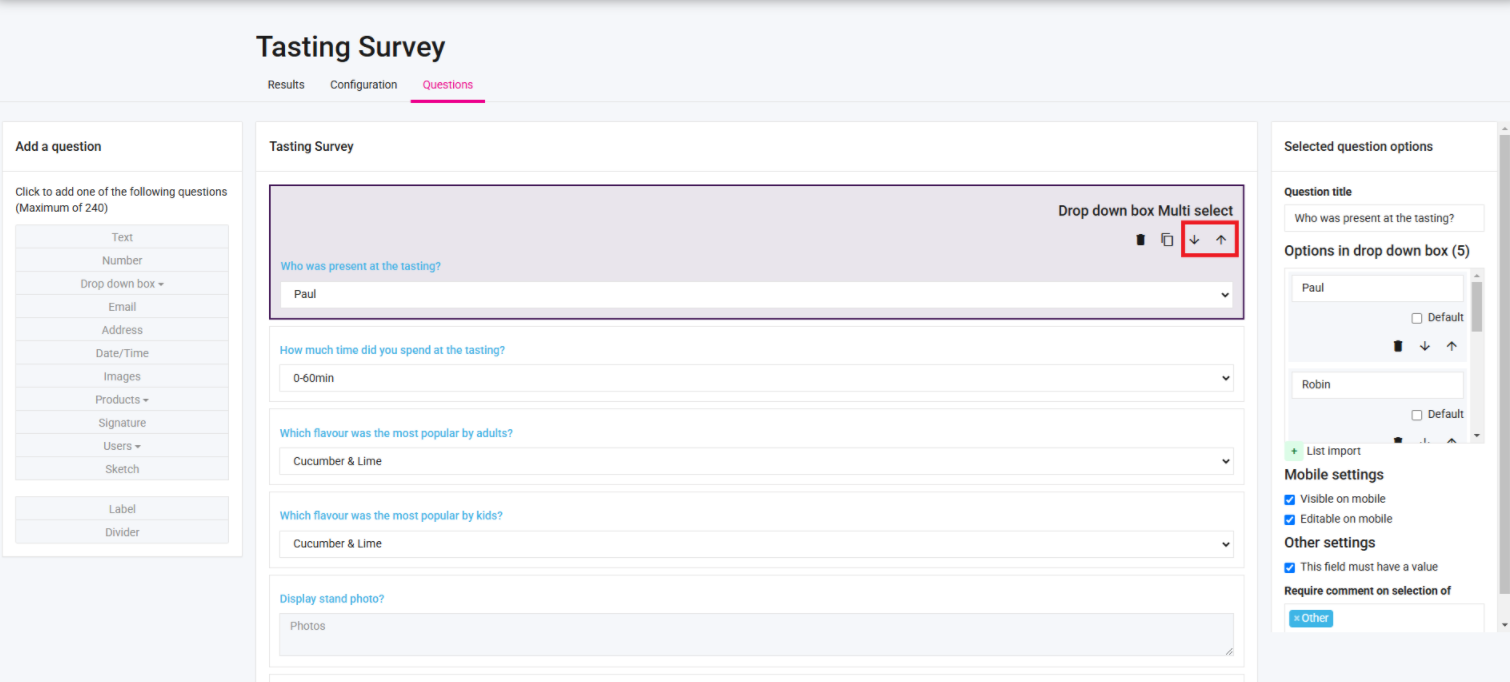
8. Move it up or down:
9. You can change the question title, drop down options (for a drop-down question field), or the configuration of the question on the right-hand side:
10. Always remember to click Save at the bottom when you are done making changes.