1. Navigate to the Timeline tab

2. Click on "Add"

3. Click on "Fill in Form"
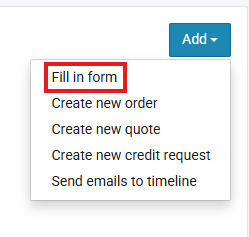
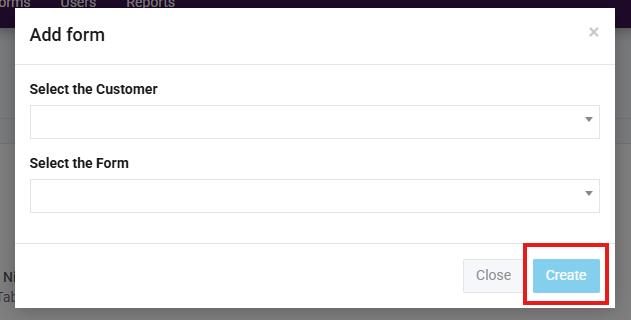
4. Select the customer and which form you would like to complete and click "Create"
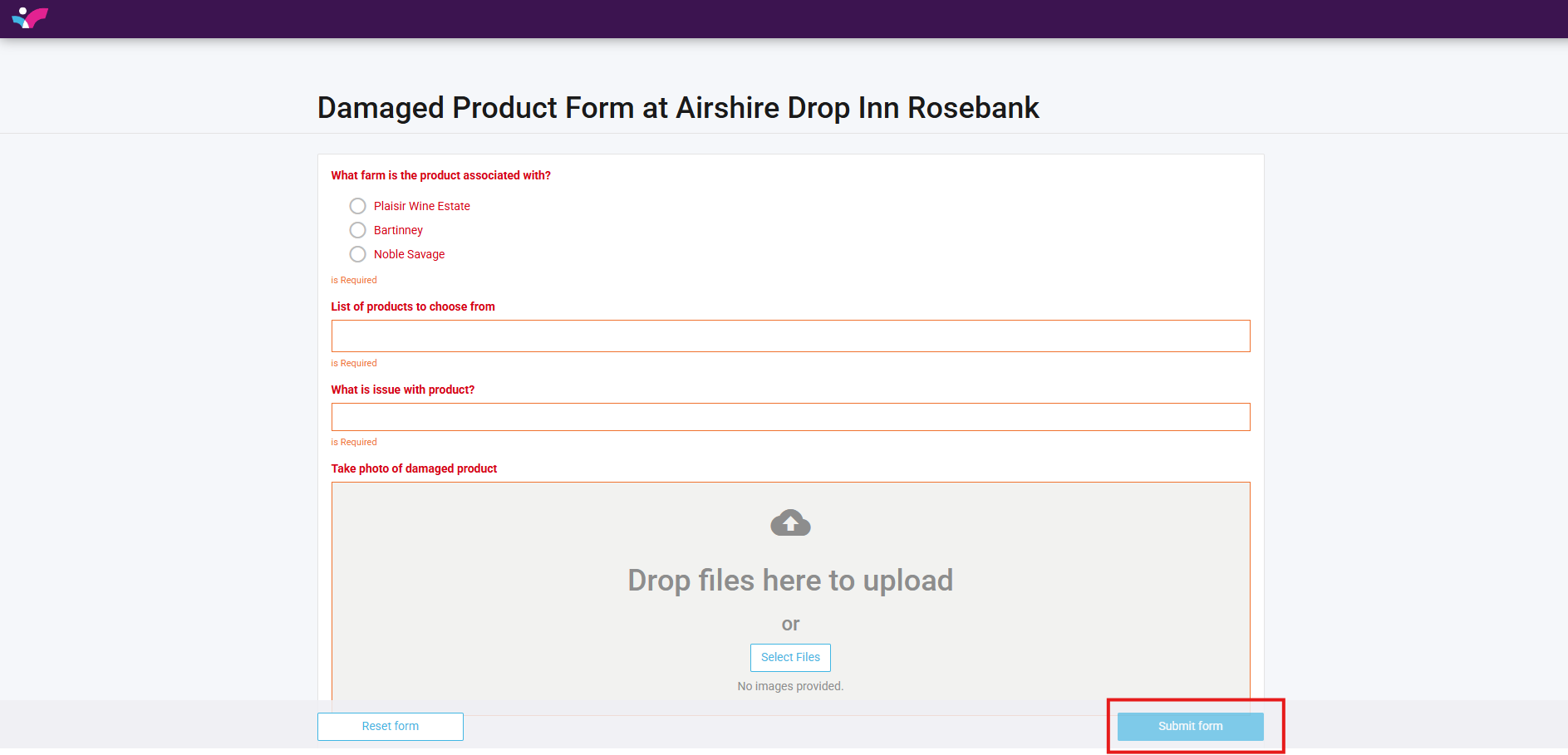
5. A new tab with the from will open, fill in the form as needed then click "Submit Form"