
1. On the Skynamo web interface, click on the Settings icon in the top-right corner of your screen:

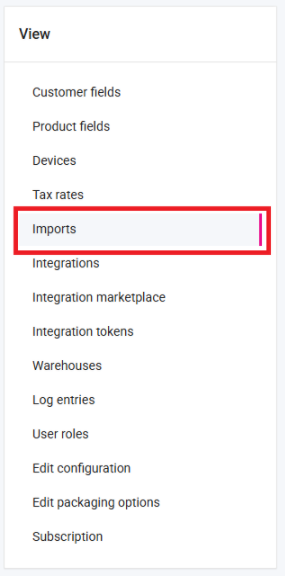
2. Click on Imports on the left-hand side:
3. Click on Import contacts:

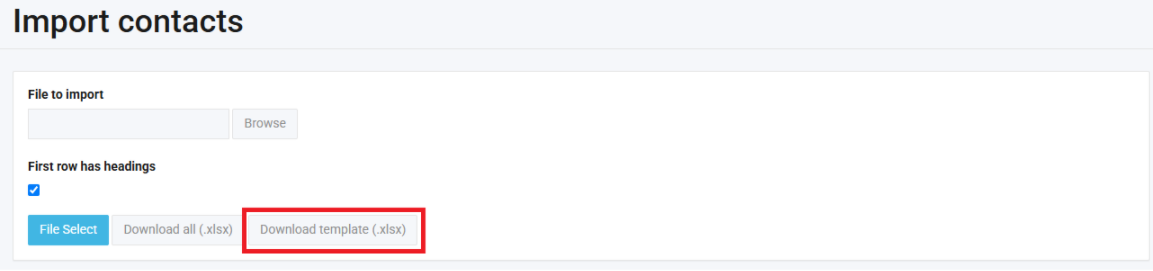
4. Click on Download template (.xlsx):
5. Open the Excel file that downloads to your PC and fill out the template with your contacts' details. Save the file when you are done
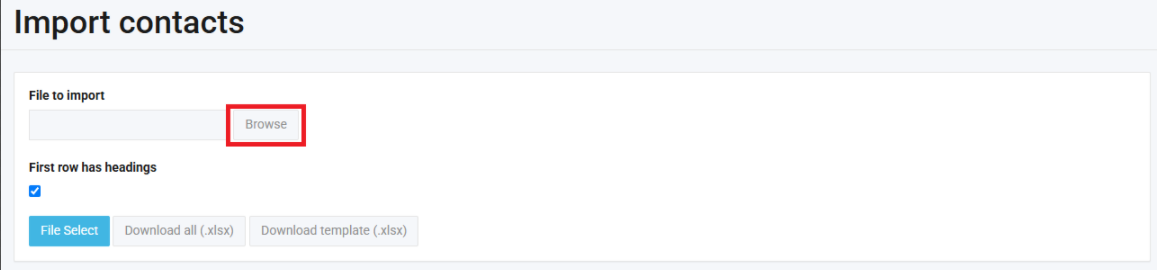
6. Back on Skynamo, on the Import contacts page, click on Browse and select the file:
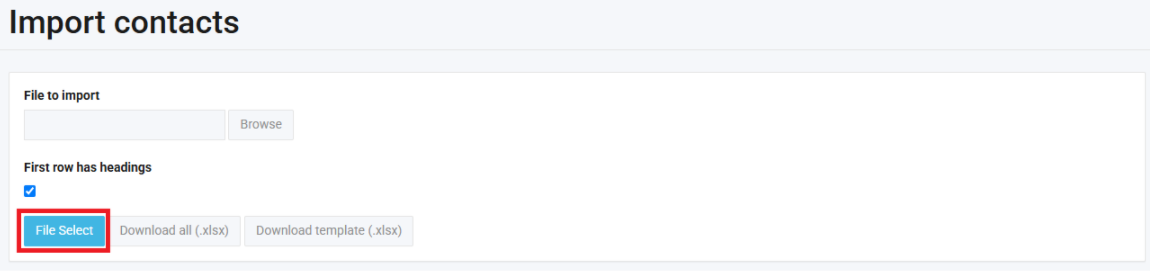
7. Click on File Select:
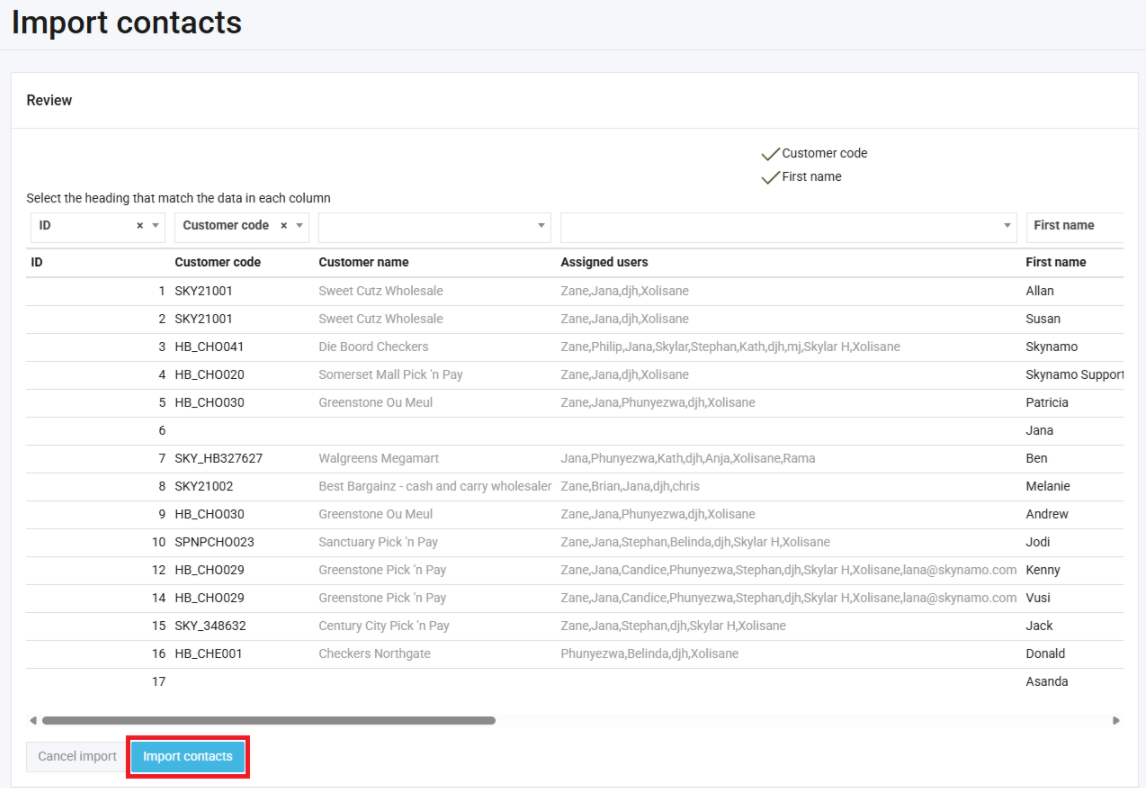
8. Click on Import Contacts:
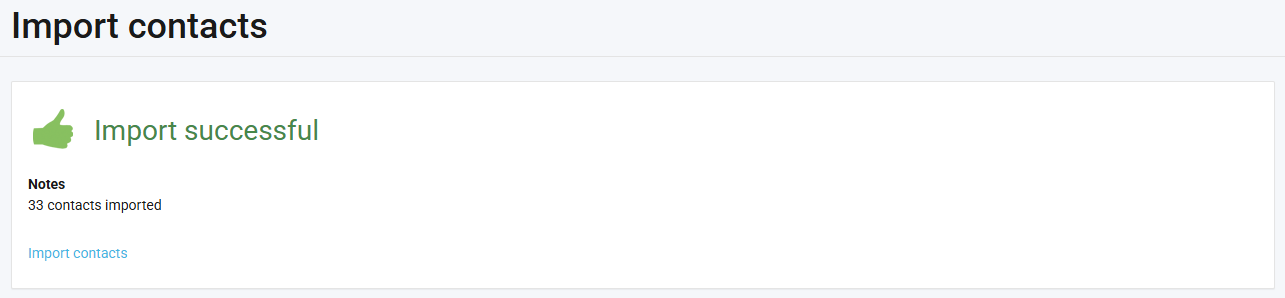
If your import is successful, you will see the following message:
If your import fails, follow this article for guidance.