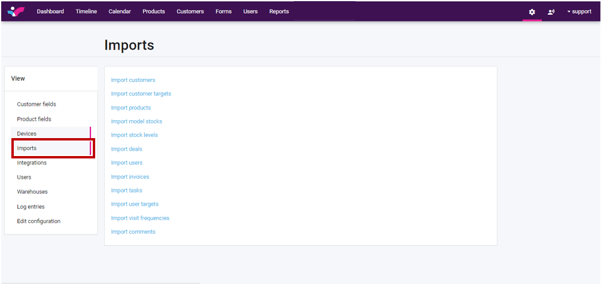
Navigate to “Settings” at the top right of your screen, select “Imports” from the Administration list to the left, and choose from the list what you would like to import.
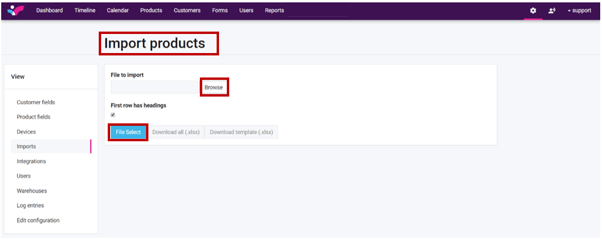
Let’s use “Products” for example: Click “Browse” to locate the updated Product List, then click on "File Select".
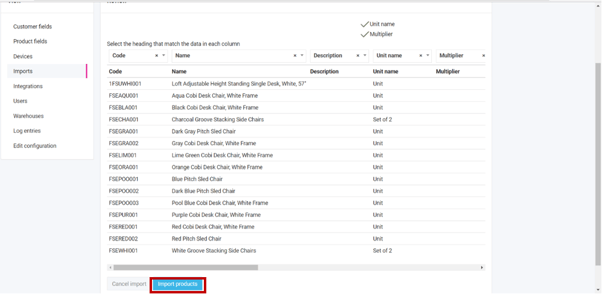
Ensure that the headings match the data in each column:

To start the importing process, click on "Import products".
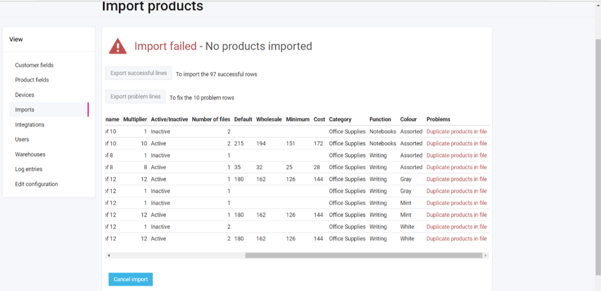
When an import fails it can be because of several reasons. Please export the document to see the problems on the document (Problems column on the excel document). After the error(s) are fixed, you can import it again. Errors will not be uploaded.
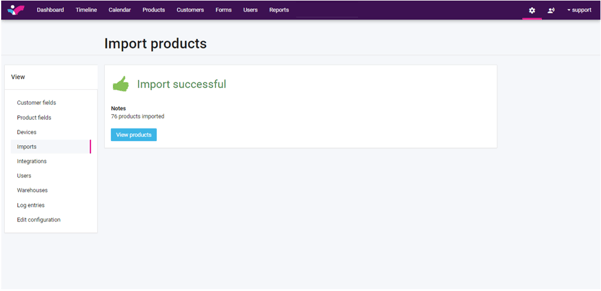
If the import is successful you will see the below message.