
This article will take you through importing your tasks and scheduled visits. To see how to complete the template/Excel file for import, please see this article: Understanding the Call cycle/Tasks template
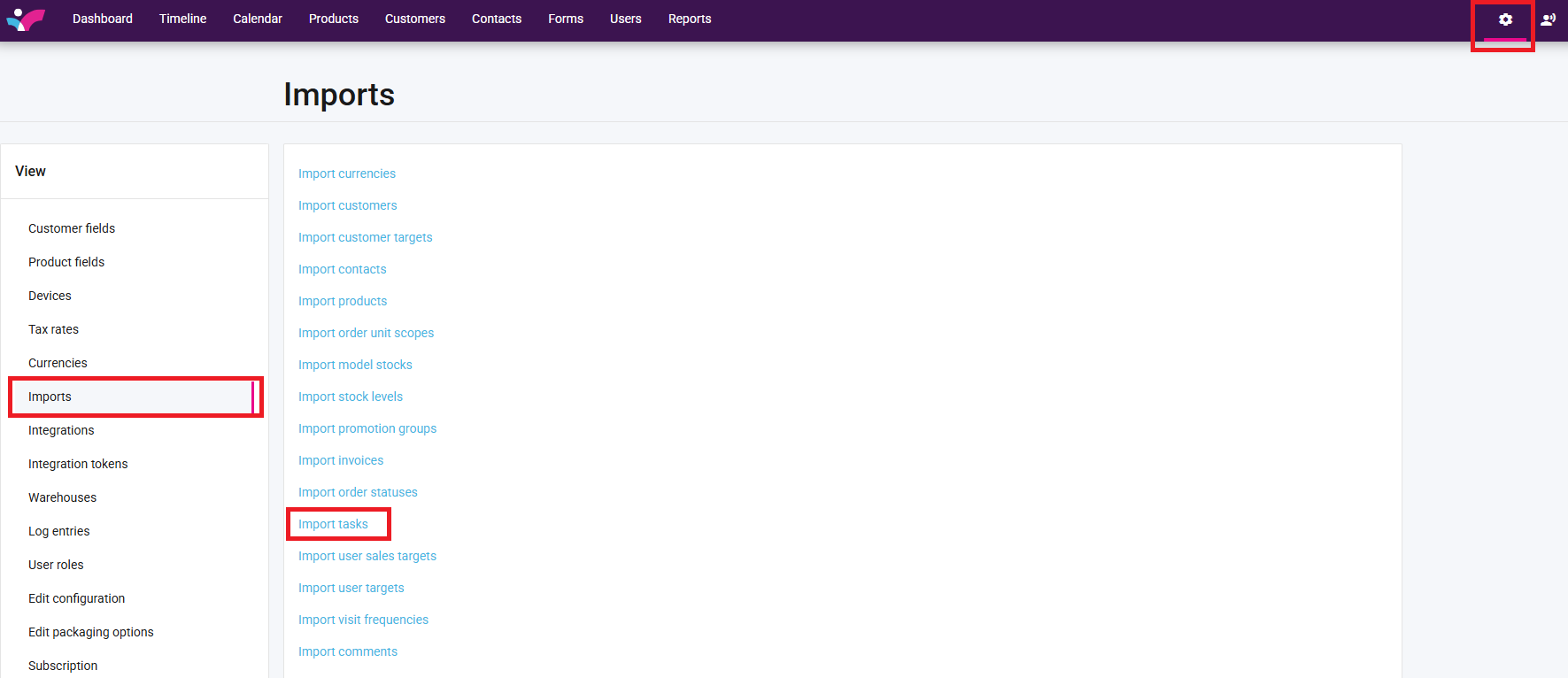
1. On your Skynamo web interface, click on the Settings icon at the top-right corner of the screen -> Imports -> Import tasks:
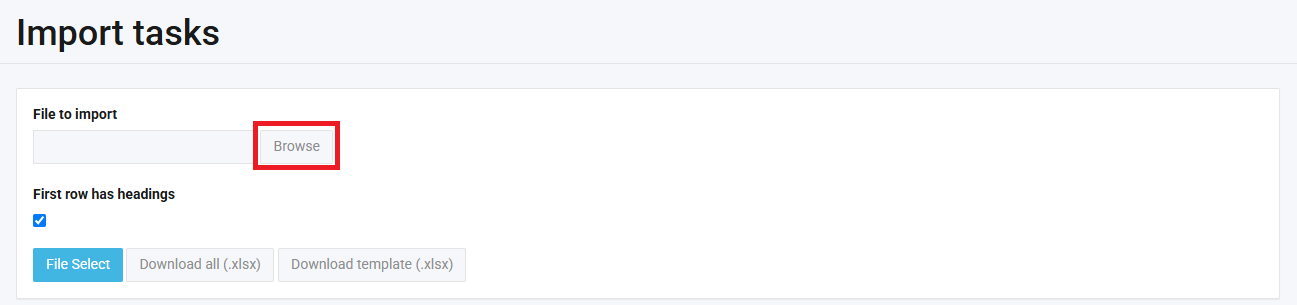
2. Click on Browse and select the template that you completed:
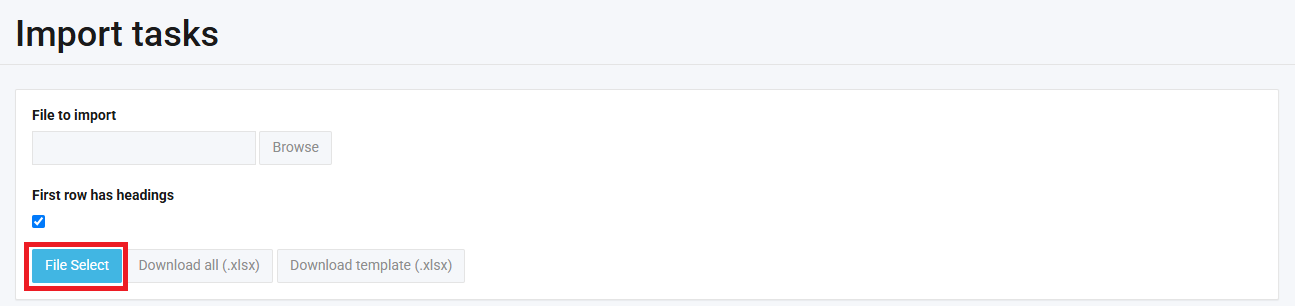
3. Click on File Select:
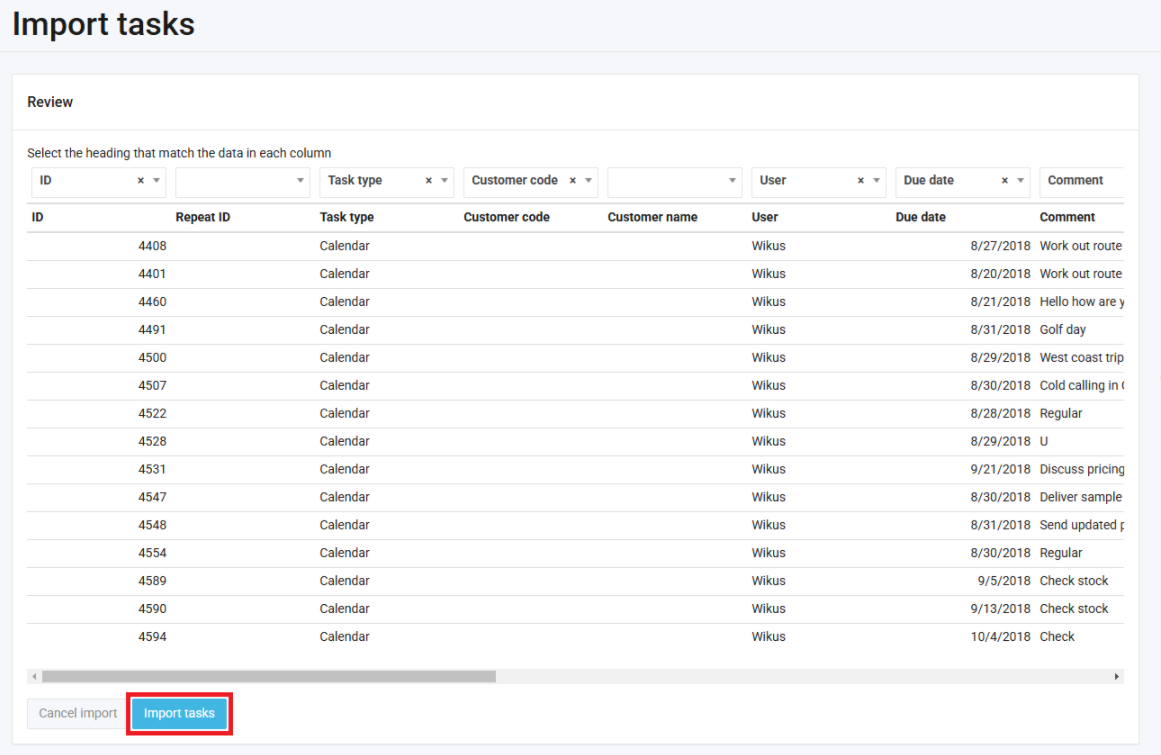
4. Make sure that your headings match up. In other words, make sure that the drop-downs at the top match the headings underneath:

5. Click on Import tasks:
Give some time for your import to run. If your import is successful, you will see the below message:
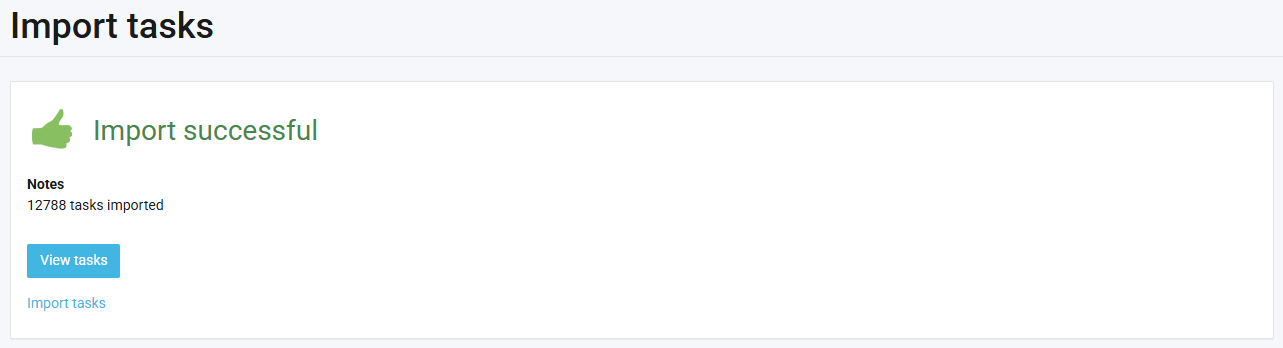
If your import fails, see the following article: How to resolve import failures