To enable the odometer reading popups:
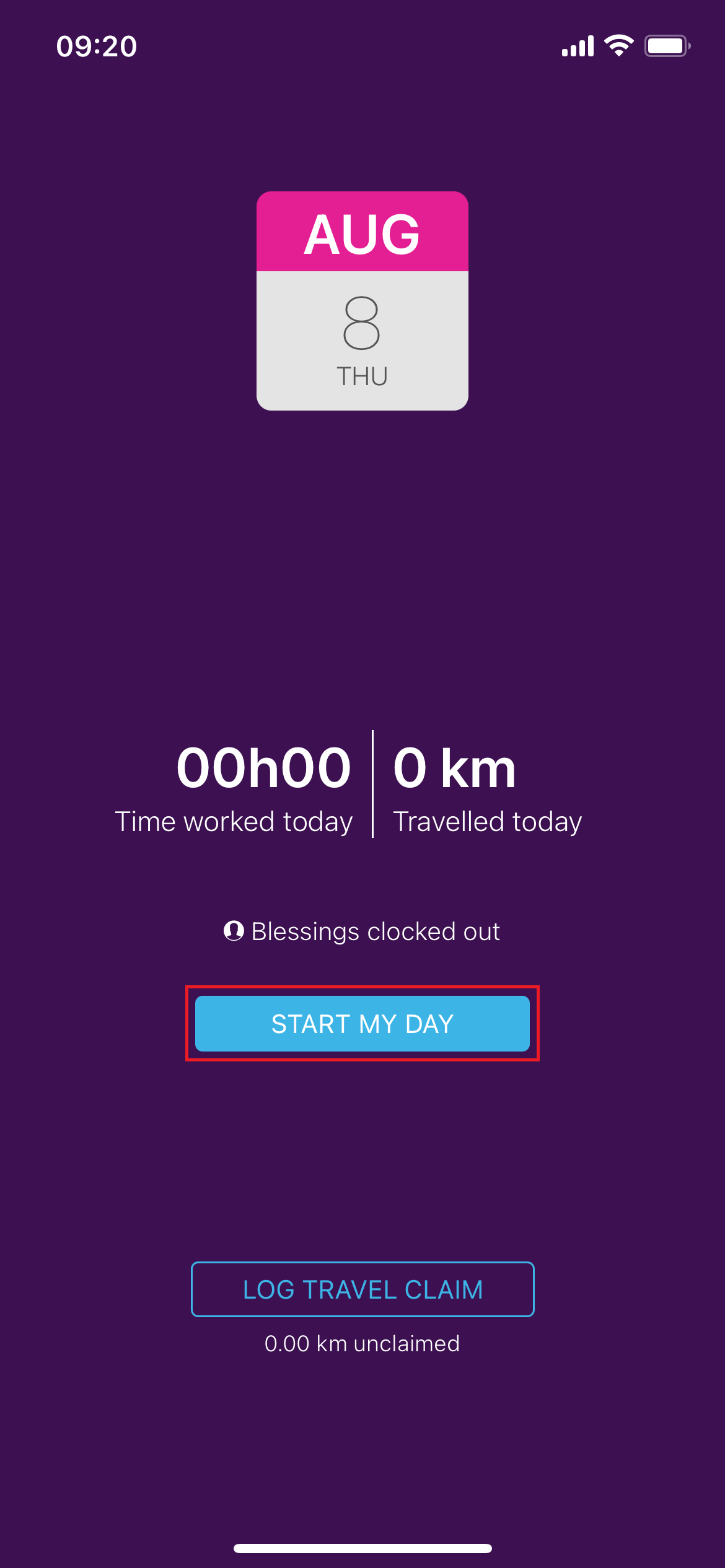
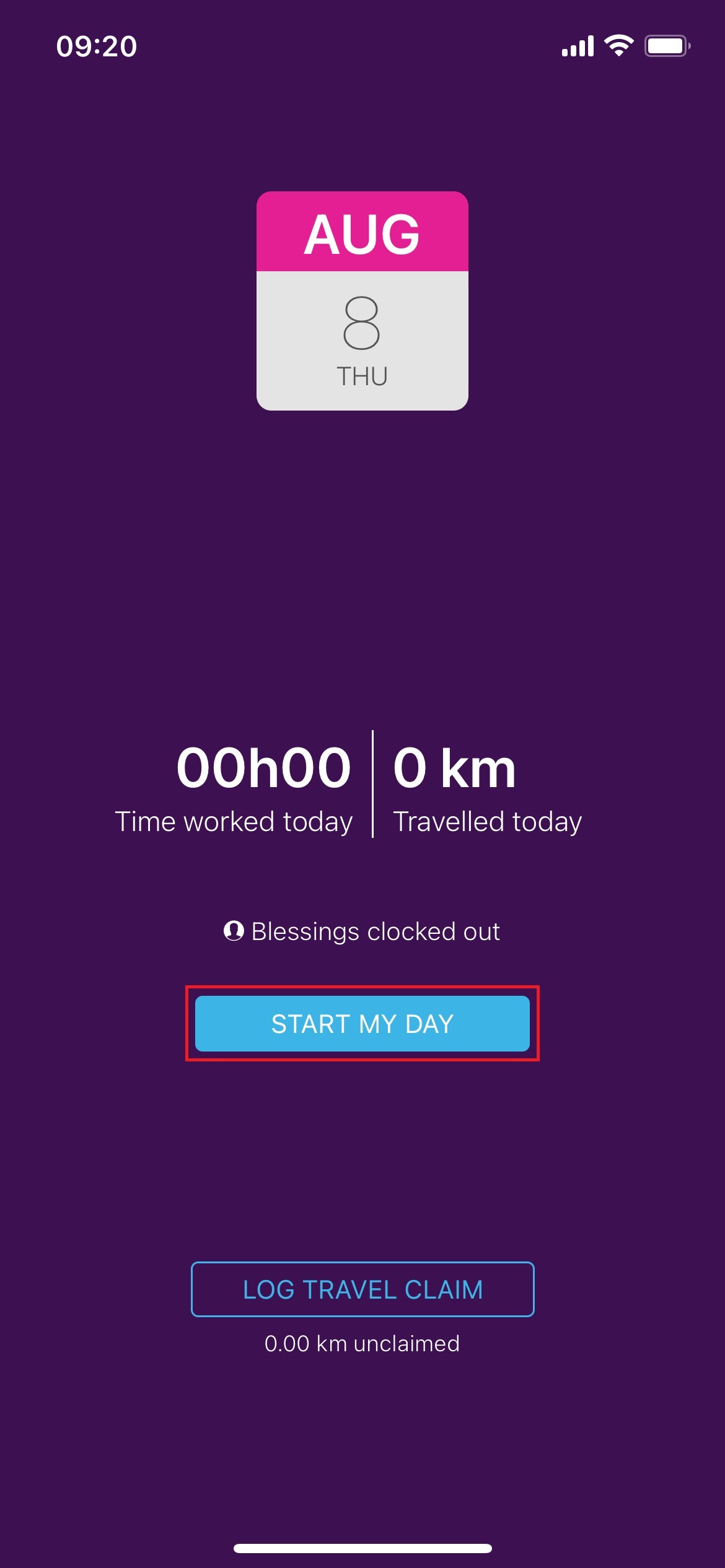
1. Clock in by tapping on Start my day
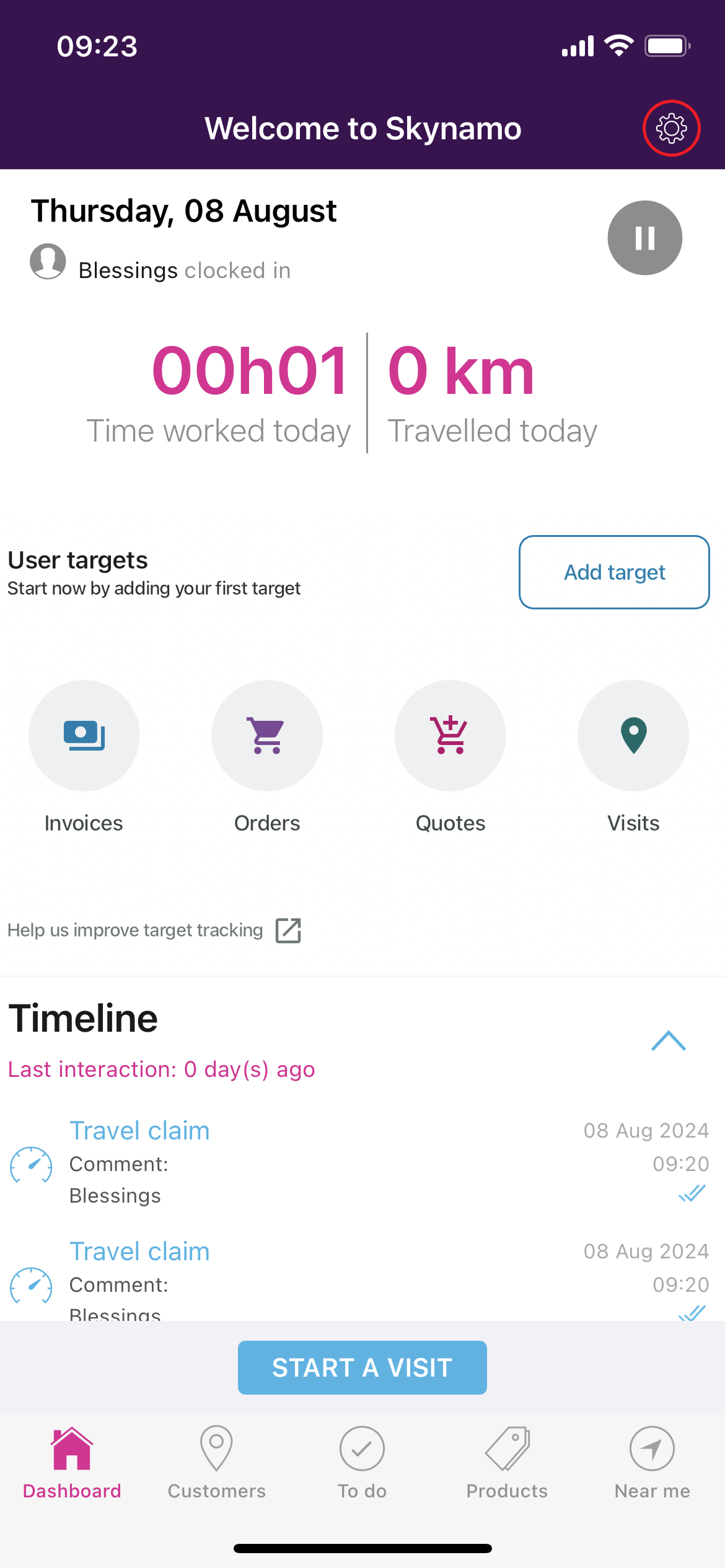
2. Go to Settings
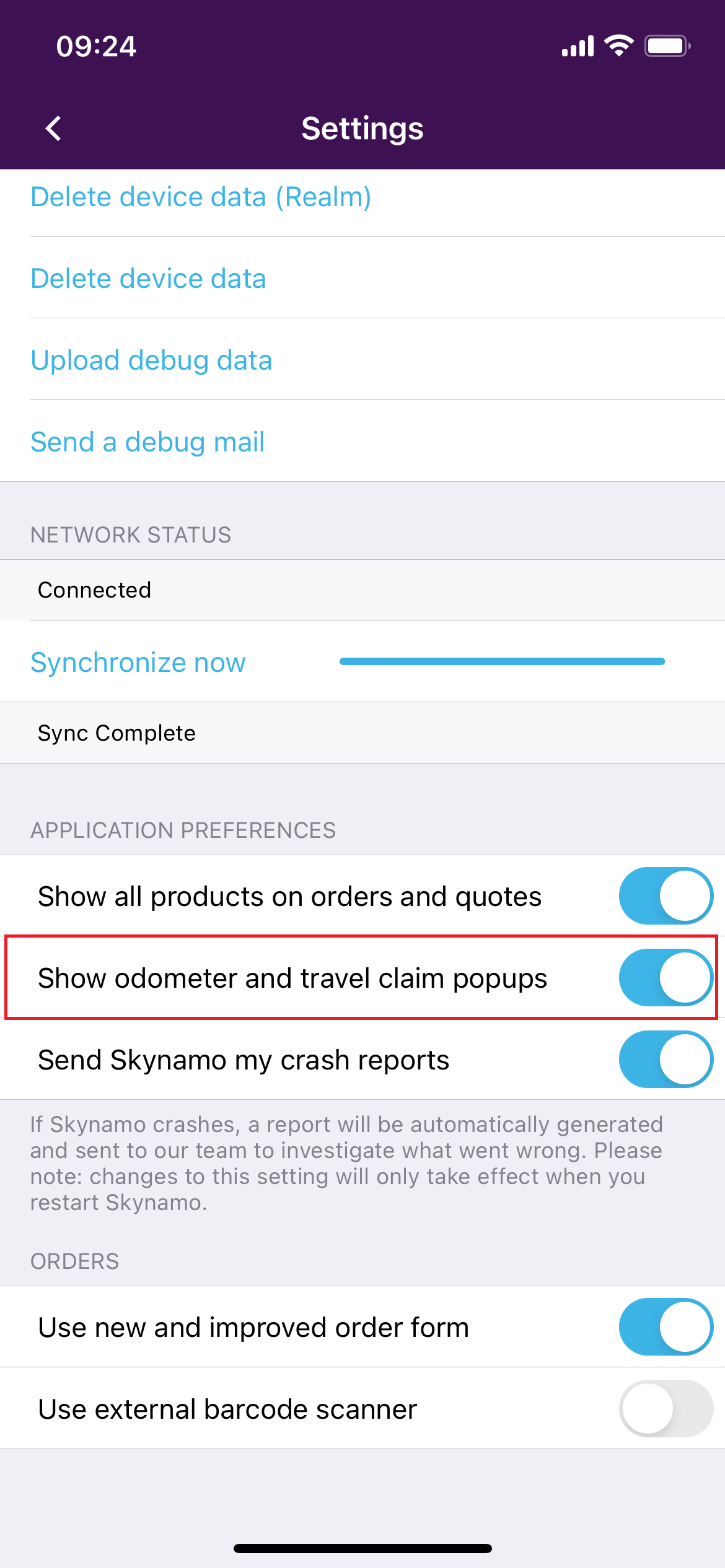
3. Switch on the "Show Odometer and travel claim popups" Option
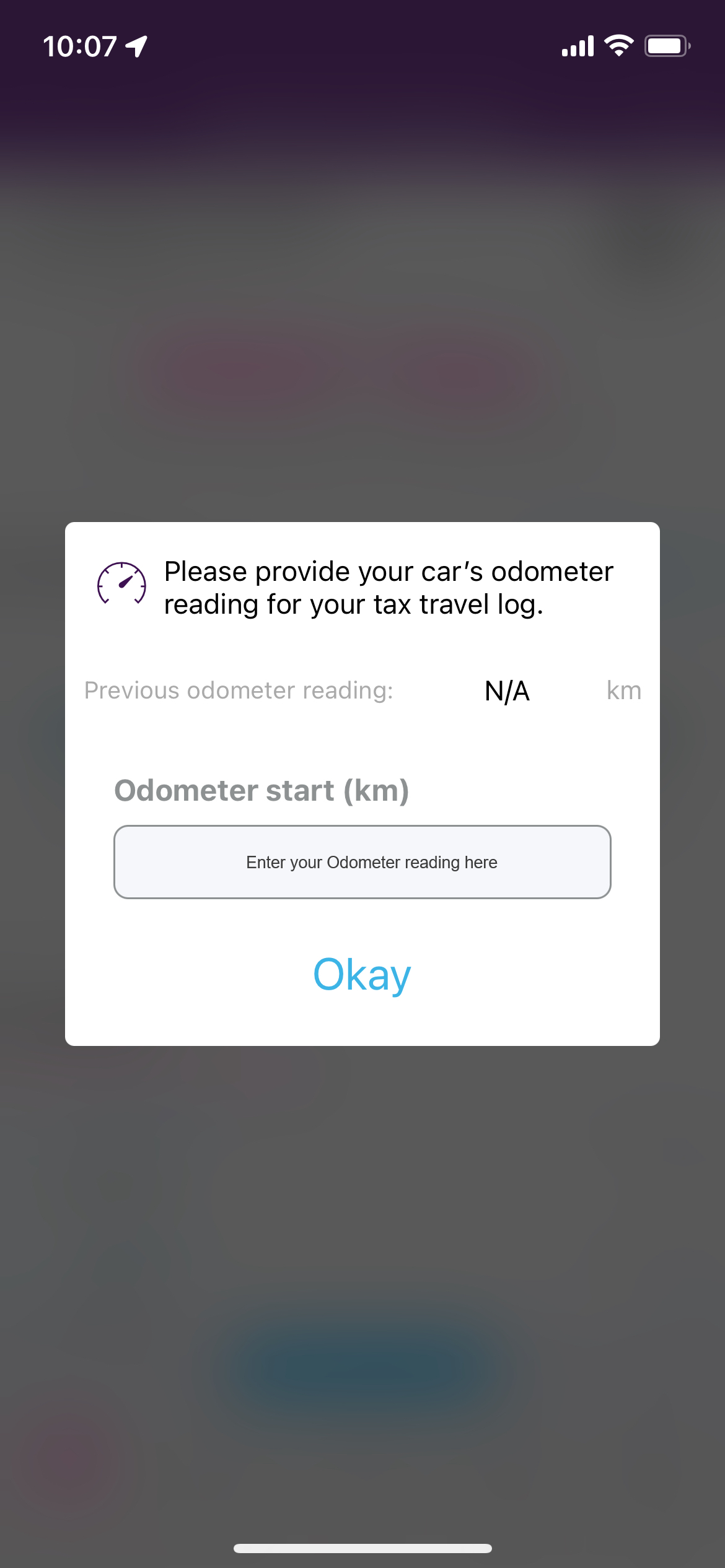
The next time you clock into Skynamo, you will see a pop-up box to enter your odometer reading.
Logging the odometer reading:
Clock in by tapping on Start my day
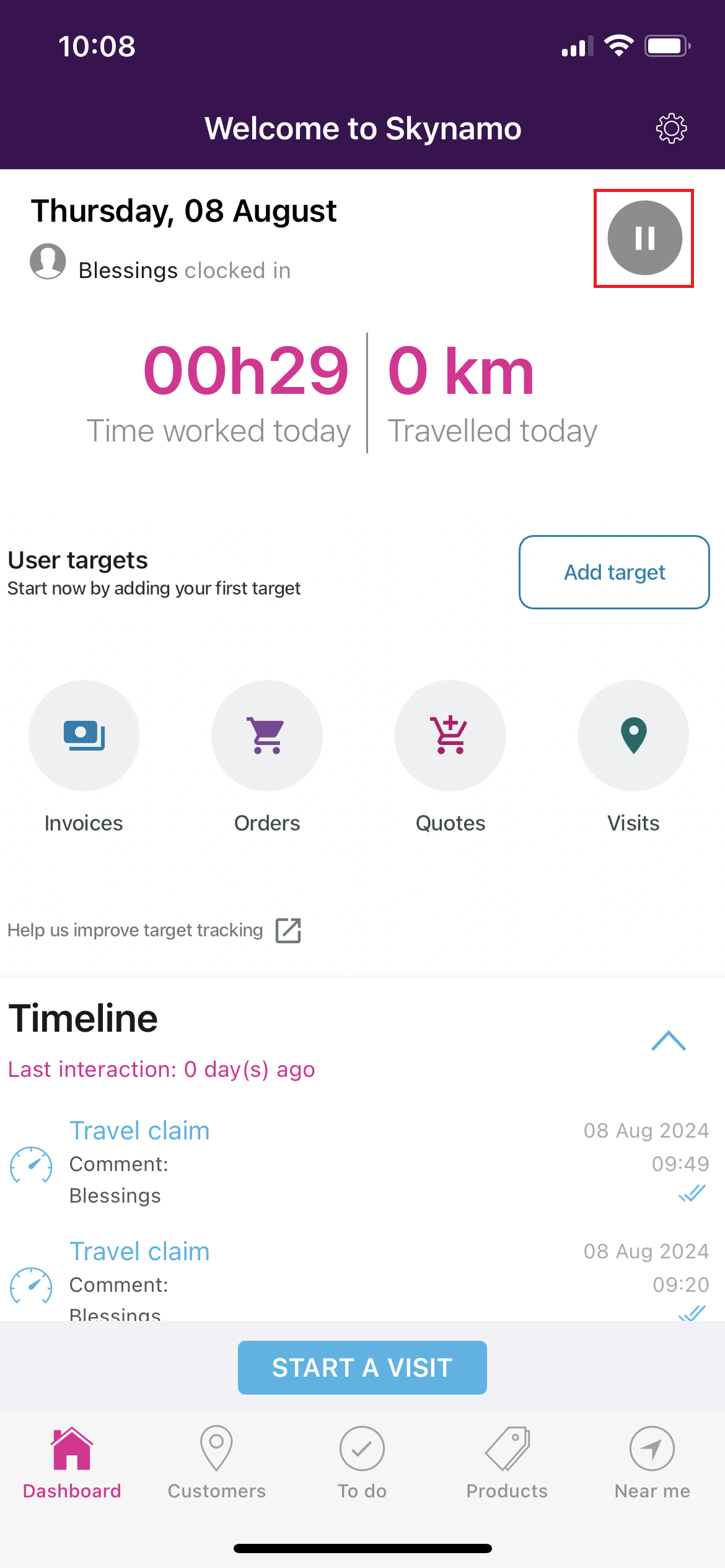
Clock out at the end of the day by pressing the pause button (two vertical lines next to each other)
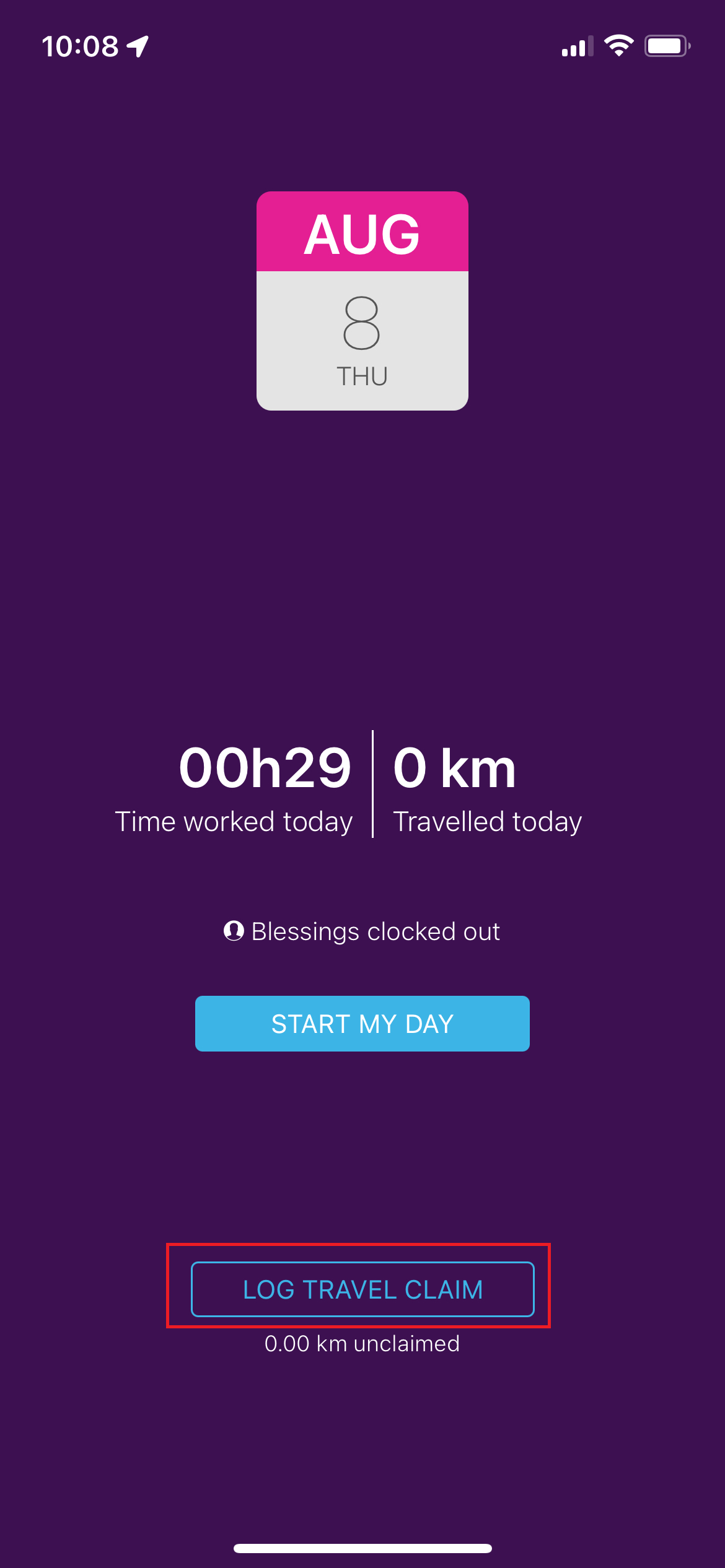
Log your travel claim
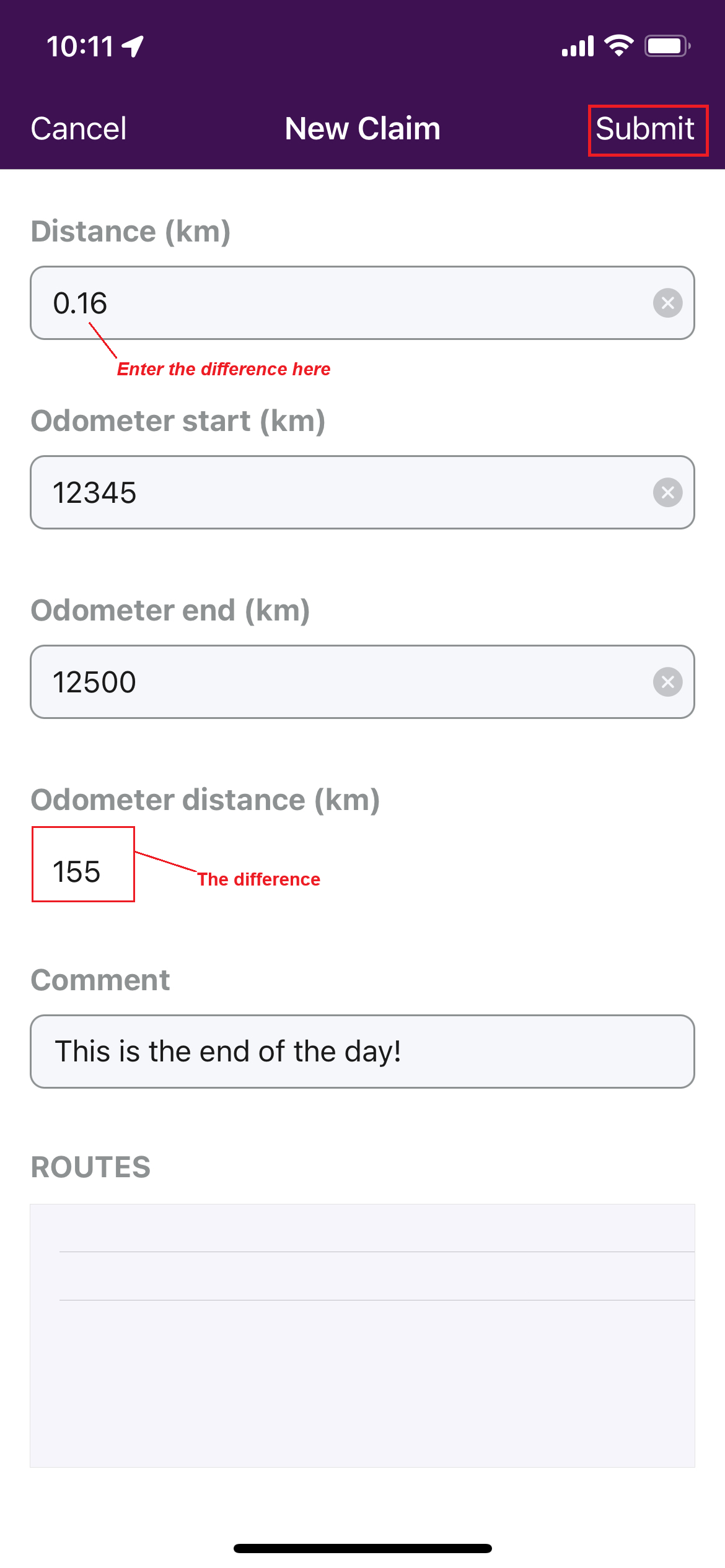
Enter your odometer reading at the end of your day. The difference in distance between your start and end odometer readings will be automatically calculated and displayed underneath "Difference".
Please note, that you will still need to enter this difference in the “Distance to claim” field and Press “Submit Claim”.