
This article will show you how to log into Skynamo on your backend.
- Paste your company URL into your browser’s address bar.
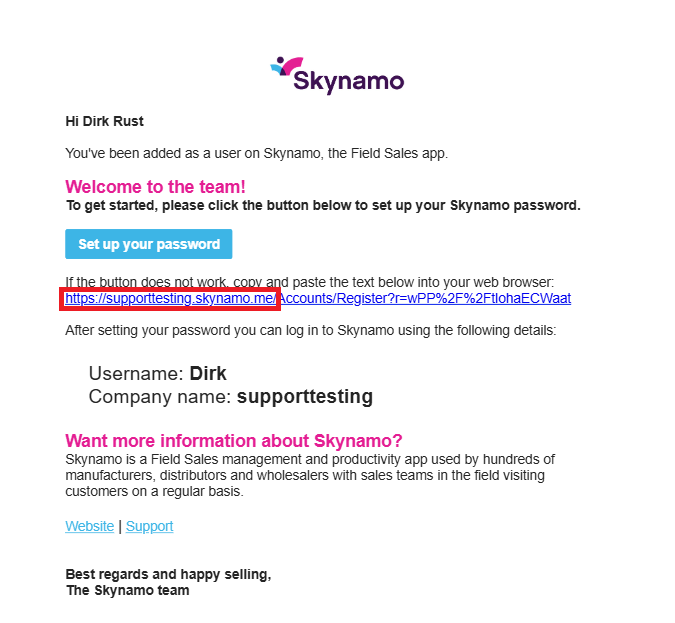
You can find your company URL in your Welcome Email where you set up your password for Skynamo: Setting up your password for the first time
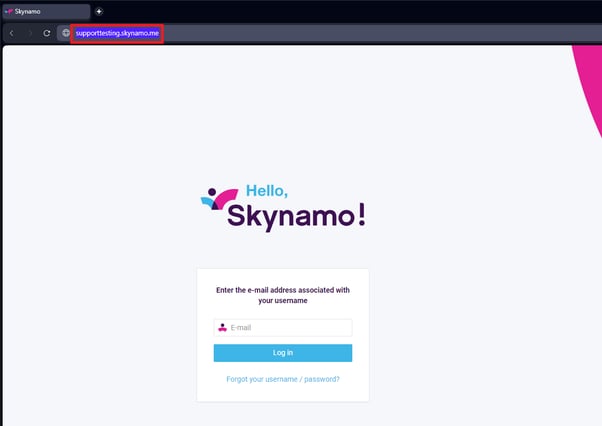
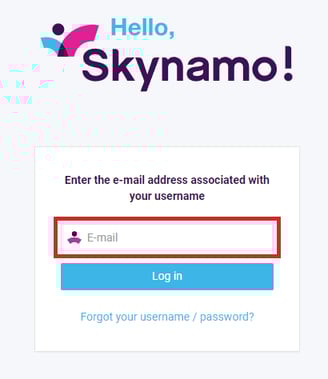
- Enter your email and click on the blue “Log in” button.
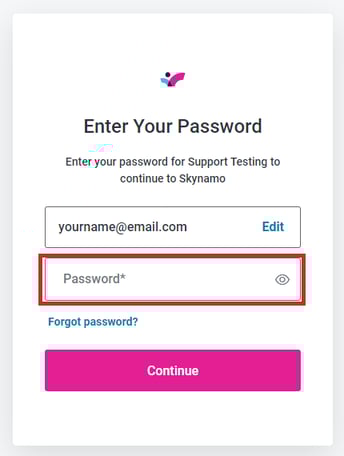
- Enter the password that you created for Skynamo and press “Continue” to log in.
If you have any queries or need assistance, please contact Skynamo via email at support@skynamo.com or call:
SA: +27 861 345 345
USA: +1 917 242 3582
UK: +44 203 150 0217