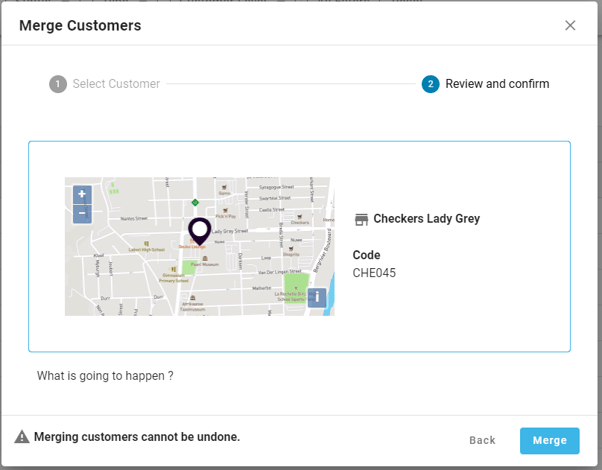
*Please note, merges cannot be undone, so please ensure that you are merging the correct customers.
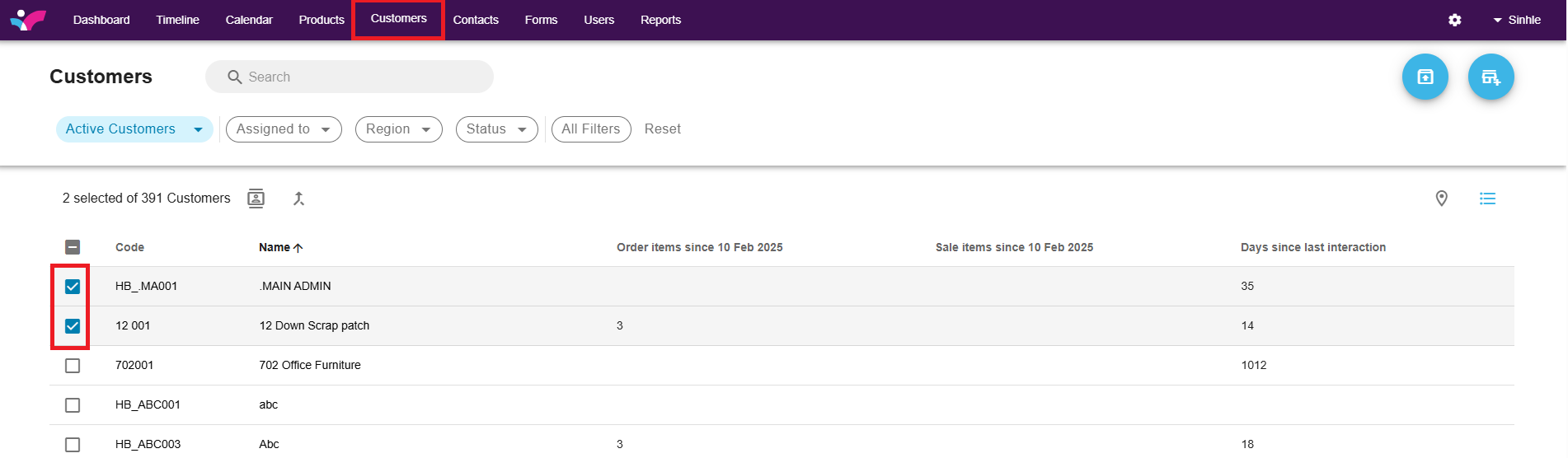
1. Click on the customer tab. Select two customers to merge by ticket the boxes next to them.
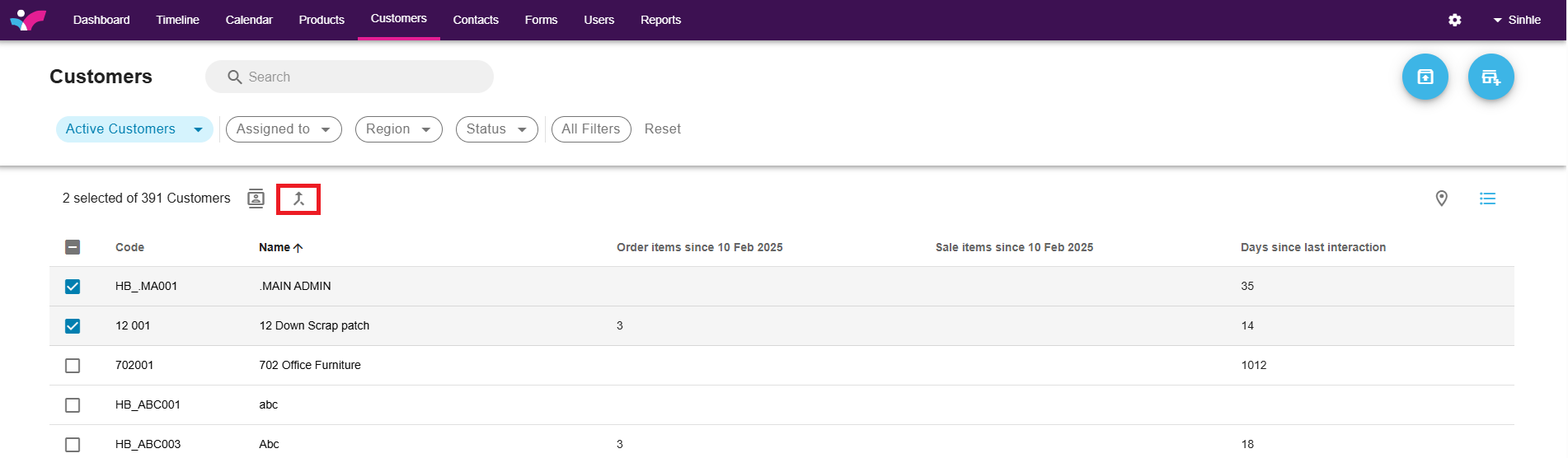
3. Click on the merge arrow.
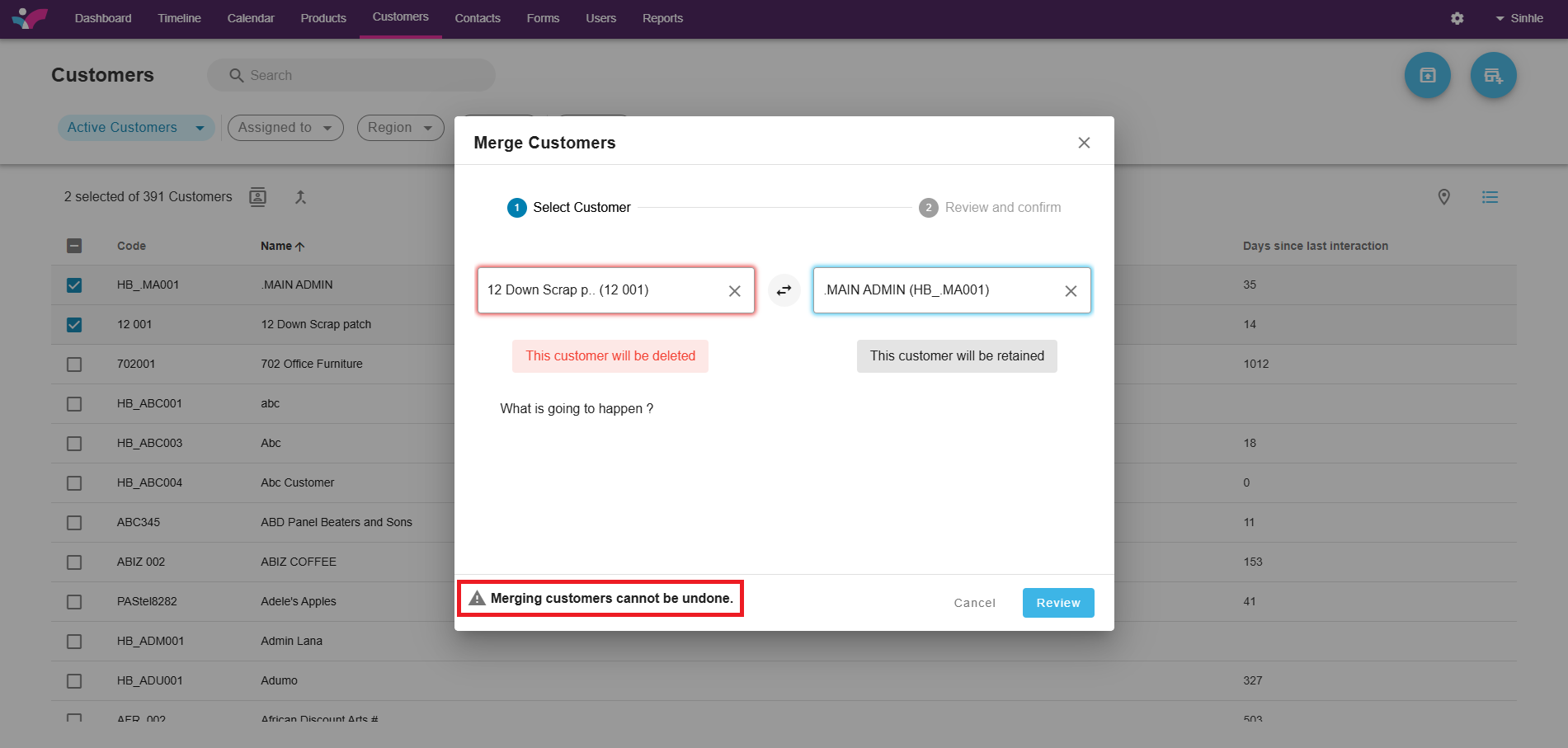
3. A block will then appear for you to select which customer you want to delete, and which one you want to retain. Please also note that merges can not be undone.
4. Select the Blue Review Button to continue. If you are 100% sure this is what you want to do, select the Merge button in blue to complete the Merger.