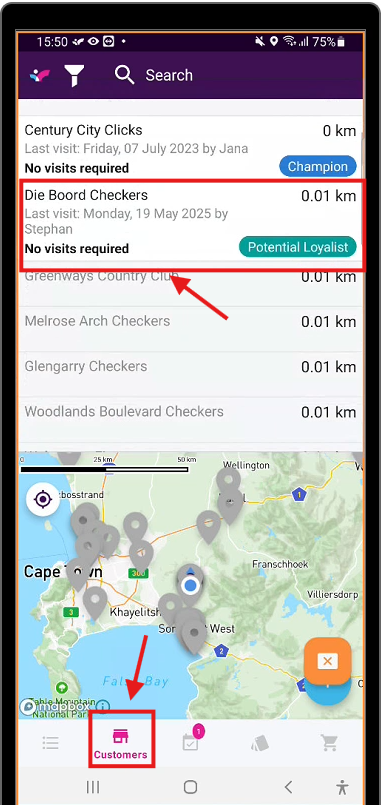
1. Navigate to the customers tab and select the customer you'd like to place the quote with.
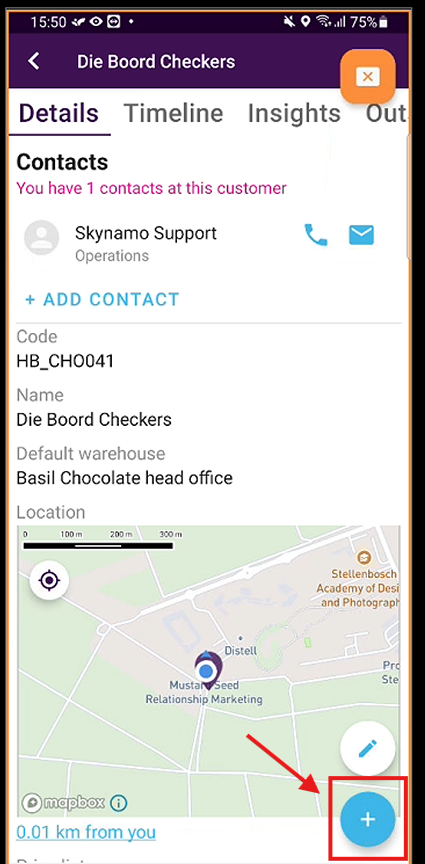
2. Press the "+" button
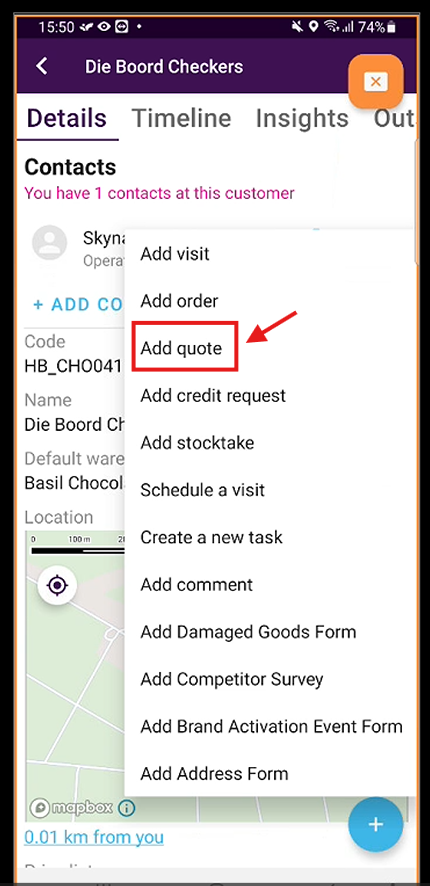
3. Select "Add quote"
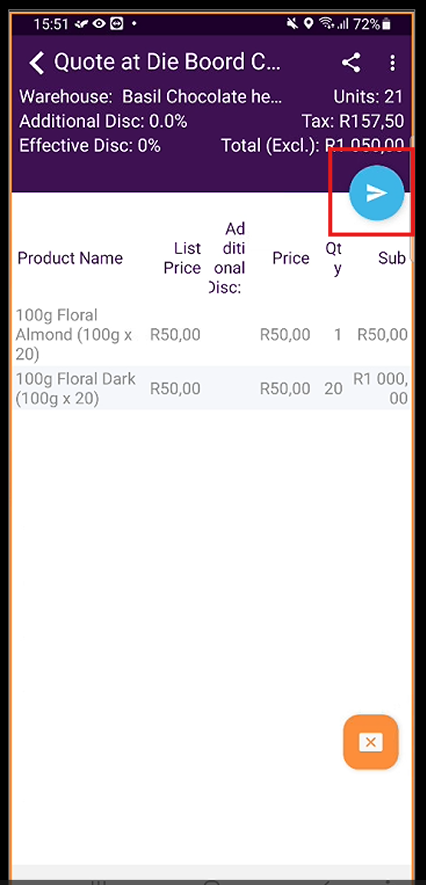
4. Fill in the quote as needed and press the arrow button
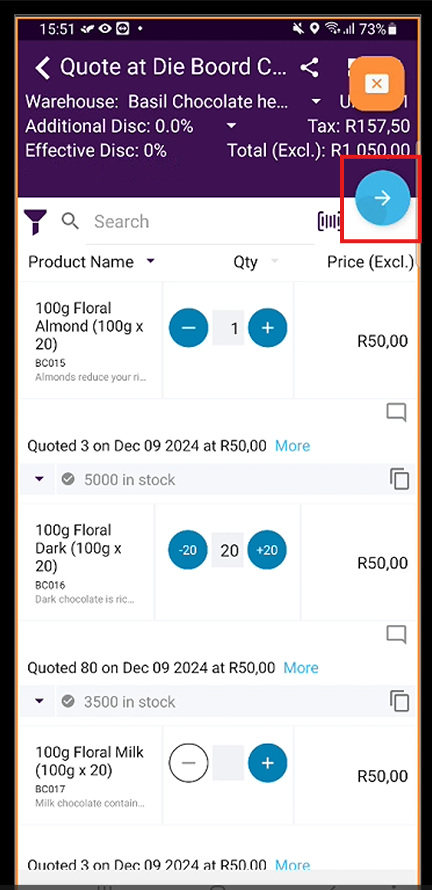
5. Complete the quote form as needed and press the arrow button.
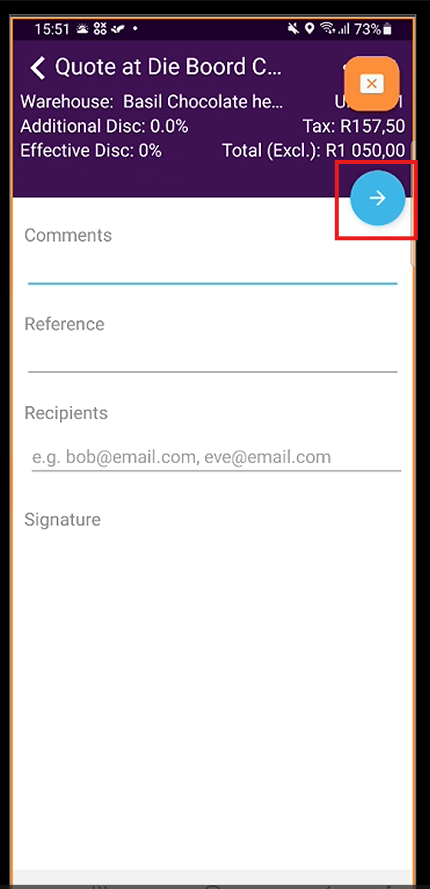
6. Check the quote and press the arrow to finalise the quote.