
#1: Go to app.skynamo.me or your instance URL (if you know what it is)
 #8: You can then log into Skynamo again with your new password.
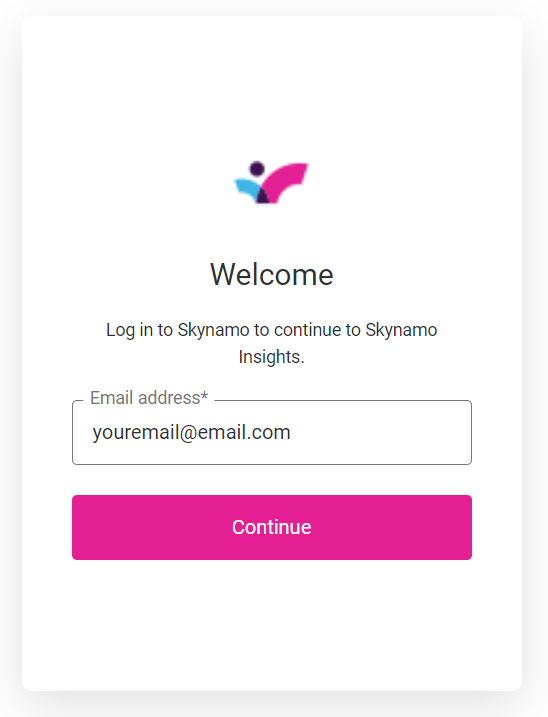
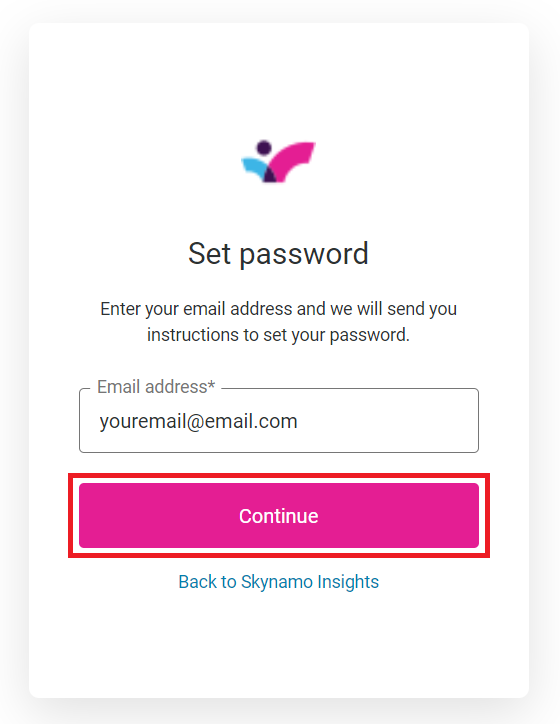
#2: Enter your email address and click Continue:
If you are assigned to multiple instances, select the instance you are trying to log into. Otherwise, proceed to step 3.
#3: Click on Create or Reset Password:
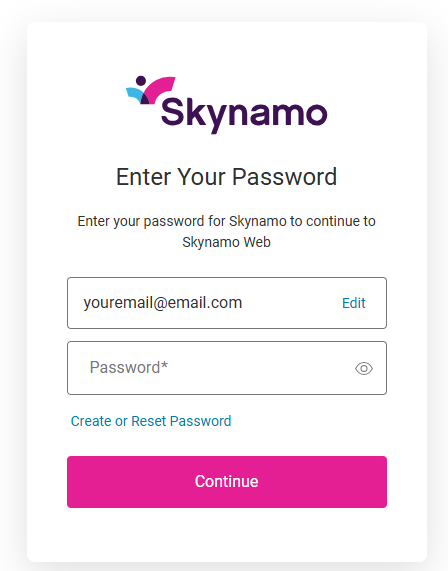
#4: Select Continue again:
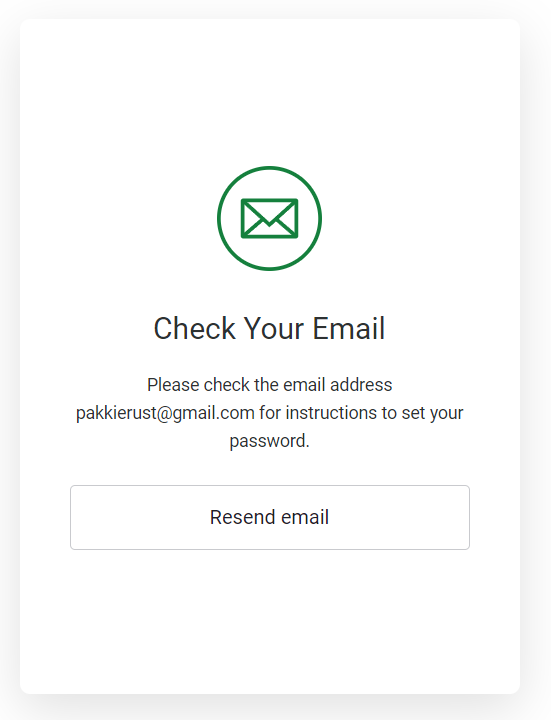
Reset email has been sent:
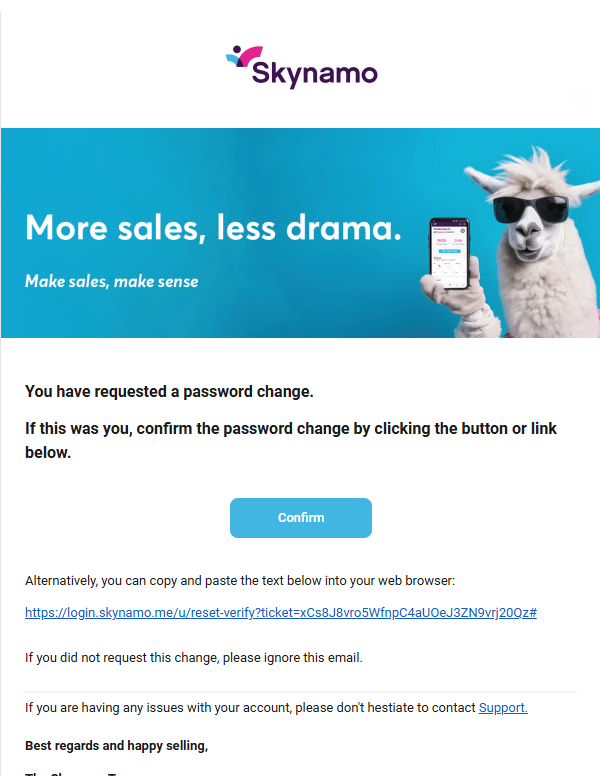
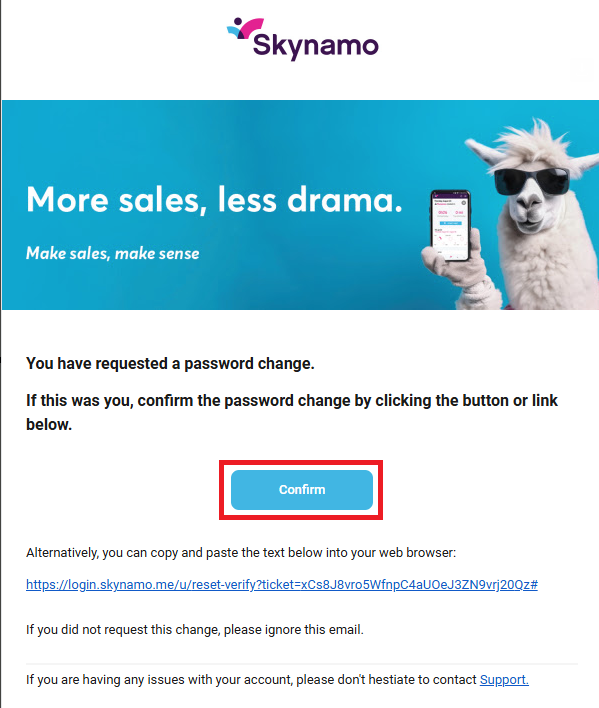
#5: Check your email inbox for the following password reset email:
#6: Click on Confirm:
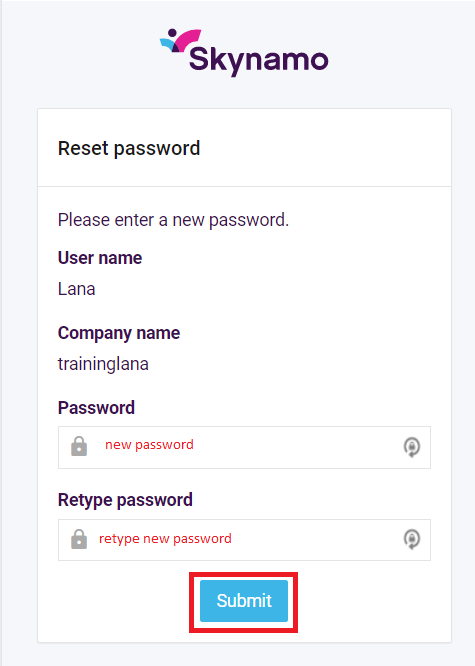
#7: Choose a new password for yourself and then retype that exact password. Then click on Submit: