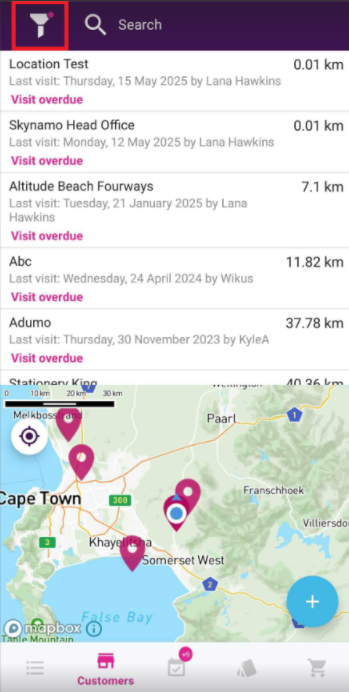
If you have visit frequencies set up for your customers, you can see which of them are overdue for visits.
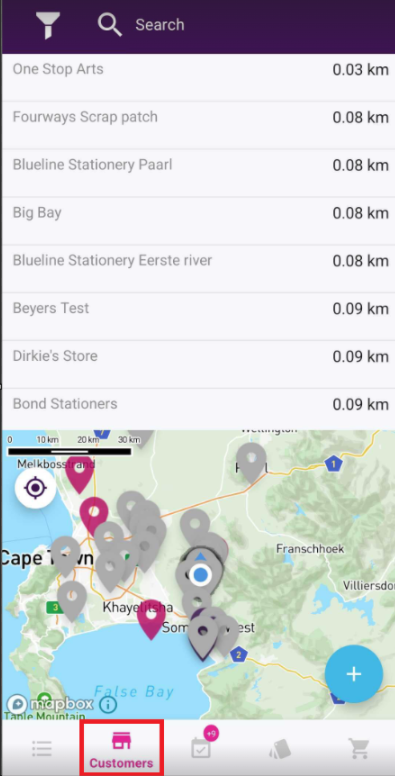
1. On your Skynamo app, navigate to the Customers tab:
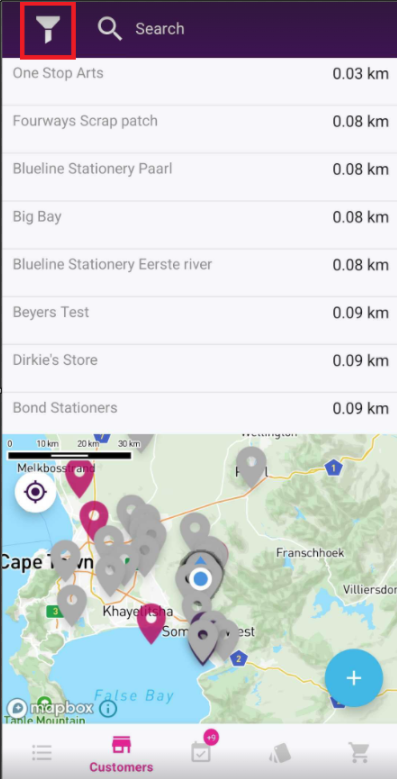
2. Click on the Filter icon:
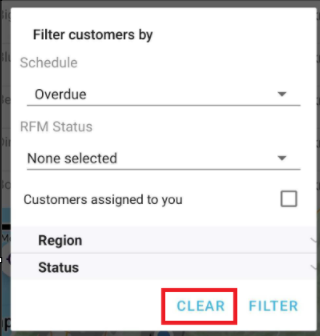
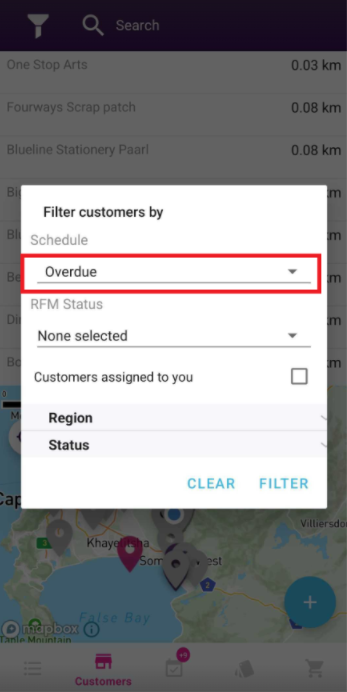
3. Under Schedule, click on the drop-down and select "Overdue":
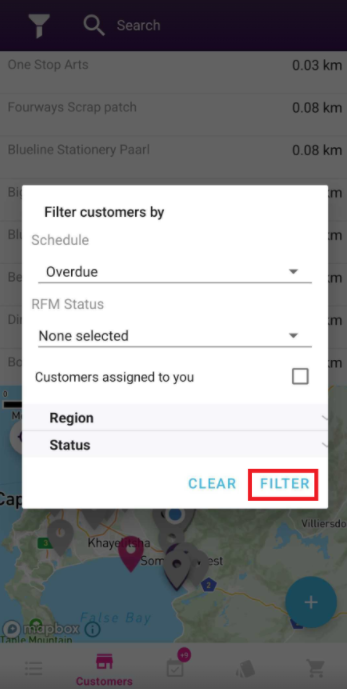
4. Click on "Filter":
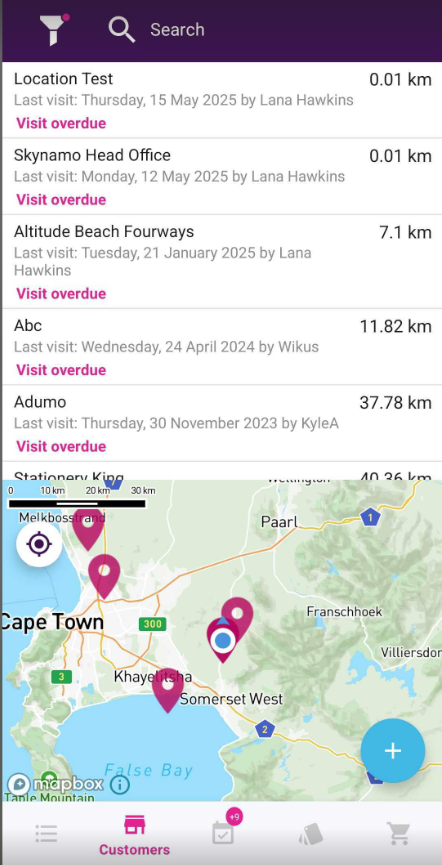
5. You will then be able to see which customers are overdue for a visit:
6. You can clear the filter, by clicking on the Filter icon again and selecting Clear: