
If you are unable to send a debug via email, you can send it via Google Drive by following the instructions below.
- On your Skynamo app, click on the three lines in the top-right corner of your screen:
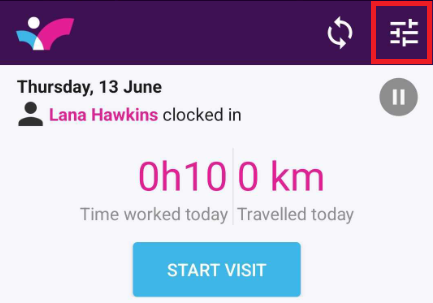
- Click on About -> Debug -> Send debug email
- Click on Drive as your option -> Save
- Go to your device's app menu, and click on Drive: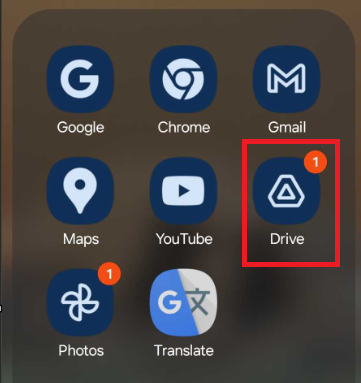
-Click on the three dots to the right of your debug: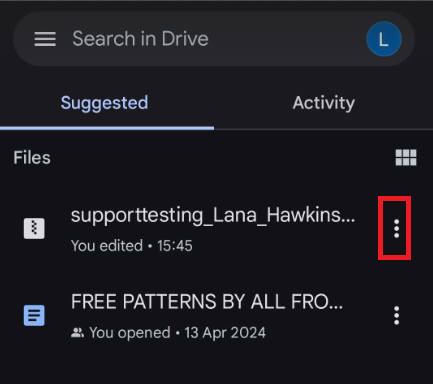
-Click on Manage access: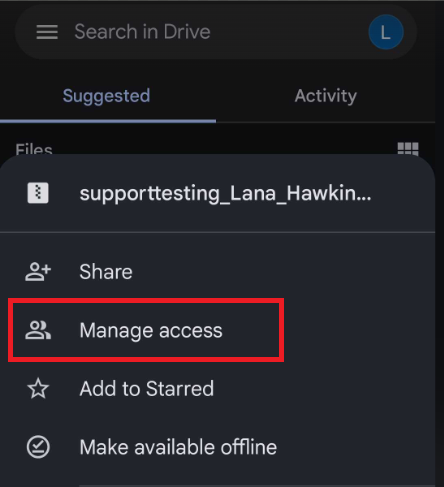
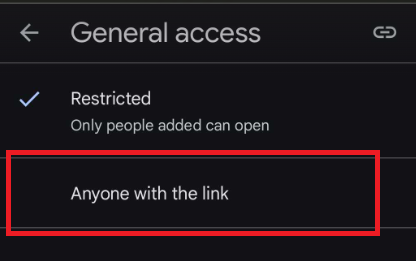
-Under Restricted, click on Change and change it to "Anyone with a link":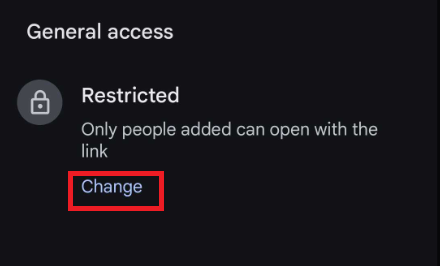
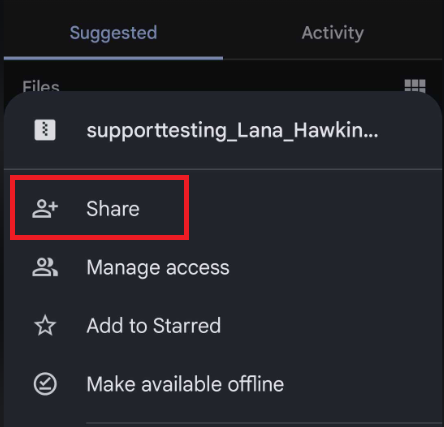
-Click on the back-arrow at the top-left corner until you get to the main Drive screen again. Click on the 3 dots again, and then click on Share: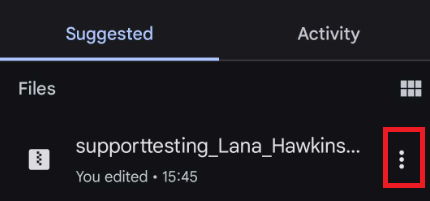
- Type in support@skynamo.com and then click on the Send button