
- The subscription page can be accessed by going to app.skynamo.me and entering your email address and password. If you do not remember your password, you can reset it by clicking on "Get a new password" on the password page
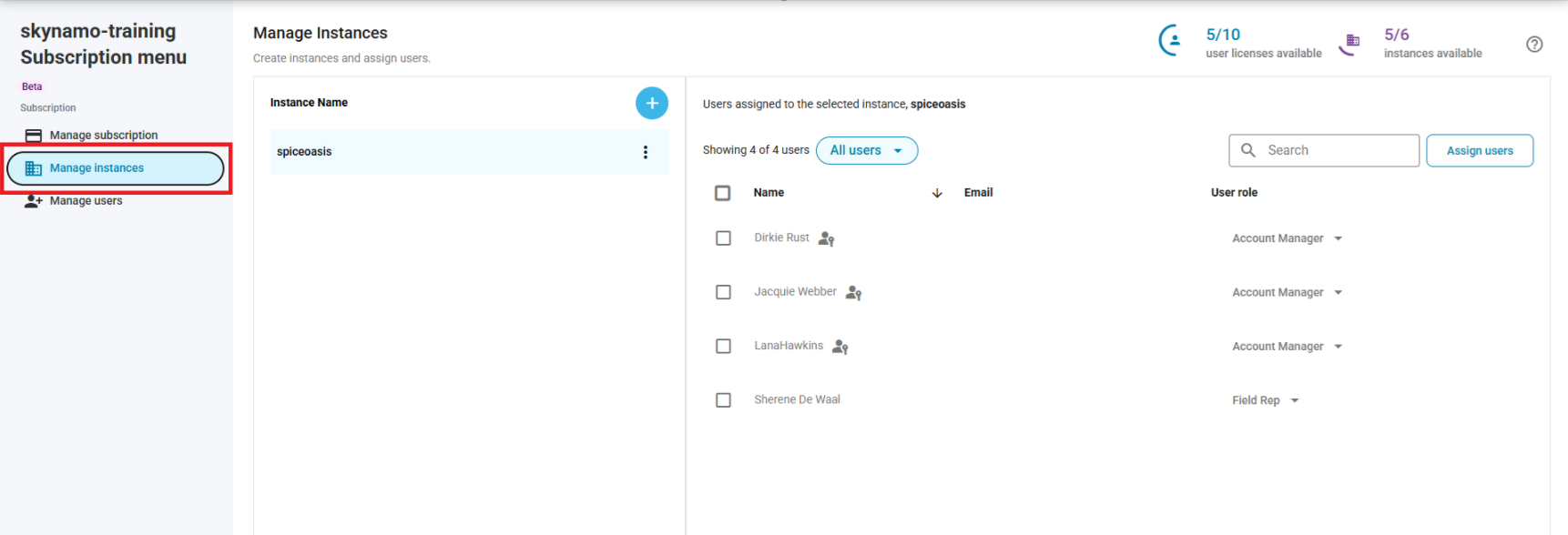
- Click on Manage instances:
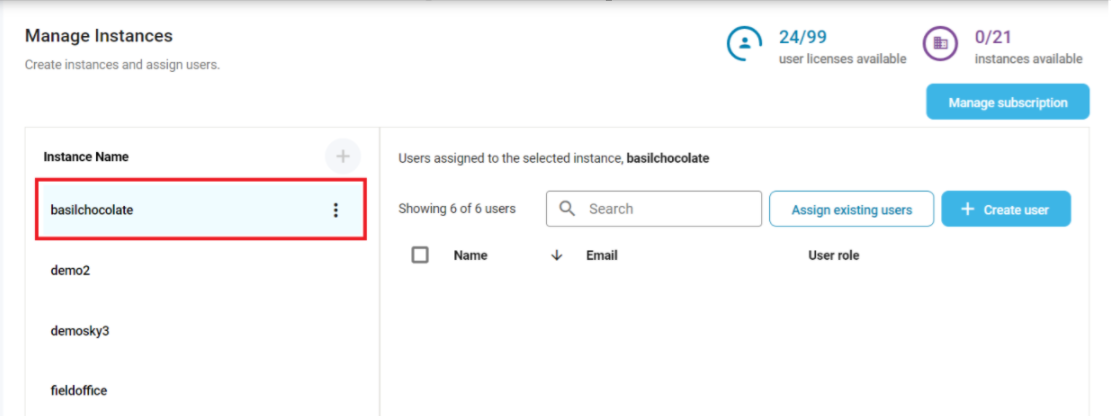
- If you have multiple instances, select the instance that the user is on:
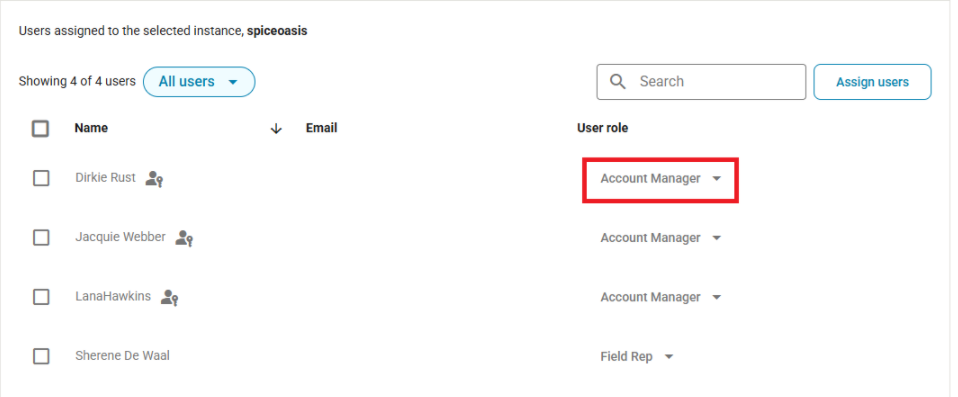
- Select the User role drop down and select a role:
Other relevant links:
Subscription management: Subscription management