
The subscription page can be accessed by going to app.skynamo.me and entering your email address and password. If you do not remember your password, you can reset it by clicking on "Get a new password" on the password page
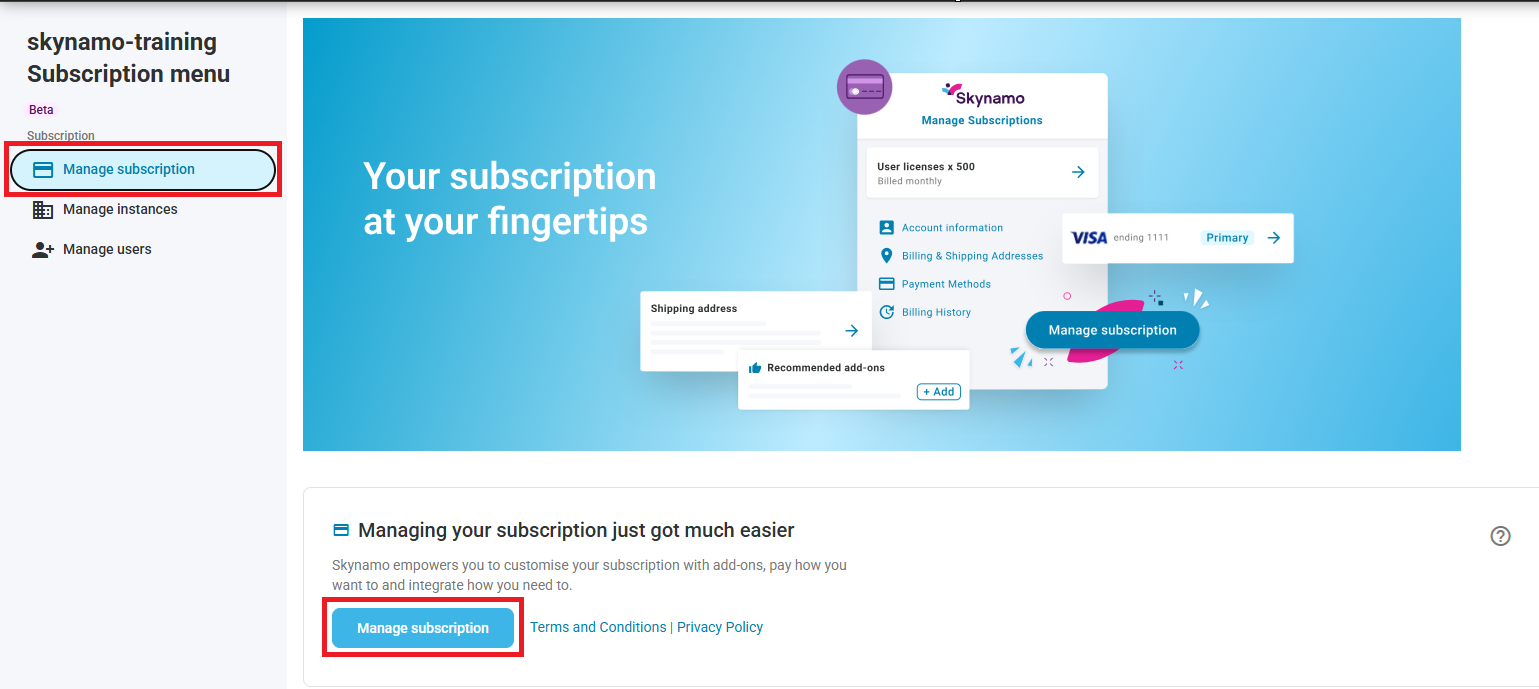
- Click on Manage Subscription -> Manage Subscription:
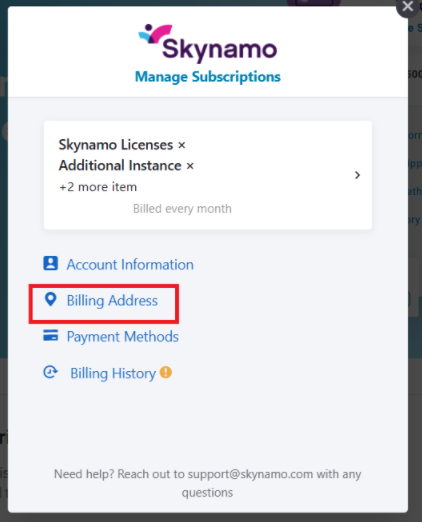
- Click on Billing Address:
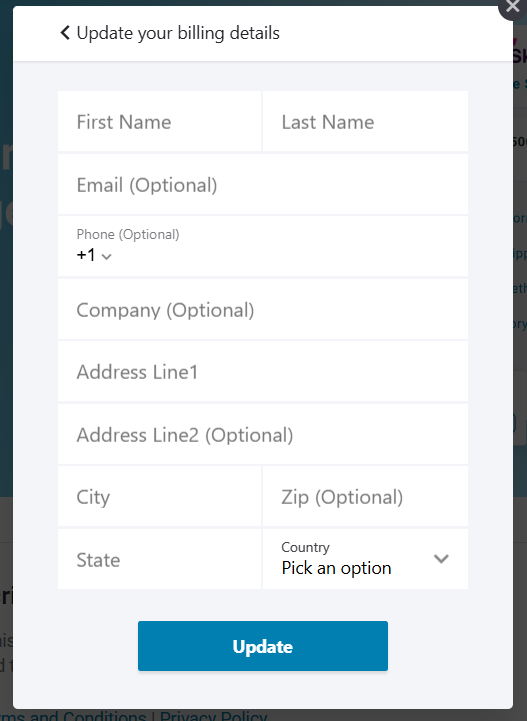
- You can then fill in your billing contact's details and click Update:
Other relevant links:
Subscription management: https://support.skynamo.com/support/solutions/articles/201000054912-subscription-management
Subscription management