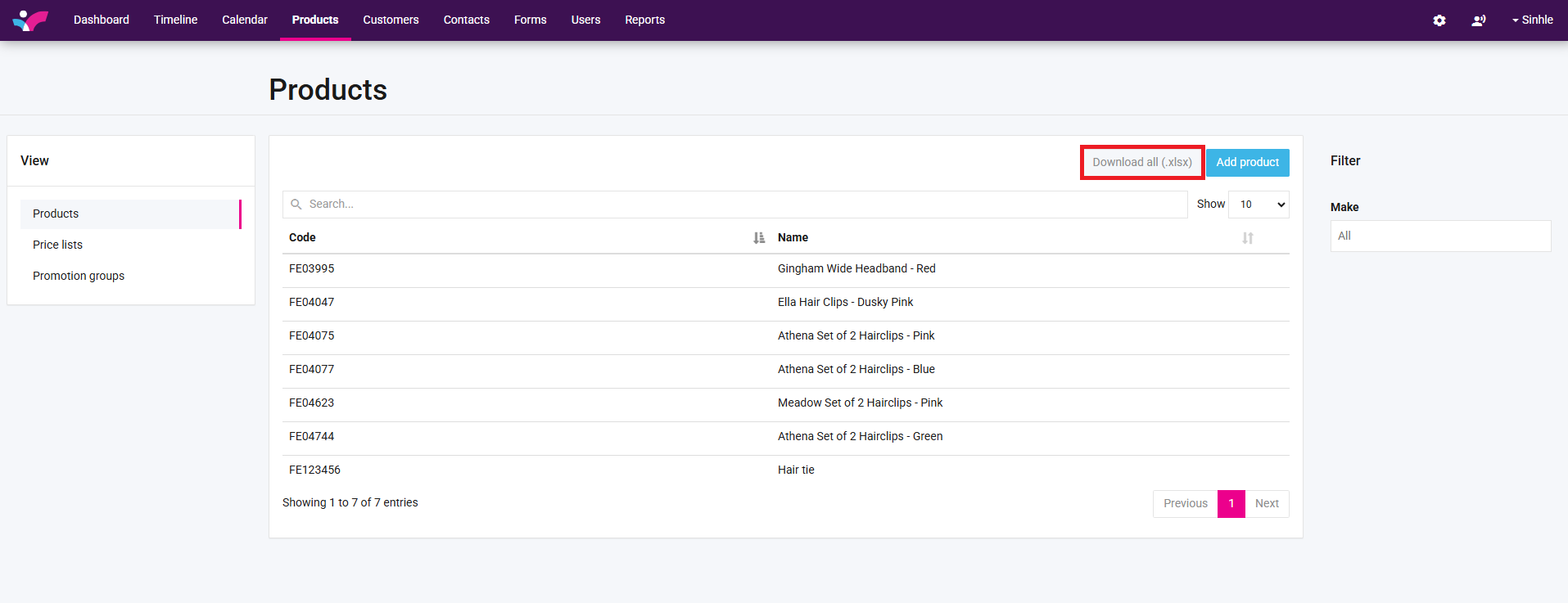
1. Click on Download all products button to download products Excel sheet.
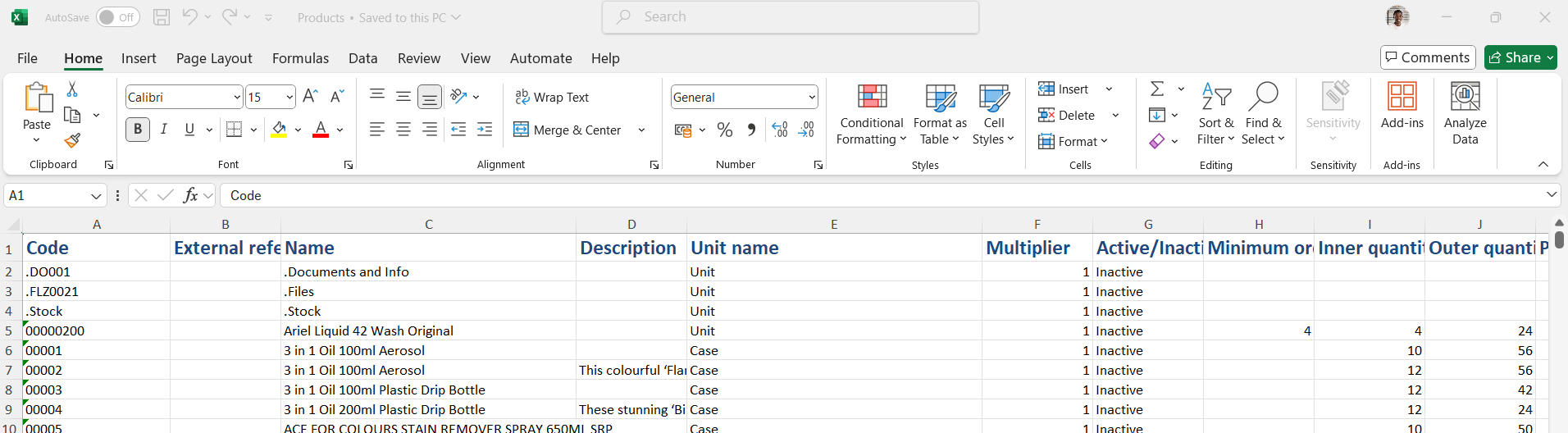
2. An Excel spreadsheet will be downloaded of your complete product database. Click on the downloaded file to open it.

3. You can view and edit products information.
,4. To import products spreadsheet back into Skynamo click on the settings button.

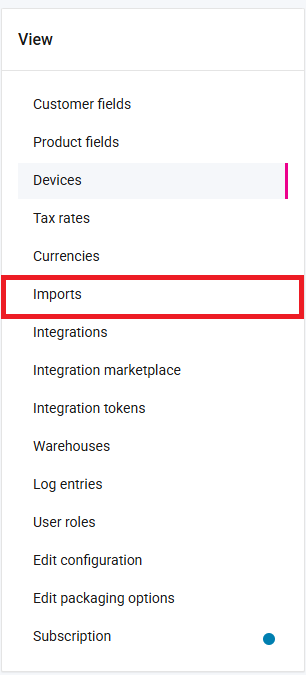
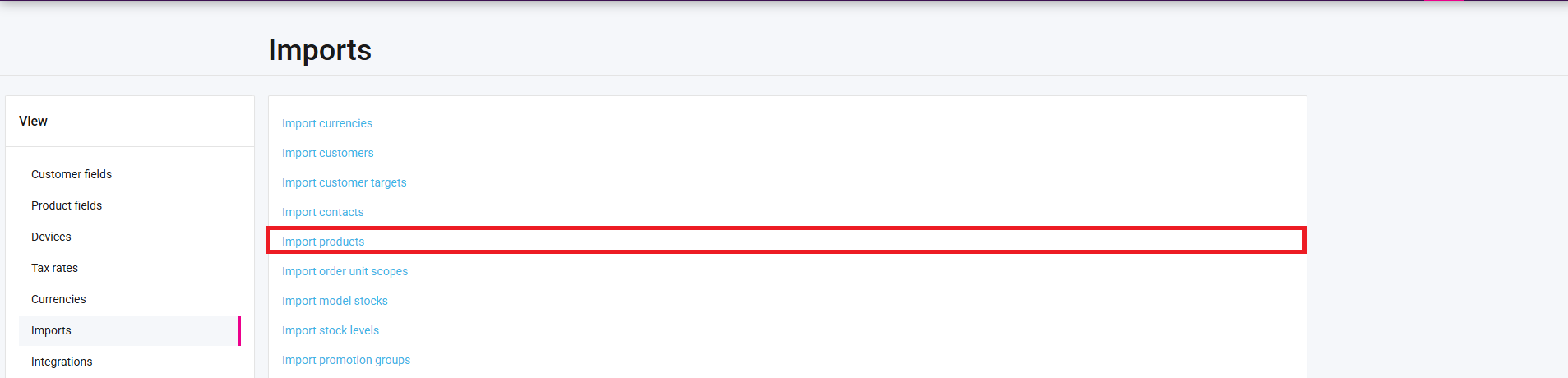
5. Click on imports.
6. Click on import products.
7. This will now open a dialog where you can import your product information. Click "Browse" to locate the Excel sheet, select the products file, and then click "Open" to choose the file.
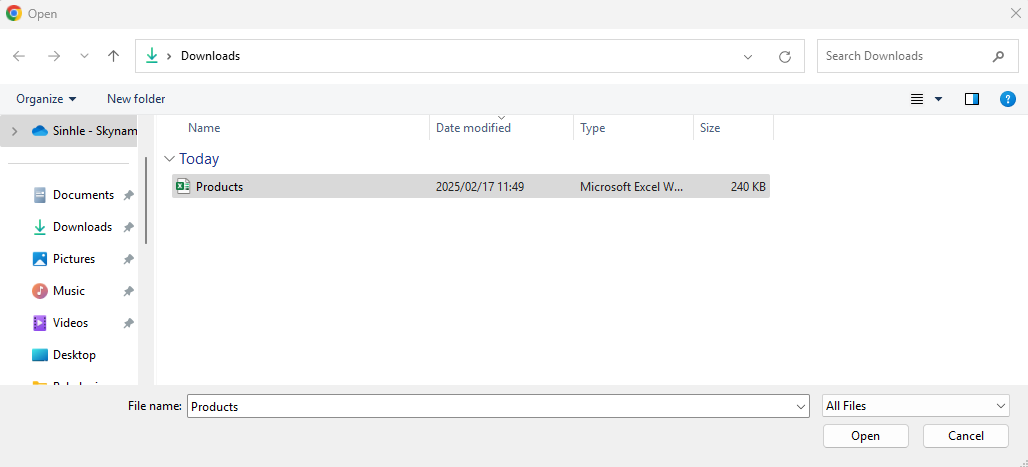
8. File Select to start the importing process.

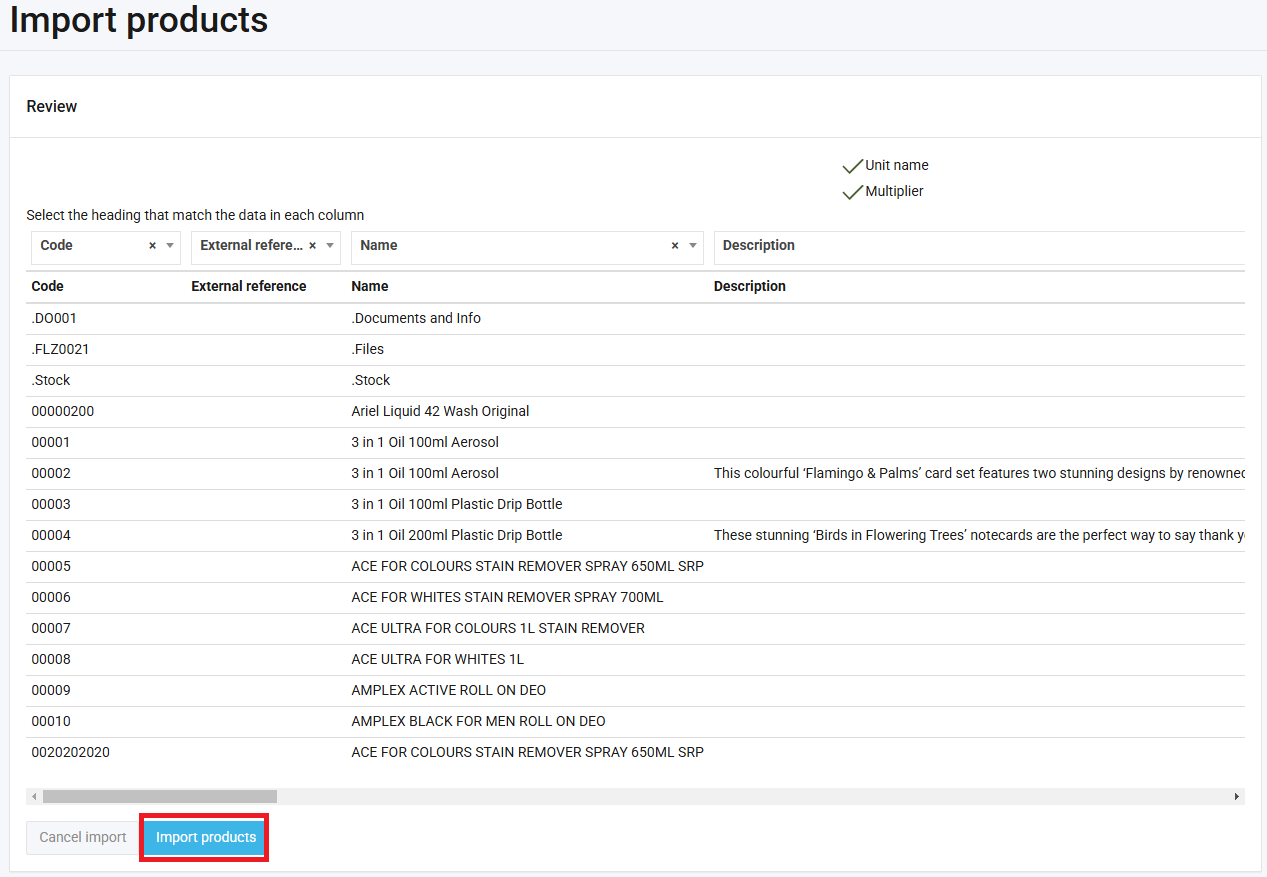
9. Ensure headings align and click on import products to add updated information into Skynamo.