
The subscription page can be accessed by going to app.skynamo.me and entering your email address and password. If you do not remember your password, you can reset it by clicking on "Get a new password" on the password page.
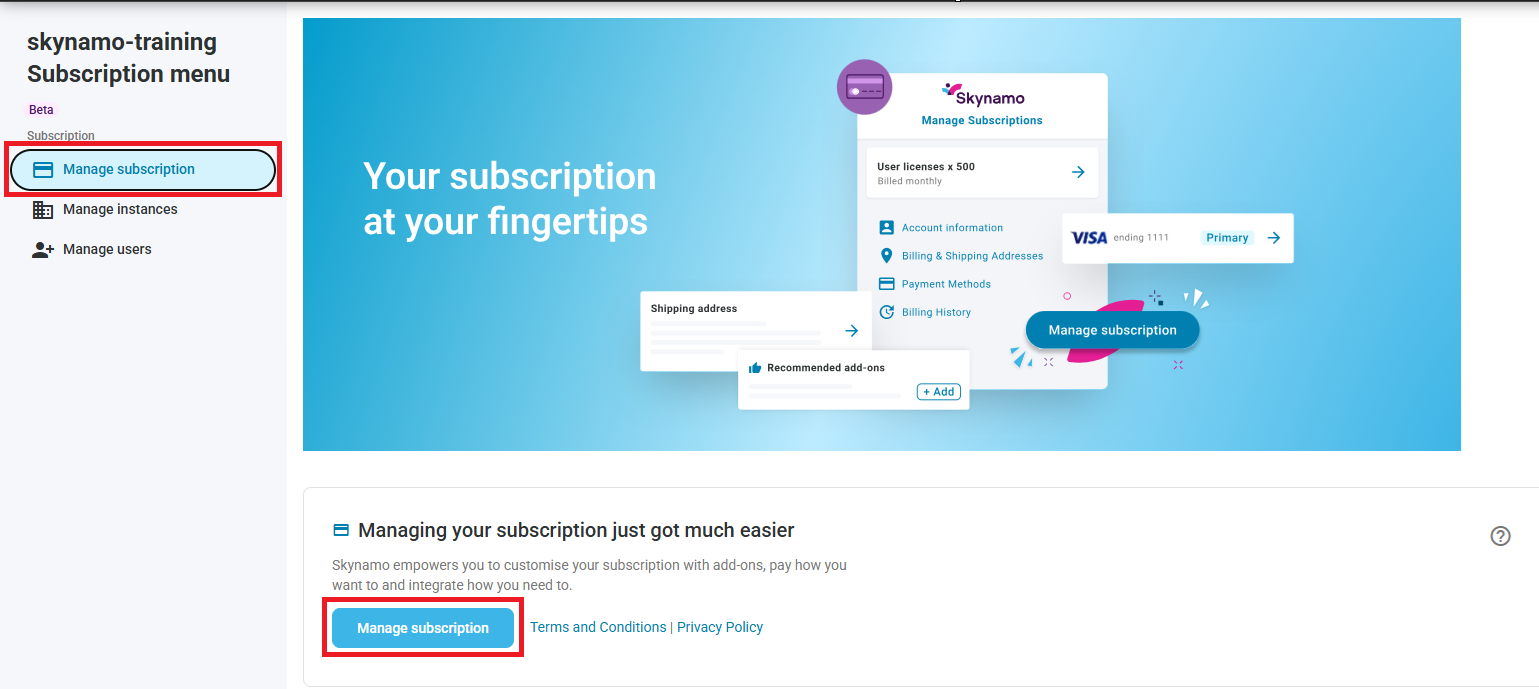
- Click on Manage Subscription -> Manage Subscription:
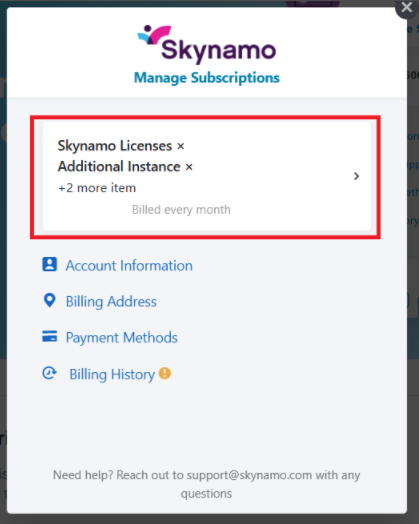
- At the top, you will be able to see your Skynamo licenses, additional instances, additional add-ons, and how much you are billed each month (Please note that sensitive information was not included in the below screenshot):
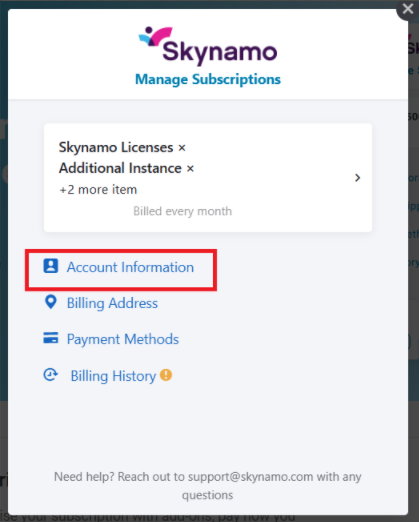
- Click on Account information:
- Click the arrow inside the white block:
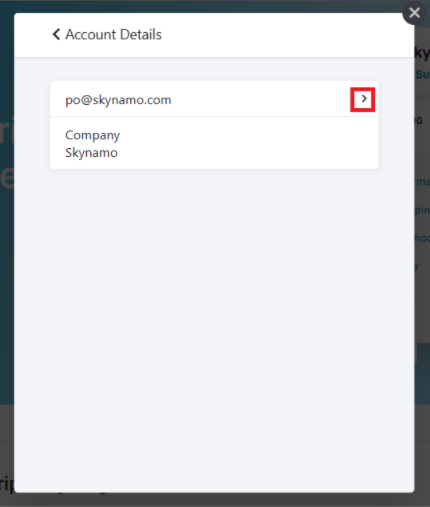
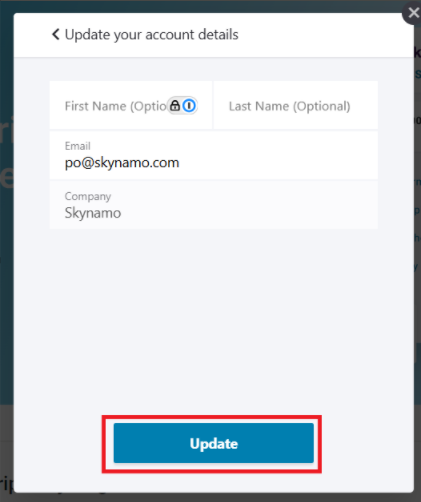
- Update your details and click Update at the bottom:
Other relevant links:
Subscription management: https://support.skynamo.com/support/solutions/articles/201000054912-subscription-management