The purpose of the User Target Actuals is for you to provide the data related to the Custom targets that you have created with the User Targets import.
Here you will import the value of how your users are progressing with reaching the respective Custom Targets, as Skynamo does not calculate these automatically.
There is a template attached, but in this article you will be taken through each column and taught which information to input where.

To find the users email address: Go to the Users tab. Hover over the user's name with your cursor and click on the blue pencil icon:
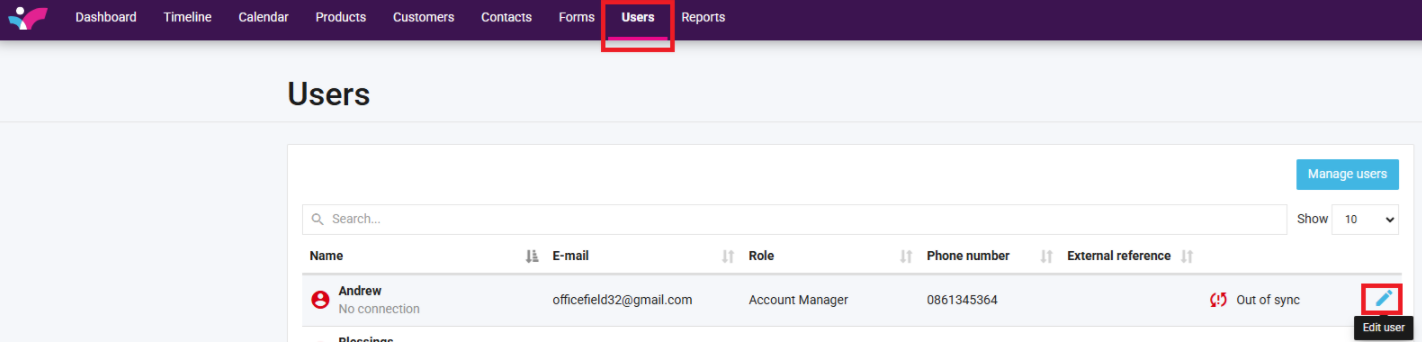
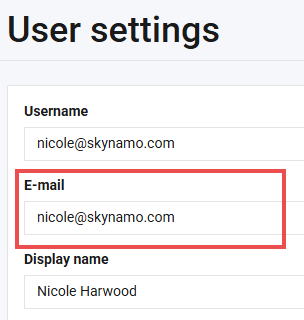
Their email address will be displayed under "E-mail"
2. Date:
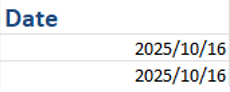
This is the month to which this target applies. For now, we only accommodate monthly assigned targets
The format is: Year/Month/Day (e.g. 2025/10/01)
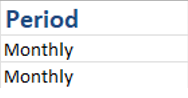
3. Period:
The period displays which timeframe the target is set for. As we currently only accommodate Monthly targets - this column should be put as Monthly.
4. Target name:
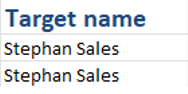
Here the exact name of the Custom Target as imported on the Import User Targets template is placed.
Please note: if the name is not typed exactly the same - the import will not work.
5. Date of Actual
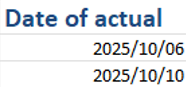
Here you insert the date for when the respective value was accurate.
Provided in yyyy/mm/dd format (e.g. 2025/10/06)
6. Actual
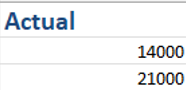
Here you enter the actual amount achieved. Please only use numbers and values, no currency or measurement symbols must be used.
For example: The user sold 21000L of product, the actual column will be filled in as 21000
7. Action
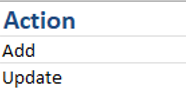
The action lets you decide what you would like to do with the target actuals, there are 3 options to input.
Add: To add the actuals for a target (only done if it is the first time you are providing actuals)
Update: To updating an existing target’s actual
Delete: Removing an existing target’s actual values