
In order to download apps (and of course, Skynamo!) on an iOS device you first need to have an active Apple ID. If you already have one, then you can just use this to log onto your new device. If not, simply create a new free account. Once this is set up then:
- Go to the App store:
- Go to the App store:
- Search for Skynamo by typing in the search bar
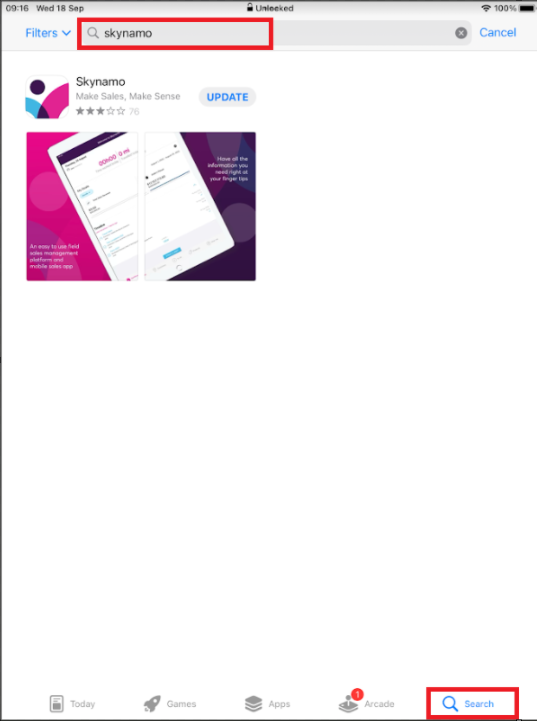
- Select ‘GET’ or the "cloud" button to install
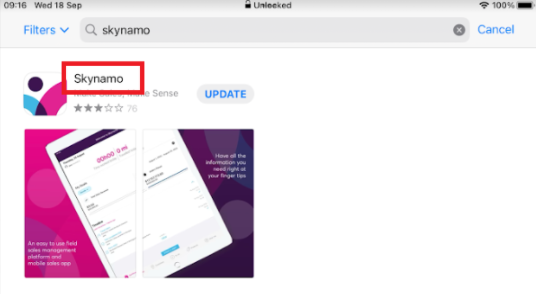
- To update, click on Skynamo:
- And then click on Update:
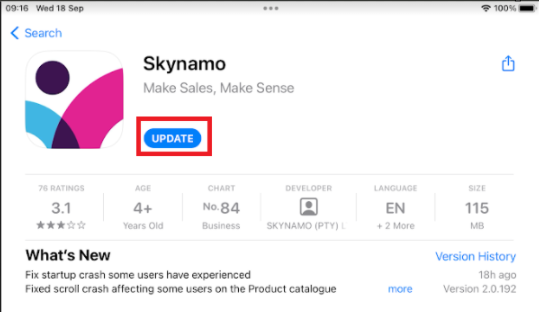
- To ensure that the application runs smoothly, ALWAYS update when an update is due. Regular maintenance of the application ensures your experience with Skynamo is always optimal.
See the following article to log into Skynamo: How to log into Skynamo for the first time - iOS