
Invoices will be tagged according to their status in the ERP (Financial System) or from the import, indicating whether it is still outstanding, paid, in draft, etc.
This feature will need integration or manual importing of invoices.
Field users will be able to see the invoice status on the main Timeline and on the Customer Profile Timeline.
To view the invoice status from the customer profile, open your customers tab:

Then select the customer profile from your list of customers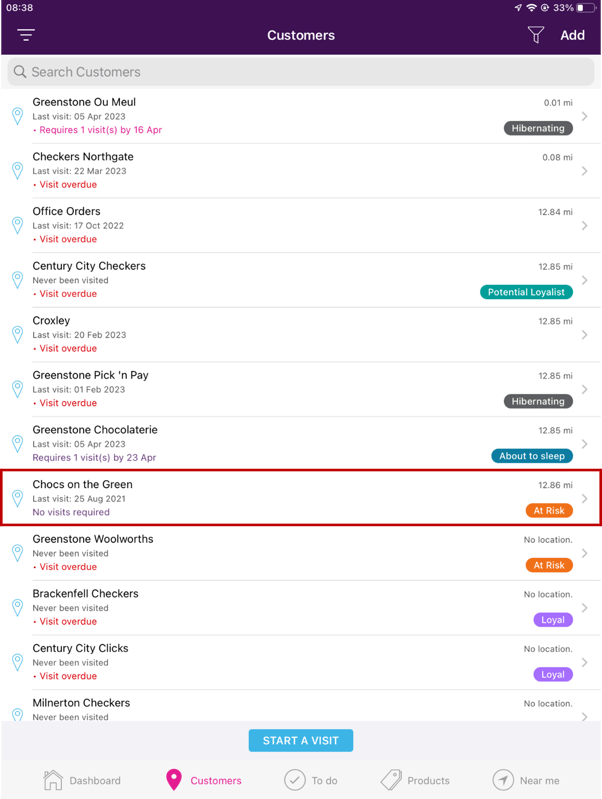
Once you have selected the customer, open the Timeline tab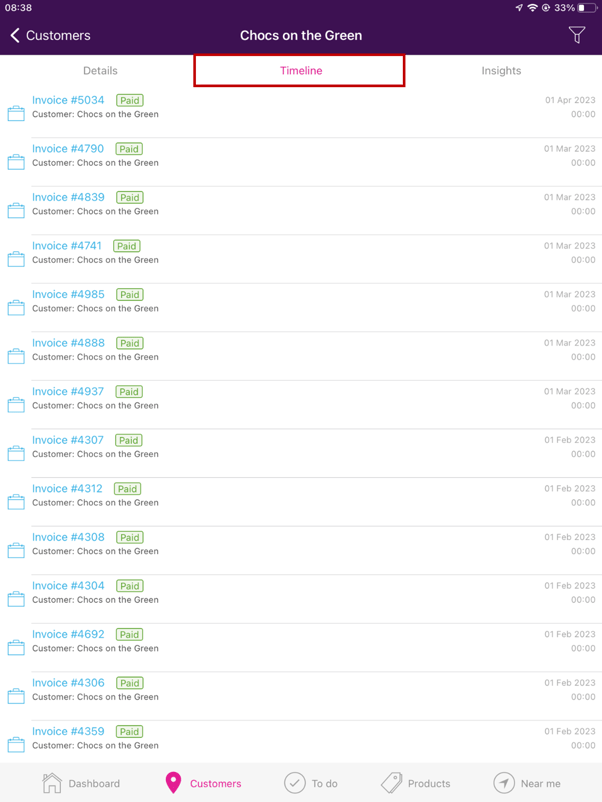
When you select an invoice, you will also be able to see the status.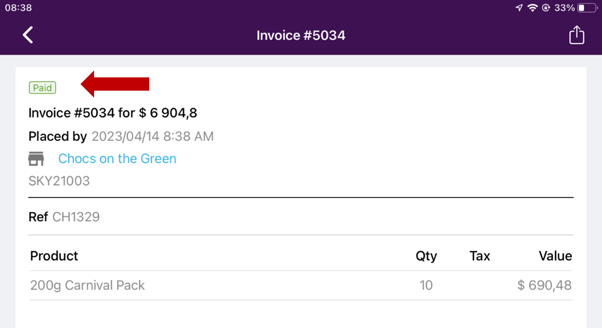
From the main Timeline
Select “View” to expand the Timeline
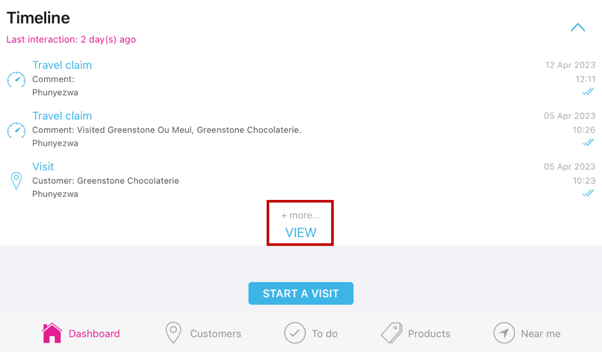
As you scroll you will be able to view the invoice status for all invoices processed.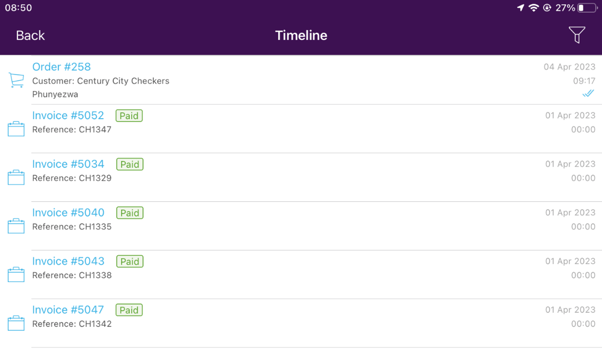
Here’s a list of possible statuses you might see.
If you have any queries or need assistance, don't hesitate to get in touch with our support team by mailing support@skynamo.com or call:
SA: +27 861 345 345
USA: +1 917 242 3582
UK: +44 203 150 0217