
How to reset your password:
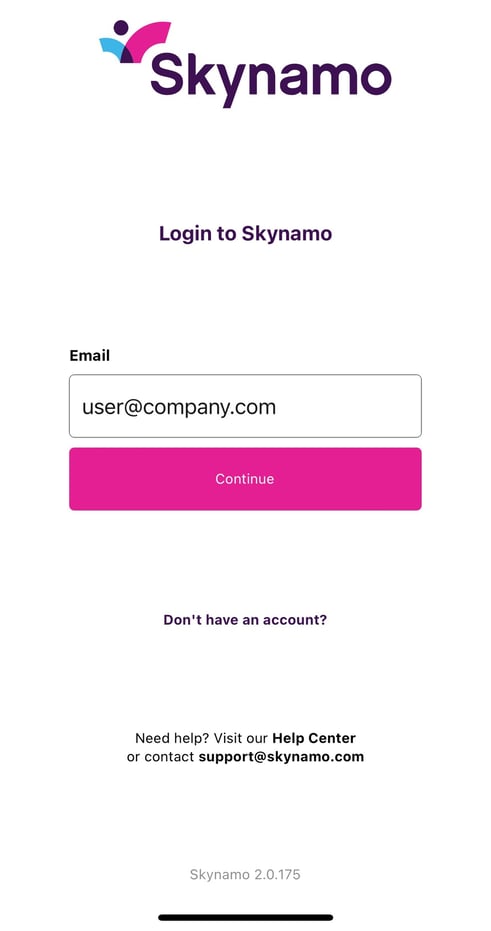
1. Fill in the email address associated with your Skynamo account on the first login screen, then select Continue:
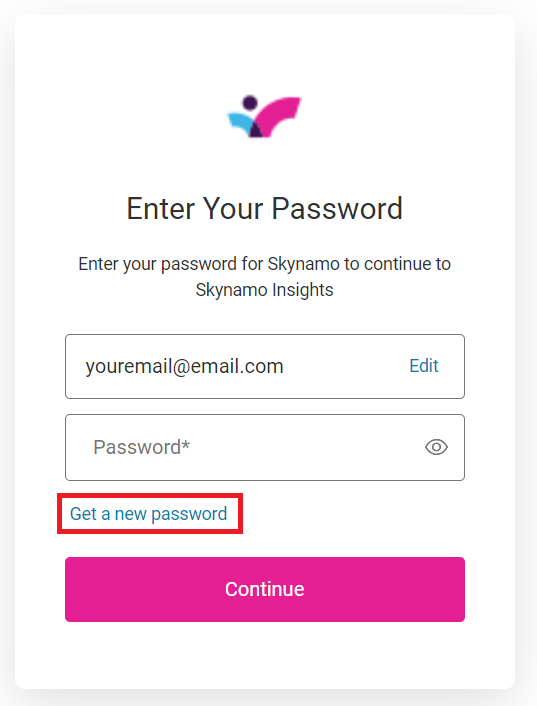
2. Click on Get a new password:
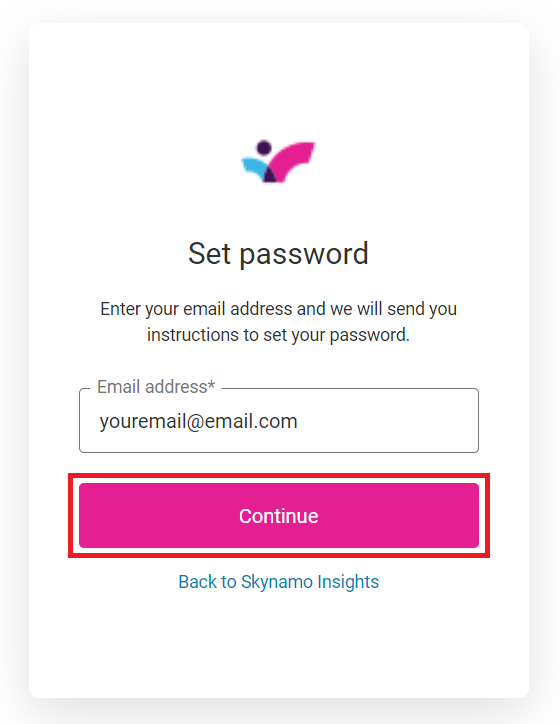
3. Select Continue again:
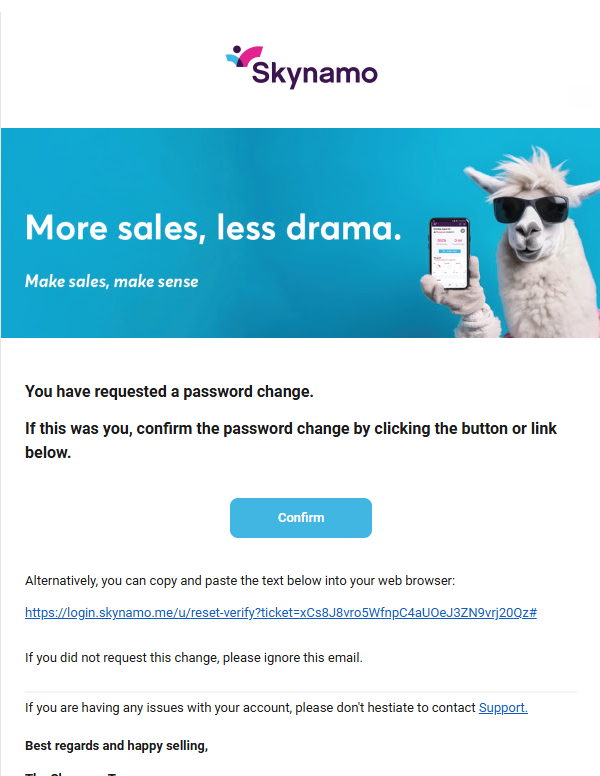
4. Check your email inbox for the following password reset email and click on Confirm:
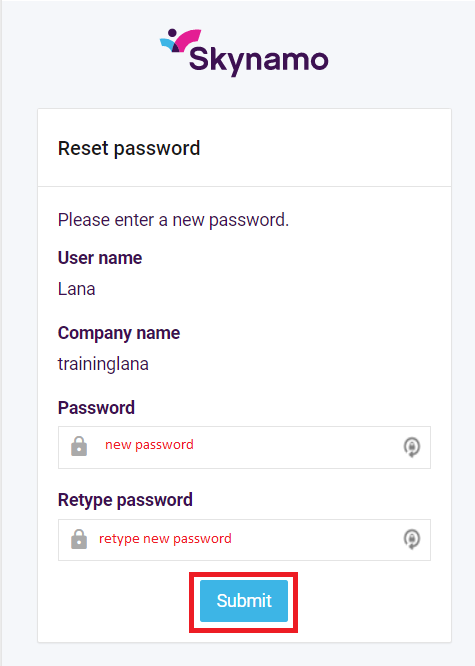
5. Choose a new password for yourself and then retype that exact password. Then click on Submit:
6. You can then log into Skynamo again with your new password.