
How to reset your password:
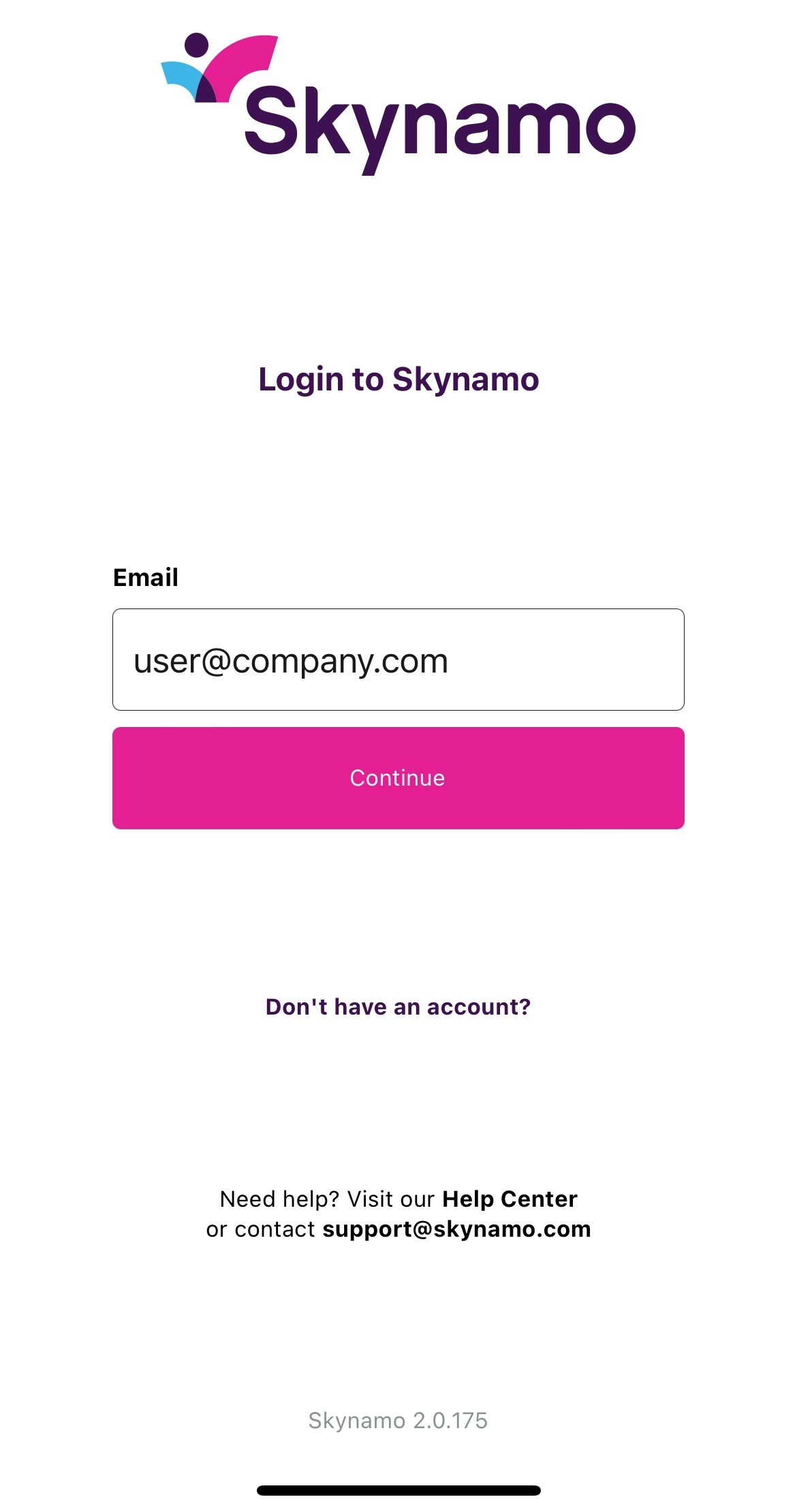
- Fill in the email address associated with your Skynamo account on the first login screen, then select Continue:
- Click on Forgot password? and select Continue:
Login Screen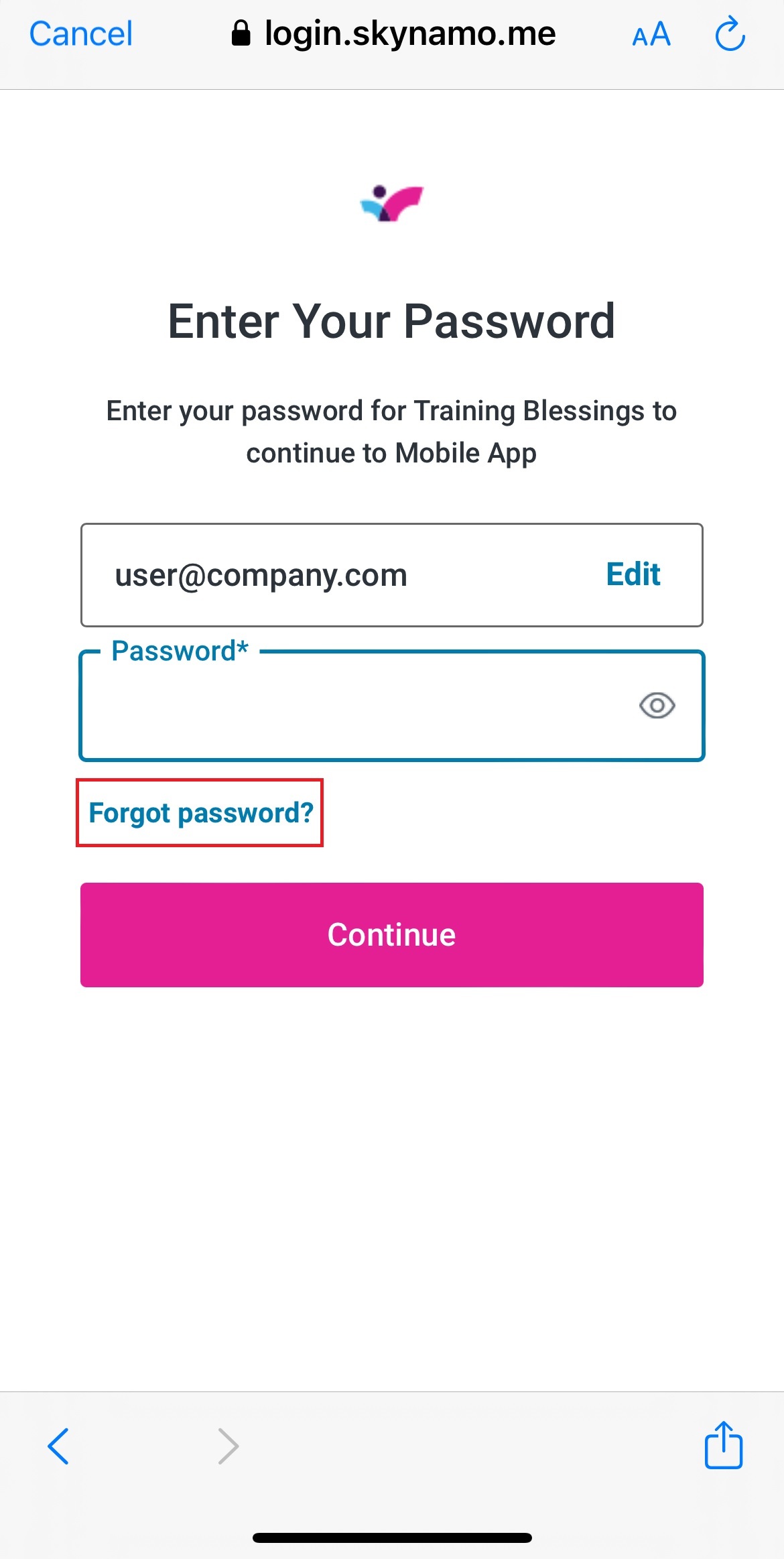
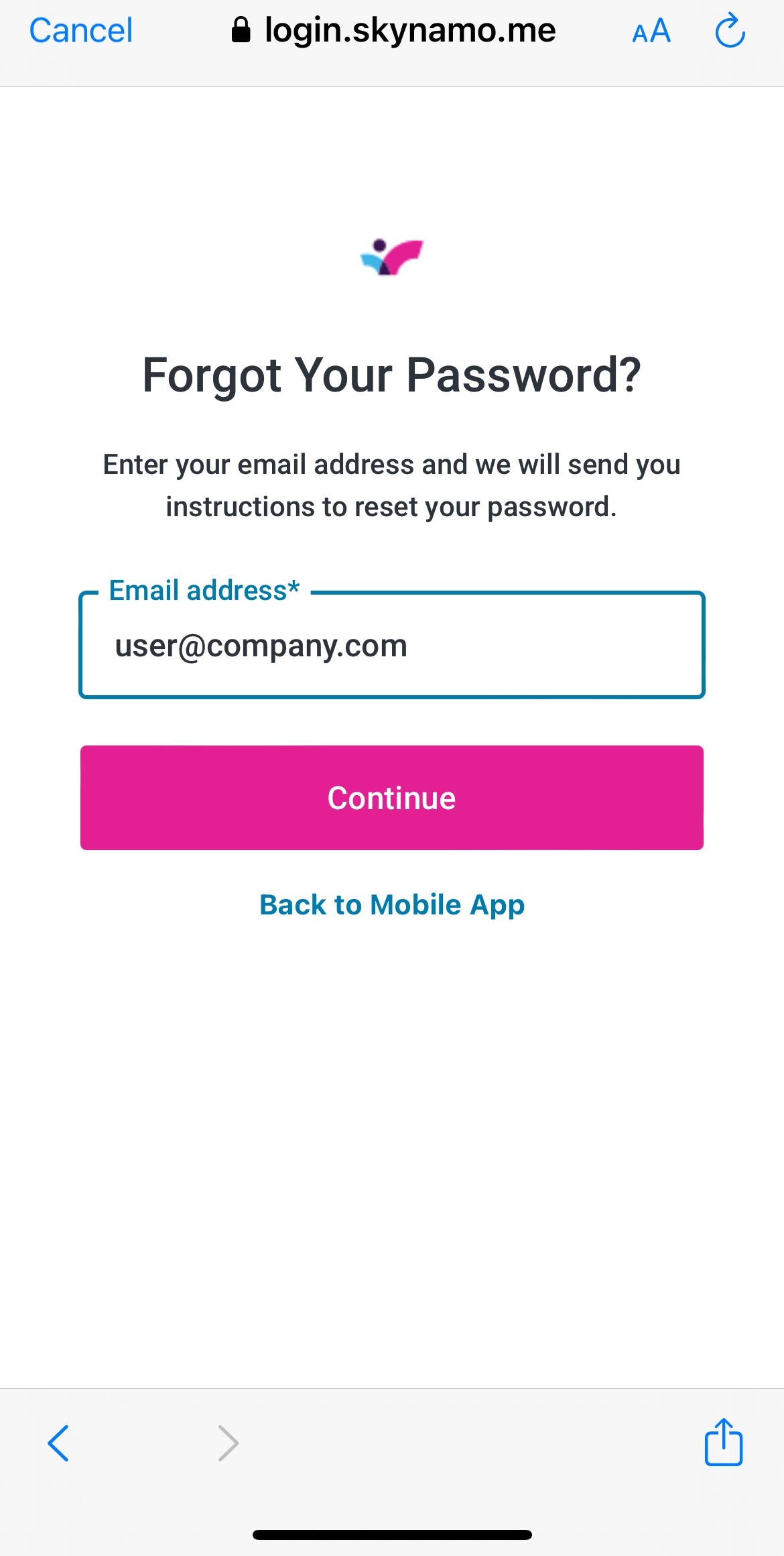
- Select Continue again:
Forgot Password page
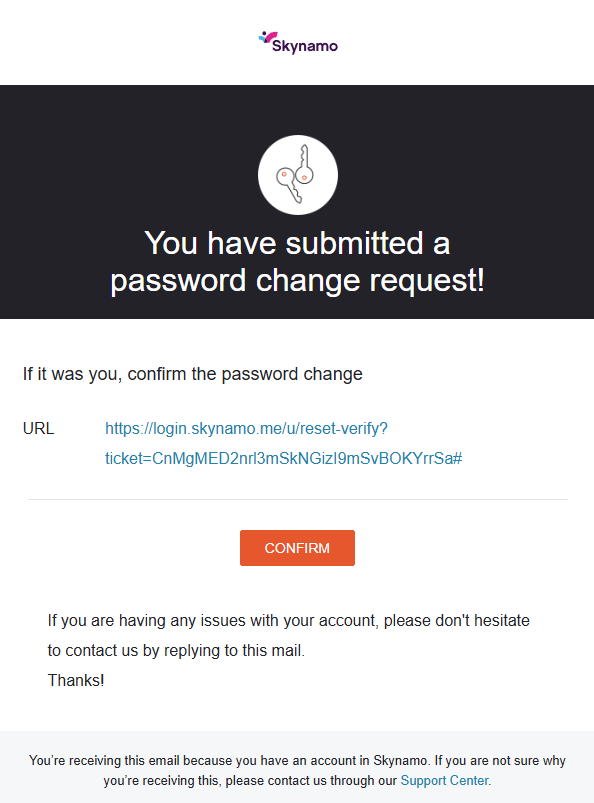
- Check your email inbox for the Reset your password email. This email should be from support@skynamo.com. On the email, click on the orange CONFIRM button:
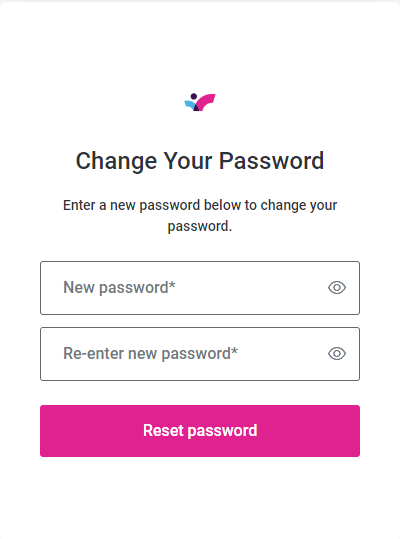
- A new page will appear where you can enter a new password (or enter in your old one if you want to reuse the same one). Then, click on Reset password:
- Go back to your Skynamo app and log in again with the updated password.