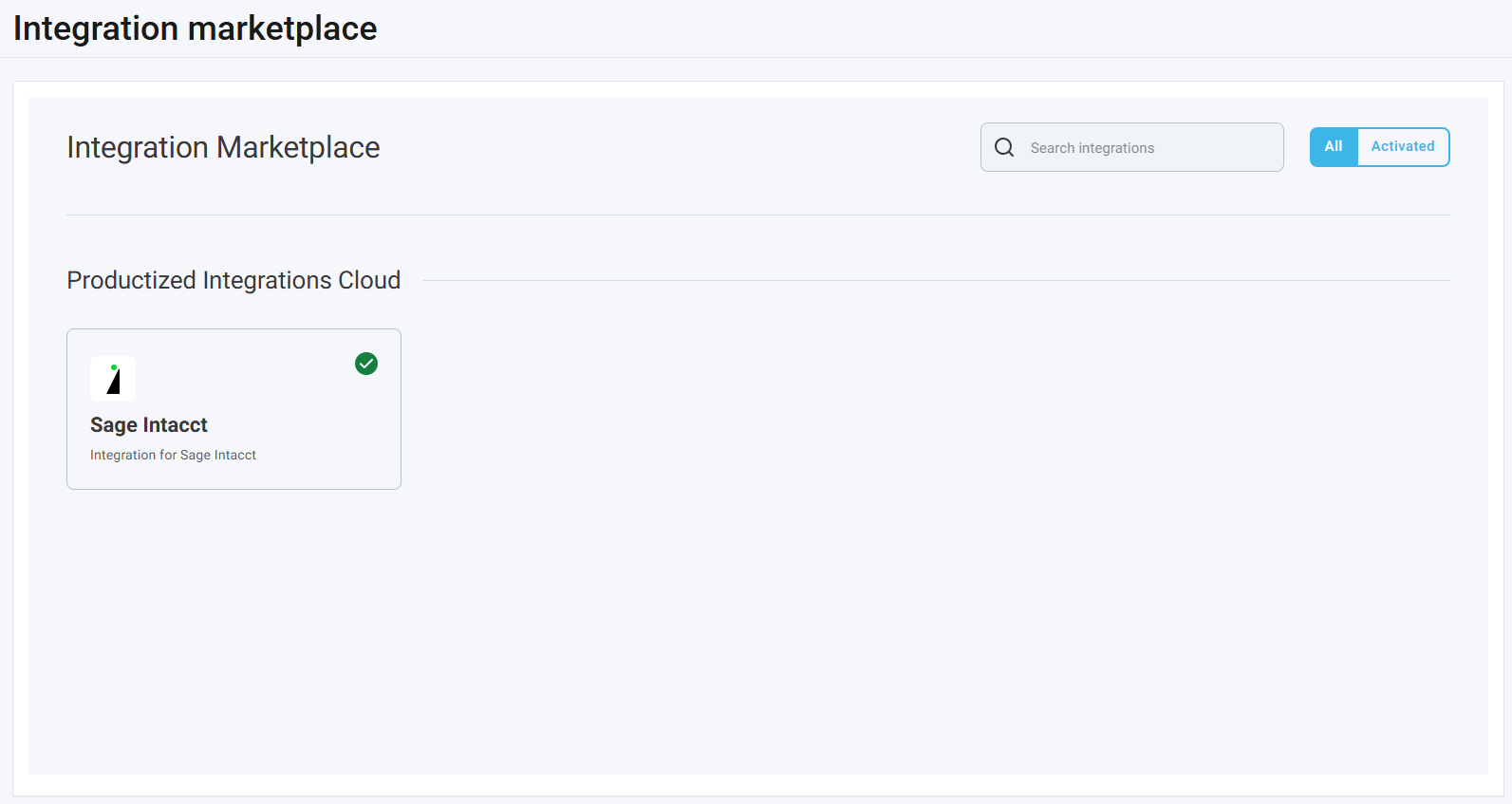
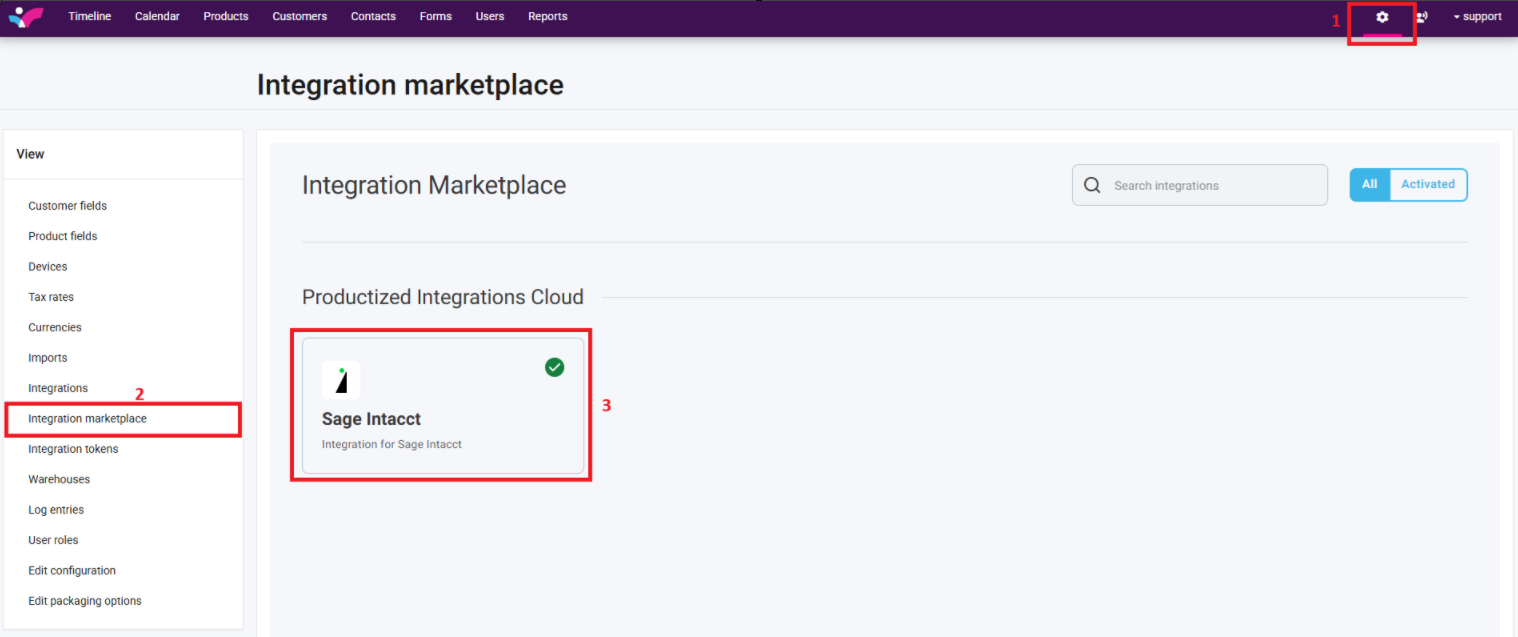
1. On your Skynamo web interface, click on the Settings icon in the top-right corner of your screen
2. Click on Integration marketplace in the left-hand View tab
3. Click on the Sage Intacct Block
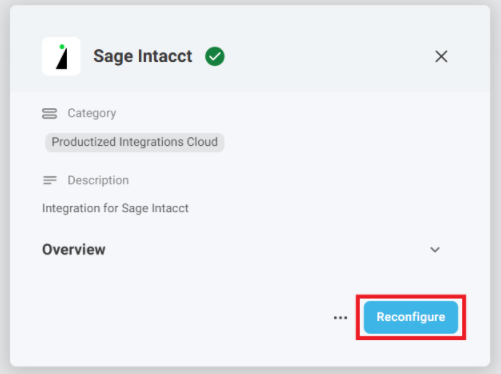
4. Click on Reconfigure:
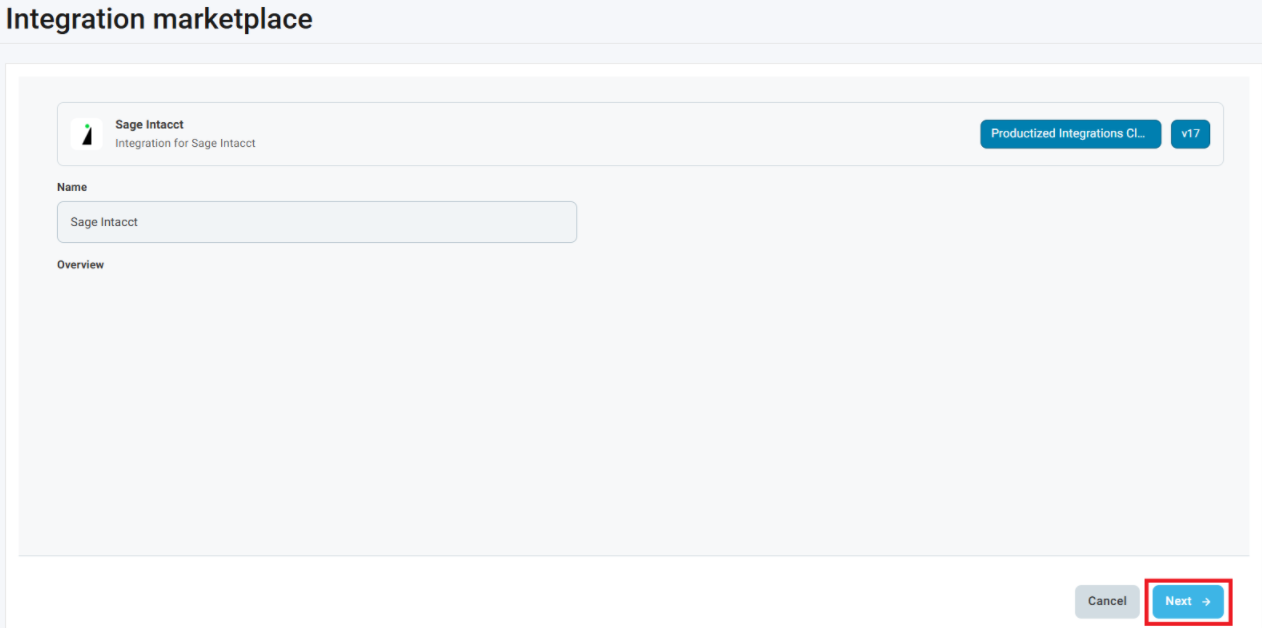
5. Click Next until you get to the Rep code assignment page:
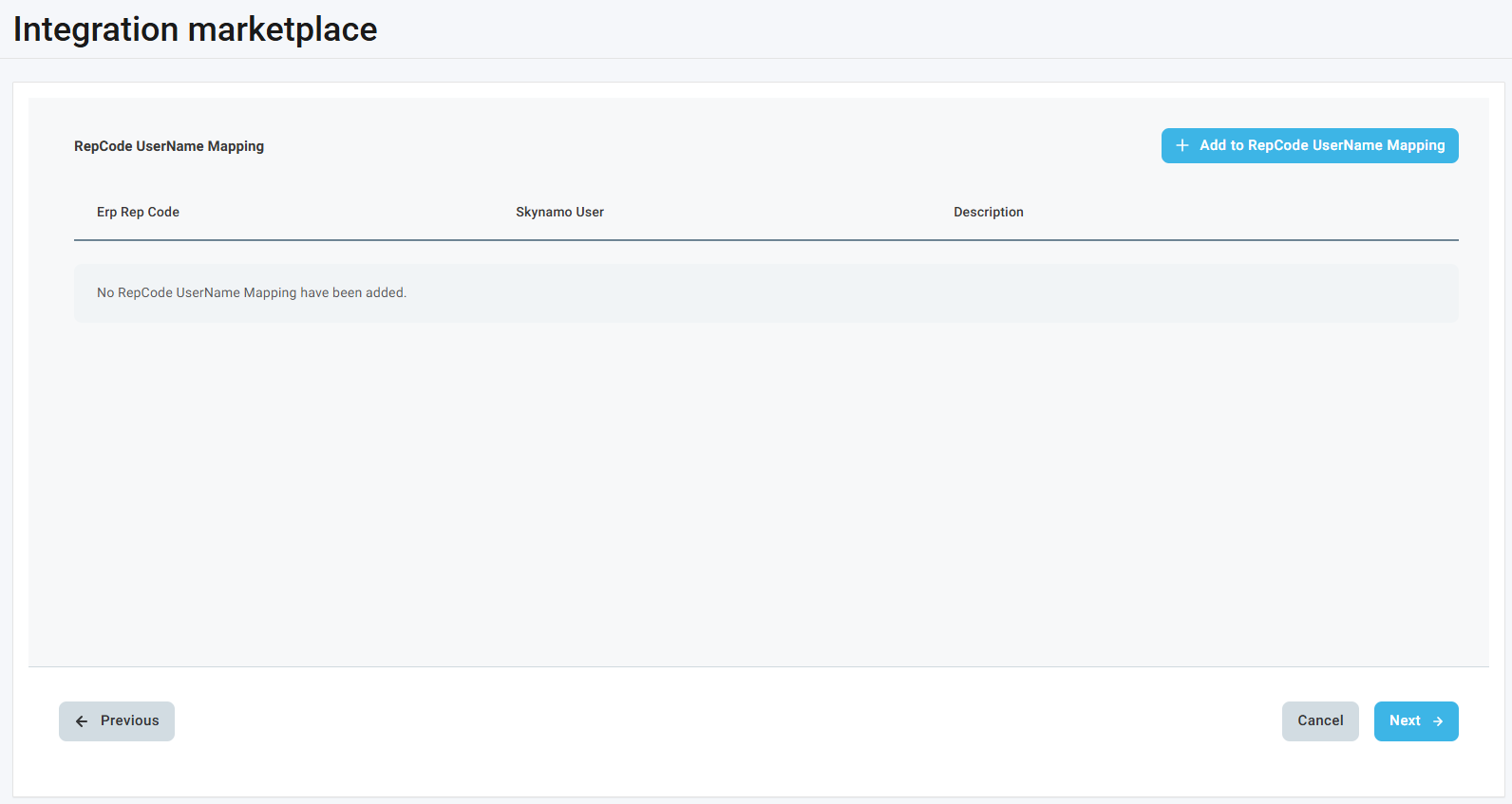
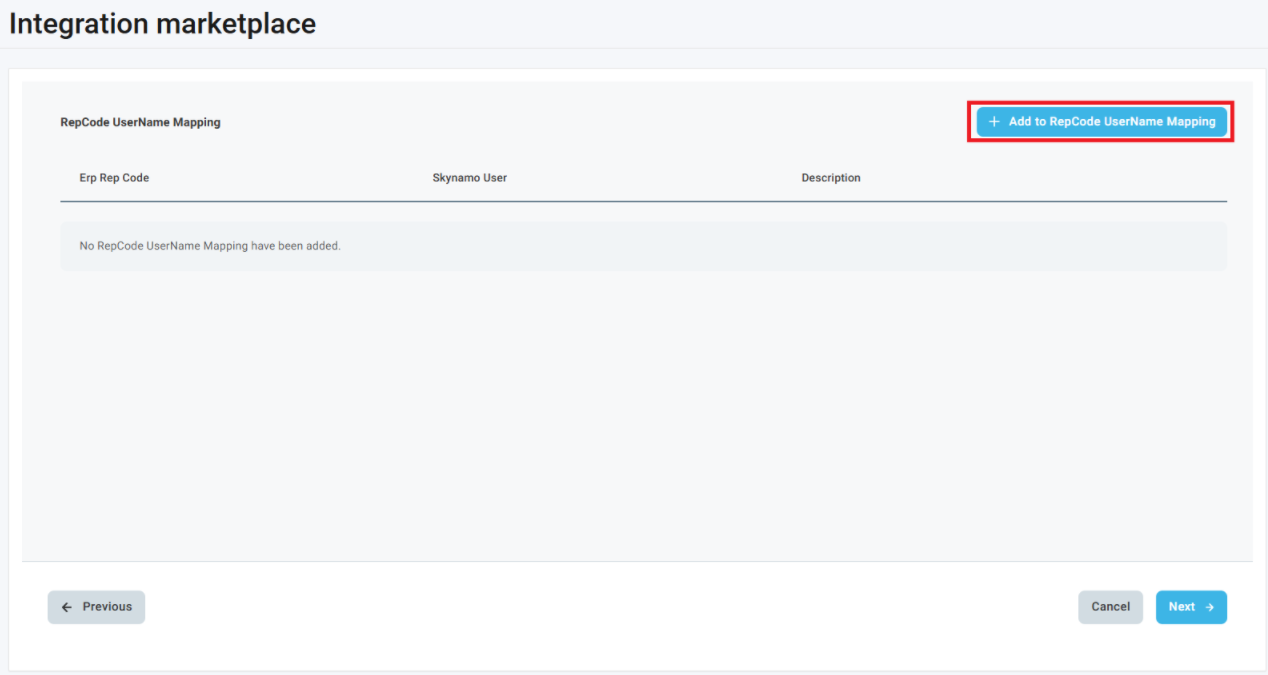
6. Click on Add to RepCode UserName Mapping:
7. Match the Rep Code as per the ERP to the Skynamo User:
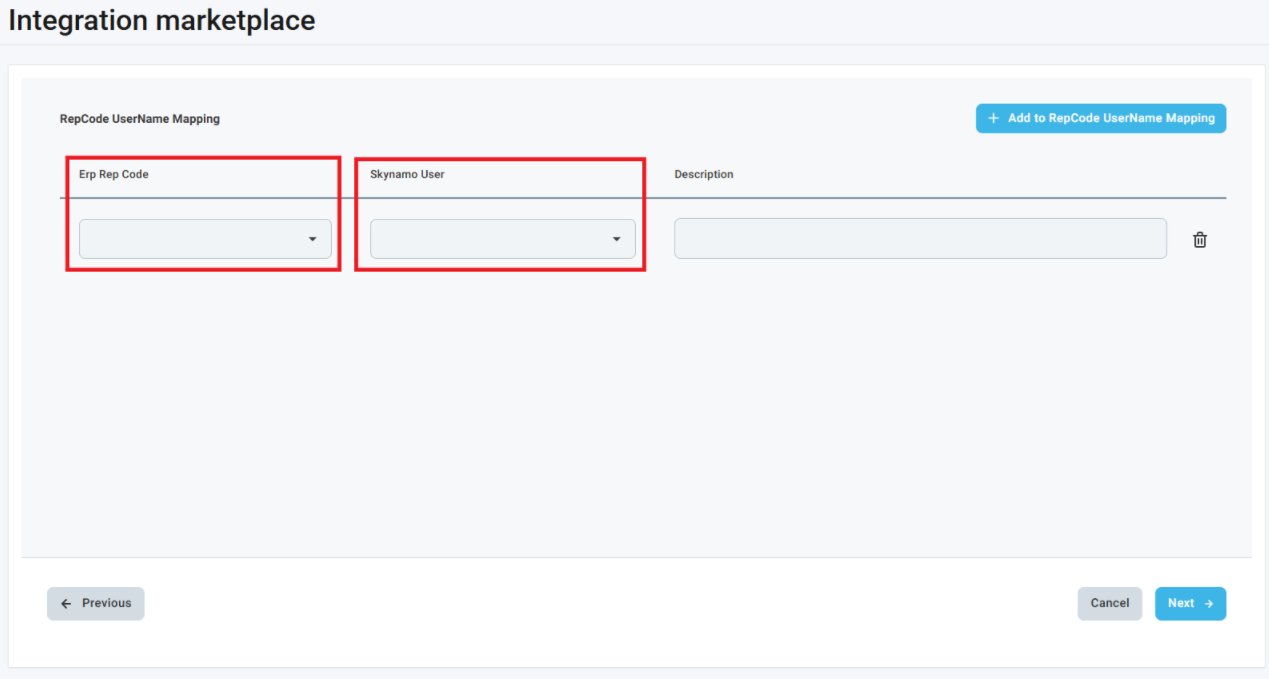
Repeat steps 6 and 7 until all of your users are mapped to their rep codes. You can map more than one user to a rep code and more than one rep code to a user.
8. You can now click Next at the bottom-right corner until you get back to the original page: