
- Open your Skynamo URL that you normally use to log in with. This should take the format of https://yourcompanyname.skynamo.me/
Alternatively, you can go to app.skynamo.me
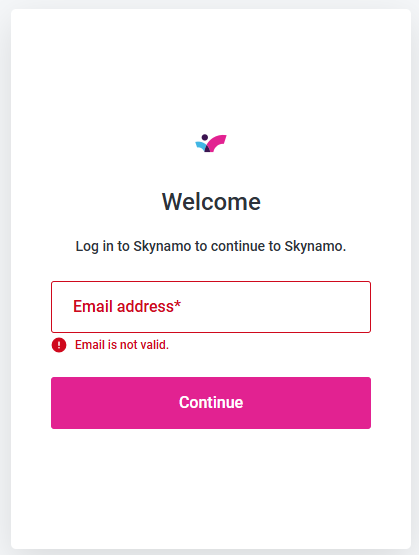
- Fill in the registered email address of the rep you wish to send the password reset email to and click "Continue":
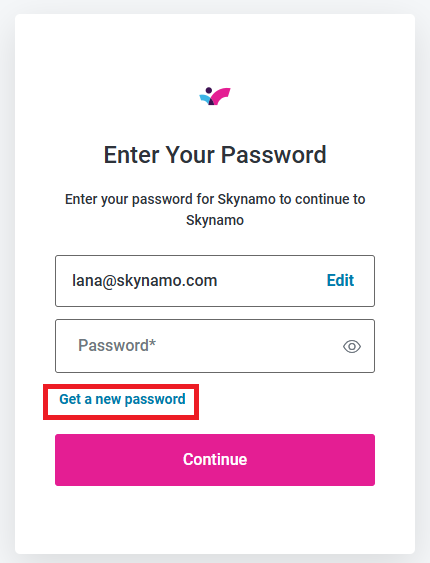
- Click on "Get new password":
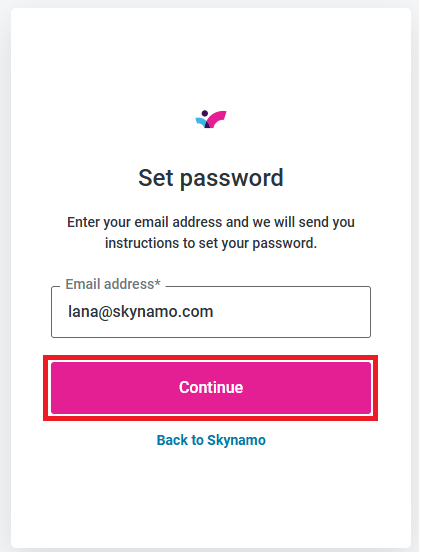
- Click on "Continue" to send the password reset email:
- The following page will then appear to confirm that the password reset email has been sent to your rep:
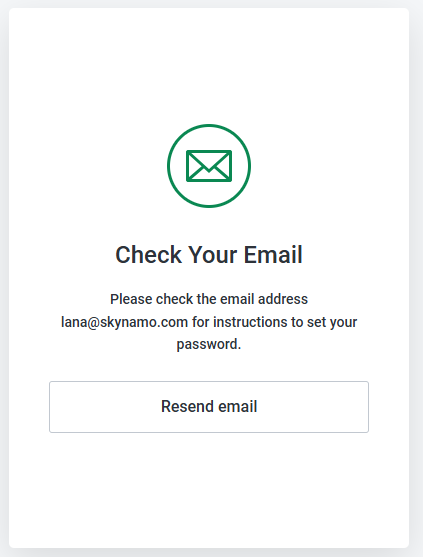
They can then simply follow the instructions in the email to choose a new password and log back in.